Blog
Guides on text effects, Unicode fonts and AI lettering from the Fontique team: how the freaky font works, how to make fire text, and when you need a font file.
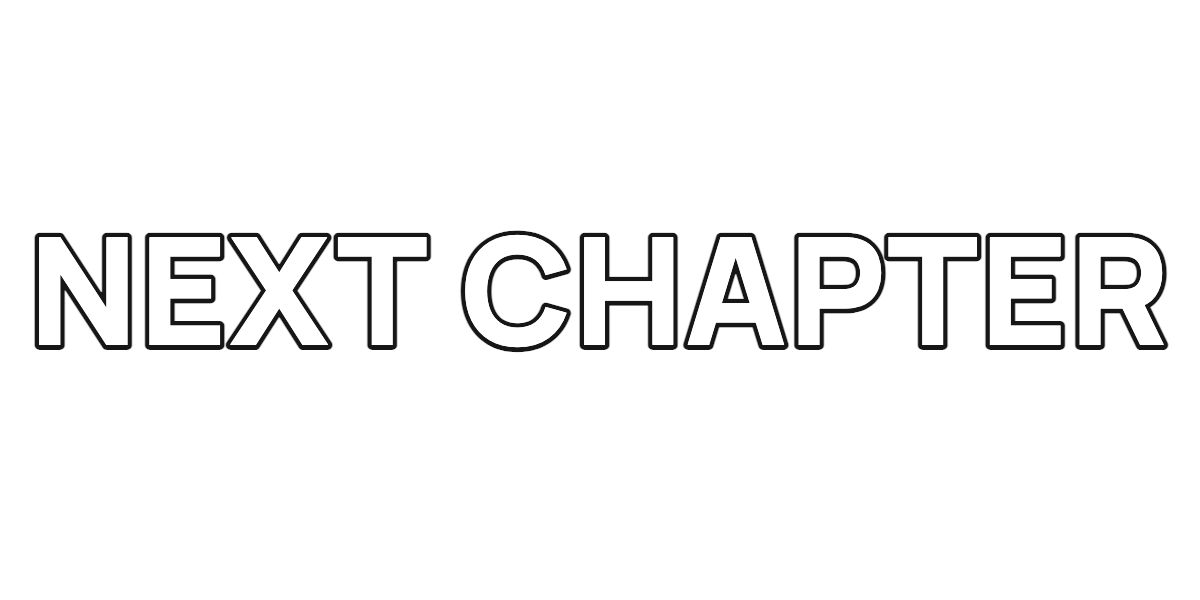
Transparent Text PNG for Canva, CapCut and Thumbnails
Make a clean text overlay with a real font, contrasting outline and exact pixel dimensions. Export a transparent PNG, then place it in your design or video.
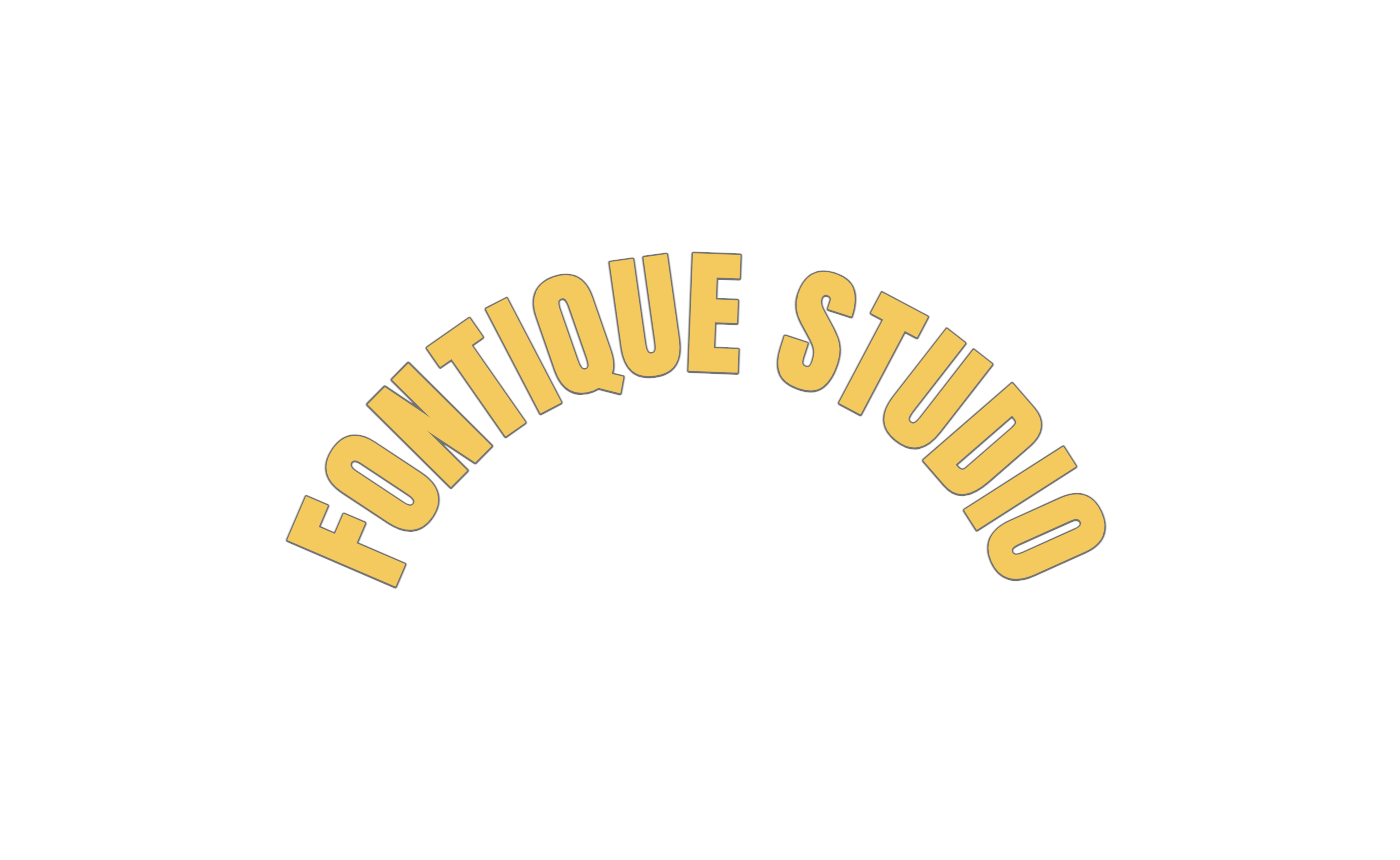
Curved Text for a Badge or Thumbnail: Two PNG Workflows
Make a circular badge title or an arched thumbnail heading with real preset settings. Compare Arc, Circle, Wave and Line, then export a transparent PNG.
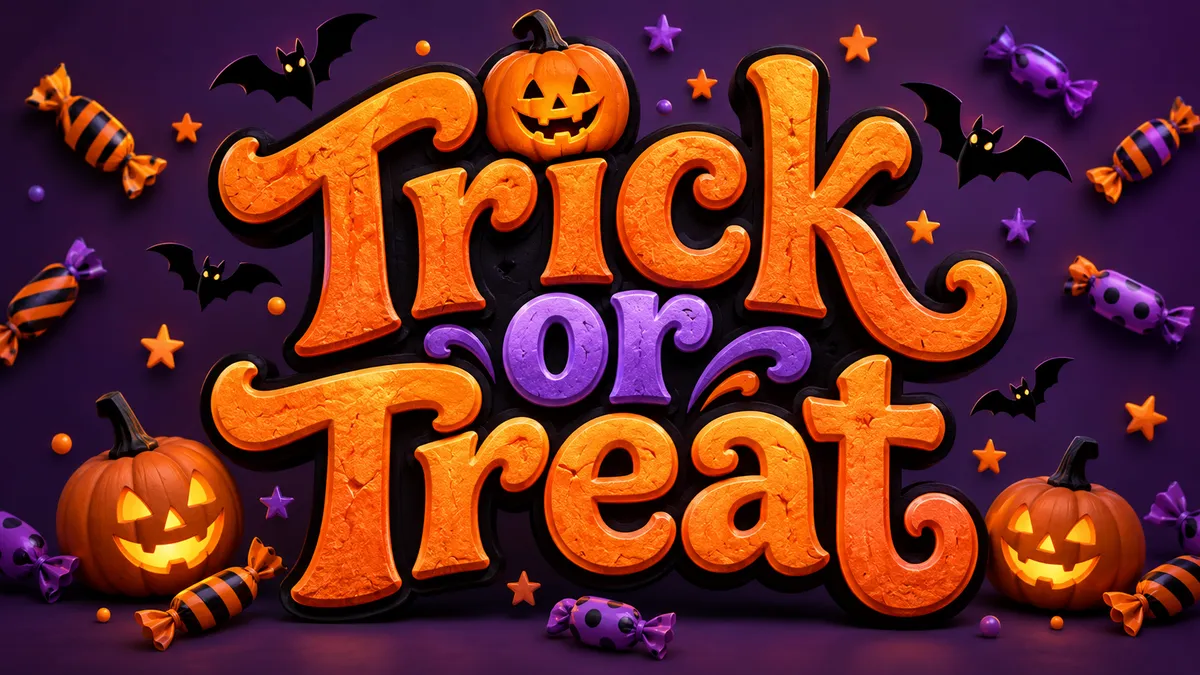
Halloween Text in Canva: Make a Spooky PNG Title
Create Halloween lettering for a Canva invitation or poster. Choose an illustrated title or transparent PNG, import it, and keep event details editable.
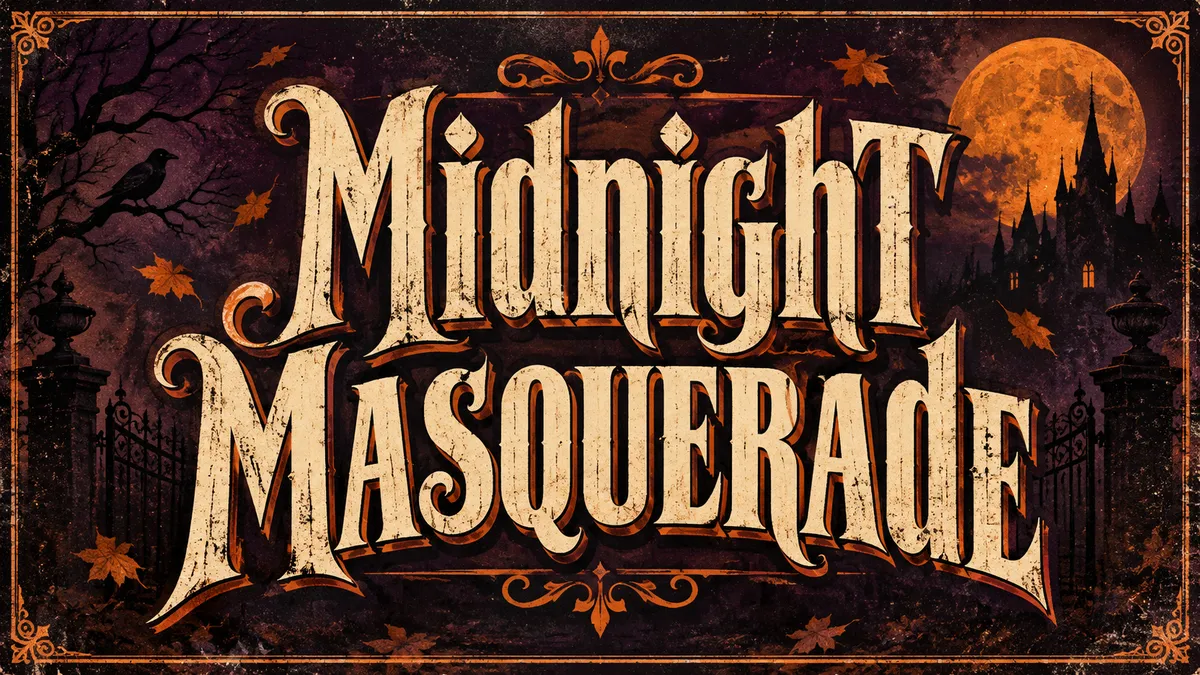
Spooky Text in CapCut: A Halloween PNG Title Workflow
Make a Halloween title PNG, add it above your CapCut footage, and animate it in the editor. Includes transparent backgrounds, readable timing and common fixes.
Font Generator vs Font File: Which Do You Need?
"Font generator" means three things: copy-paste Unicode text, a font file, or AI-rendered lettering. Which one fits your bio, logo or thumbnail.
How to Make Fire Text (AI, Photoshop, Free Tools)
How to make fire text three ways: AI rendering, Photoshop step by step, and free online generators, compared honestly, with tips to keep the word legible.
What Is the Freaky Font? Meaning & Origin of 𝓯𝓻𝓮𝓪𝓴𝔂 Text
The freaky font is Unicode Mathematical Bold Script, not a font file. What 𝓯𝓻𝓮𝓪𝓴𝔂 means on TikTok, where the meme came from, and why it pastes anywhere.