Ransom Note Generator

Turn your words into a collage of cutout letters. Mix typefaces and paper colors, fine-tune individual letters, then download your note.

Free browser tool. No account, credits or watermark. Your text stays in this editor.

English letters, numbers and ASCII punctuation. Up to 40 characters per line, 4 lines and 120 characters total. Case and spaces stay as typed.

Changing the text clears individual letter adjustments.

Paper palette

The same text, seed and settings recreate the same cutouts.

Your ransom note

Local rendering · no credits

Loading cutout fonts and arranging your letters…

The checkerboard shows transparency and is not exported. Paper behind each letter remains visible. PDF places the same artwork on a white A4 sheet; it contains an image, not editable text.

Choose a letter to adjust

Select a letter below. Locked letters keep their typeface, rotation and paper style when you shuffle.

Spacing & image settings
Fonts & licensing

These locally hosted typefaces use the SIL Open Font License. This tool creates a cutout image, not an installable ransom-note font.

Two ways to cut it

Load these exact settings, replace the words and make the collage your own.

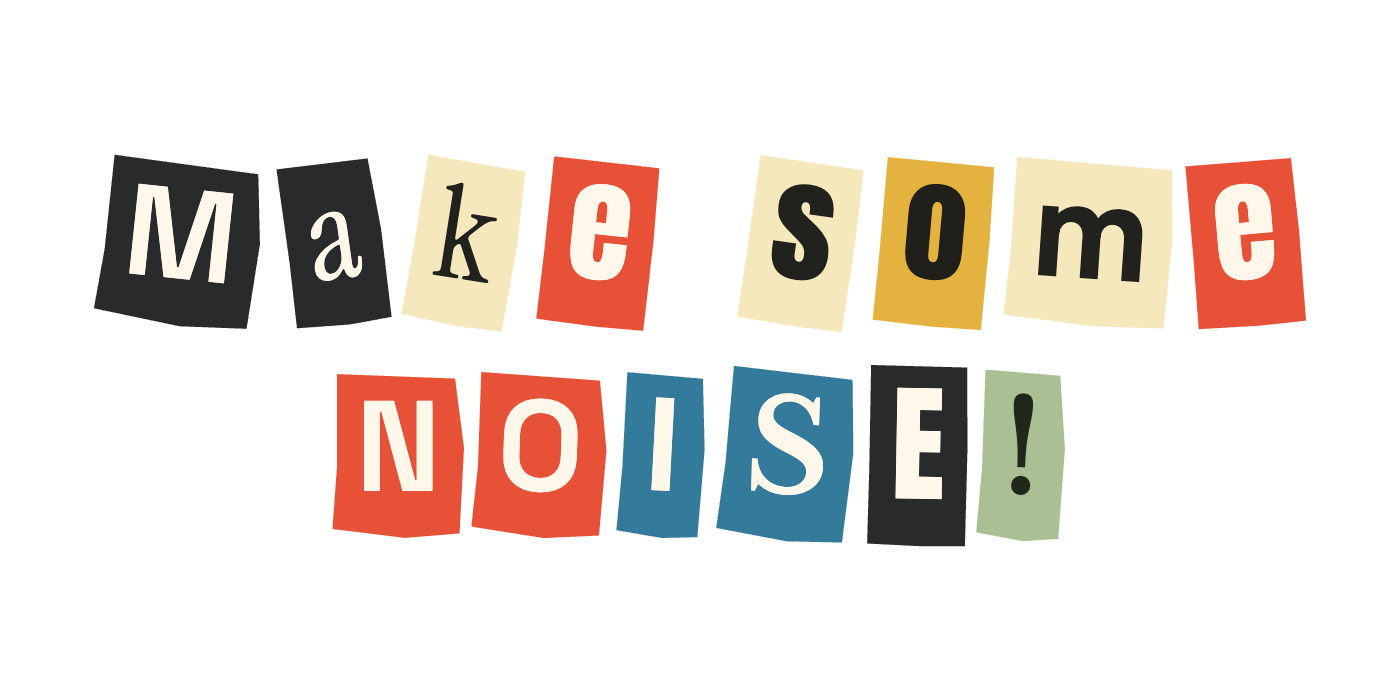
Make some above NOISE! in colorful mixed cutout letters
PNG preview

A colorful collage title

Mixed paper colors and contrasting typefaces give a short title its handmade rhythm.

Settings

Text

Make some
NOISE!
Paper
Color · transparent background
Layout
Seed 7241 · 7 px letter spacing

The background behind the paper cutouts is transparent in the PNG.
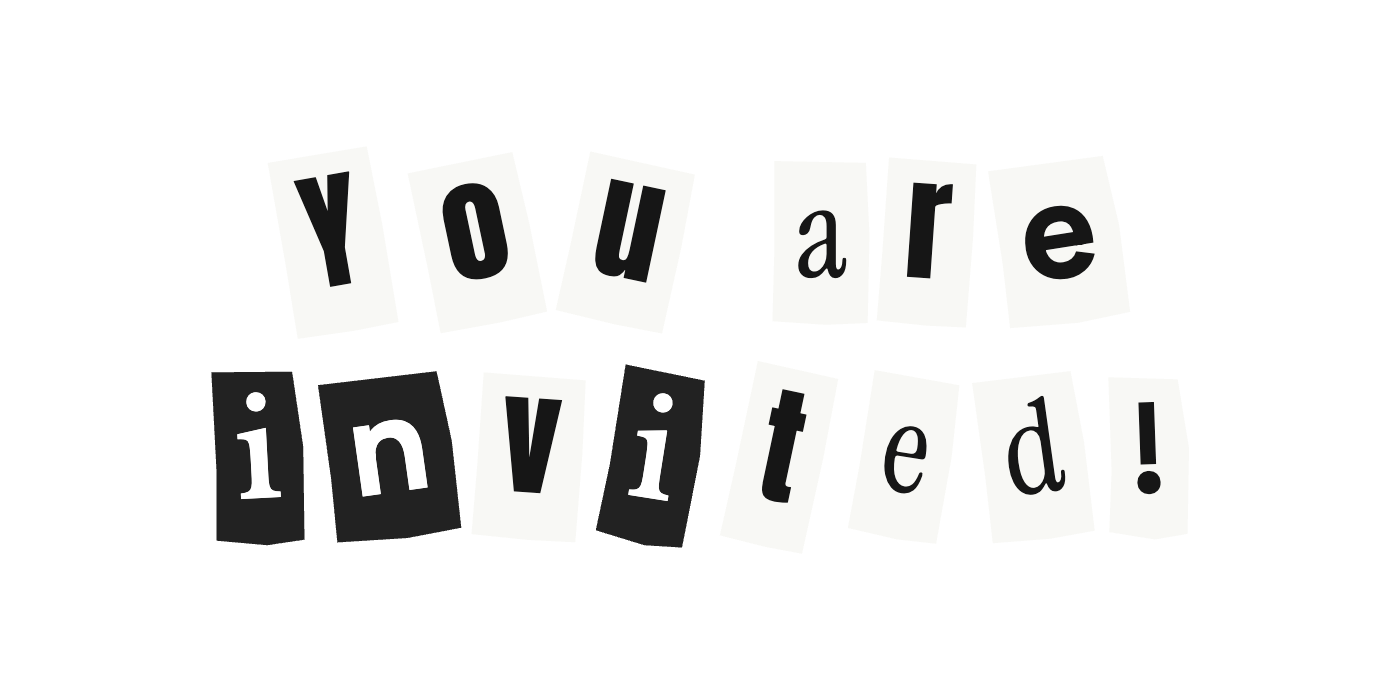
You are invited! in two lines of black and white cutout letters
PNG preview

A black-and-white invitation

Keep the paper monochrome and let the changing letterforms do the work.

Settings

Text

You are
invited!
Paper
Black & white · white background
Layout
Seed 907 · 20 px line spacing

Use the PDF download to place this artwork on a white A4 page for printing.

Make a ransom note in three steps

Start with your words, then control how each cutout looks.

  1. Type your exact text

    Add up to four lines of English letters, numbers and punctuation. The tool preserves case, repeated spaces and line breaks. It fits long lines to the canvas instead of wrapping them unexpectedly.

  2. Mix and fine-tune the letters

    Choose color or black-and-white paper. Shuffle to try another arrangement, then select any letter to change its typeface or rotation. Lock a letter before shuffling to keep that cutout.

  3. Download or print

    Export a PNG with a transparent or solid background. For printing, download the A4 PDF. The PDF uses a white page and a high-quality raster image, not editable or vector text.

Use your cutout text in Canva

Download a transparent PNG, upload it in Canva, and place it over your photo or design. The blank area around the note stays transparent; the colored or white paper behind each letter remains part of the artwork.

Set your wording here before exporting. Canva receives one image, so individual letters are not editable there. Return to this editor to change the text or regenerate the note.

Add a ransom note to Word or print a PDF

In Word, use Insert → Pictures to add the PNG. Choose a text-wrapping option if you want to position the note freely on your page.

The PDF download centers the artwork within A4 print margins and chooses landscape or portrait from the canvas shape. Transparent areas print white. Increase the canvas dimensions before exporting when you need more detail; this is a raster export, not a downloadable TTF or OTF font.

A repeatable collage, with control over each letter

A seed recreates the starting mix of typefaces, rotations and paper cuts. Changing the seed changes unlocked letters. A locked letter keeps its cutout while you explore other arrangements.

Letter and line spacing control the gaps, while outer padding reserves space around the finished note. The renderer accounts for rotated paper corners so the artwork fits inside the image. Editing your wording clears letter adjustments so they cannot attach to the wrong character.

Ransom note generator questions

Yes. You can edit and download PNG or PDF files without signing in, paying credits or adding a watermark. Rendering happens in your browser.

More text tools

Text to PNG

Use one typeface with precise size, color and outline controls.

Curved Text Generator

Arrange text along an arc or around a circle.

Gradient Text Generator

Create a color blend and export PNG, CSS or HTML.