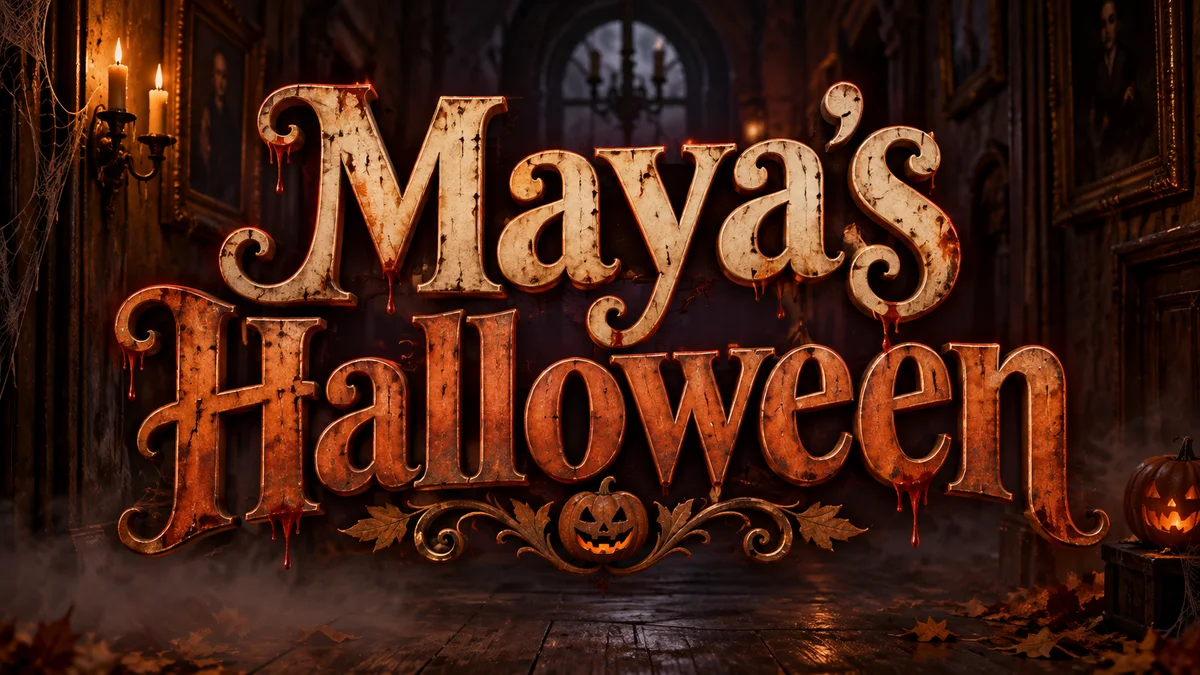
Posters · Invitations · Video
Halloween lettering
From pumpkin-lit party titles to friendly invitation headings and horror video cards.
- 01Choose your project and the right canvas.
- 02Prepare a draft with a seasonal style.
Find your starting point
Start with the place your lettering will live. Find a practical workflow, choose a visual direction and take a prepared draft into the studio.
Task-specific starting points for event headlines, greeting card headings and video titles.
Posters · Invitations · Video
From pumpkin-lit party titles to friendly invitation headings and horror video cards.
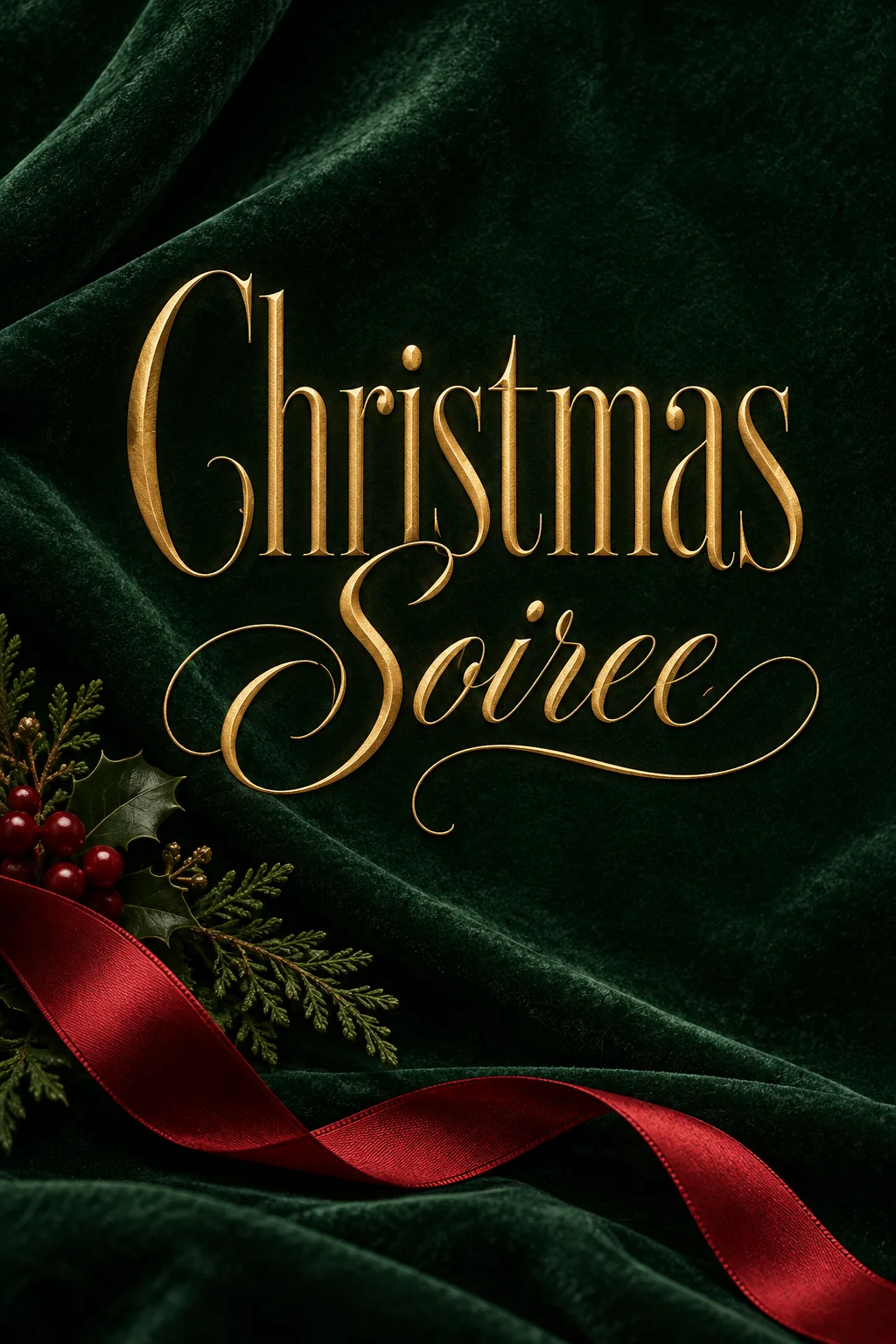
Events · Greetings · Video
Warm event titles, candy-striped greetings and snowy titles for holiday reels.
A lettering image, a real typeface and copyable characters solve different jobs.
Use the studio for flames, metal, lights and illustrated lettering. The result is an image; generating and changing it uses credits.
Use the free text-to-PNG tool for precise letter shapes, solid colors and transparent headings. It exports an image, not a font file.
Use Unicode tools for a bio, caption or message. Paste and check the result in your destination app; character support varies.
Start from the destination: a thumbnail, a tattoo concept, a film title, team graphics or a band logo.
Thick, outlined, high-contrast text that stays readable at 168 pixels wide. Built for the click.
Fine-line script, heavy gangster letters, and blackletter, drawn the way a tattoo artist would.
Cinematic title cards and poster type in 16:9. Blockbuster, horror, sci-fi, or prestige drama.
Bold athletic lettering for team names, jerseys, scoreboards, banners, and game-day graphics.
Thorned blackletter, rusted iron, molten type, and underground gig-poster energy for your own words.
These collections describe how the lettering looks. Choose a theme, then set the canvas and wording for your own project.
Rune-inspired, carved, and forged lettering with the weight of a longship prow.
Bold ink, halftone texture, and action lettering for panels, covers, posters, and playful social graphics.
Glossy gel, glassy water, chrome fluid, and soft translucent letters with real highlights and refraction.
Regal gold, engraved stone, royal seals, and vintage crest lettering for names, mottos, and emblems.
Neon chrome, outrun gradients, arcade glow, and cassette-era lettering for retro posters and titles.
Botanical stems, pressed petals, garden signs, and soft blooms arranged around your own words.
Readable blackletter, carved stone, and candlelit manuscripts for fantasy titles. Download a PNG or JPEG image.
They provide lettering workflows and prepared studio drafts. A generated PNG contains the lettering as an image. Add other text, arrange the final design or animate it in your layout or video editor.
The text-to-PNG and copy-and-paste Unicode tools run without AI generation credits. Preparing an AI studio draft is also free; generation uses the credits shown before you submit.
No. These workflows produce artwork or copyable text, not OTF or TTF files. Use the real-font PNG tool for consistent typography inside an image.