Styles
Text effect generator
27 AI text effects — fire, neon, gold, chrome, metallic, 3D and Y2K lettering, each with five presets tuned for legible letters.
By Fontique EditorialPublished Updated
A text effect generator turns a word you type into finished lettering artwork instead of handing you a font file. Pick a material — fire, neon, gold, chrome — and the AI renders your exact text in it: the flames, tubes, reflections and background are all designed around your letters, so the word still reads cleanly at thumbnail size.
Every style on this page ships with curated presets. Download the complete artwork as PNG or JPEG; Standard offers 1K, 2K and 4K settings. AI images include their generated background. Text effects are free to try with signup credits, cost 100 credits per Standard 1K render, and can be used commercially with no attribution.
Collection 01
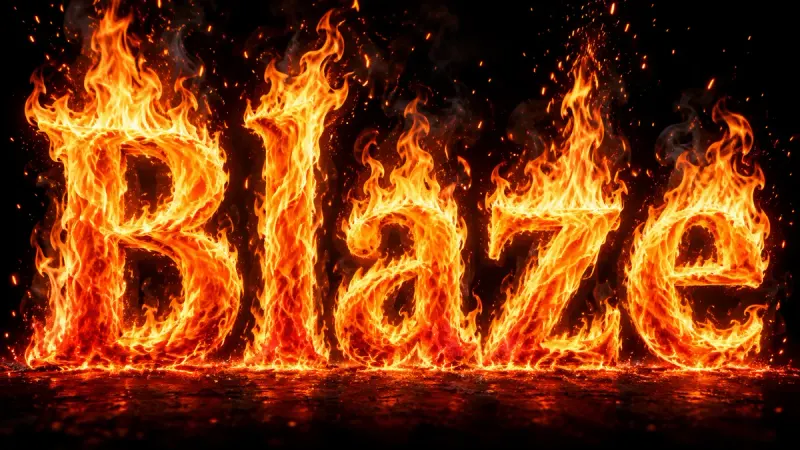
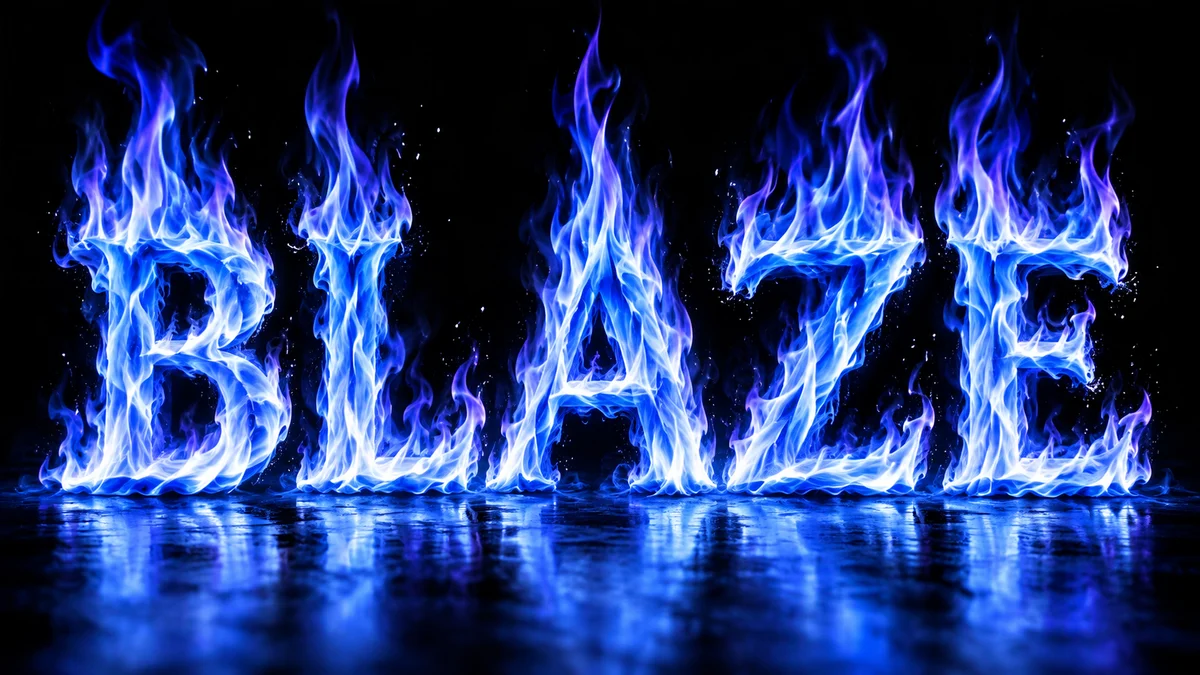
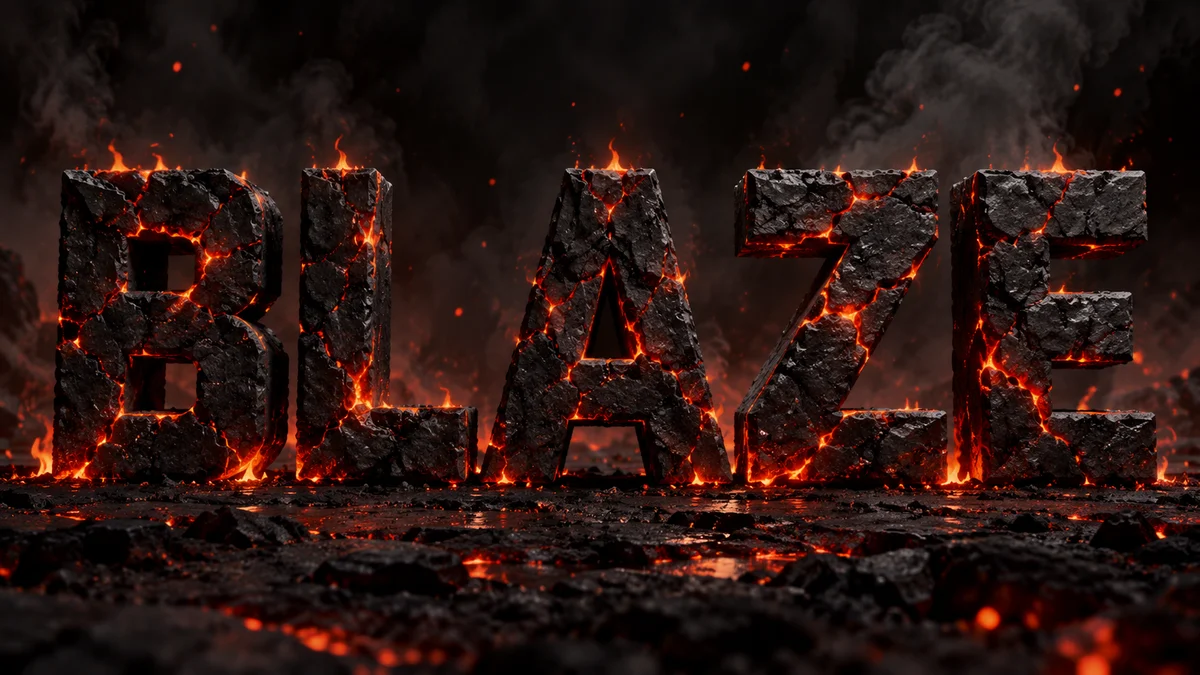
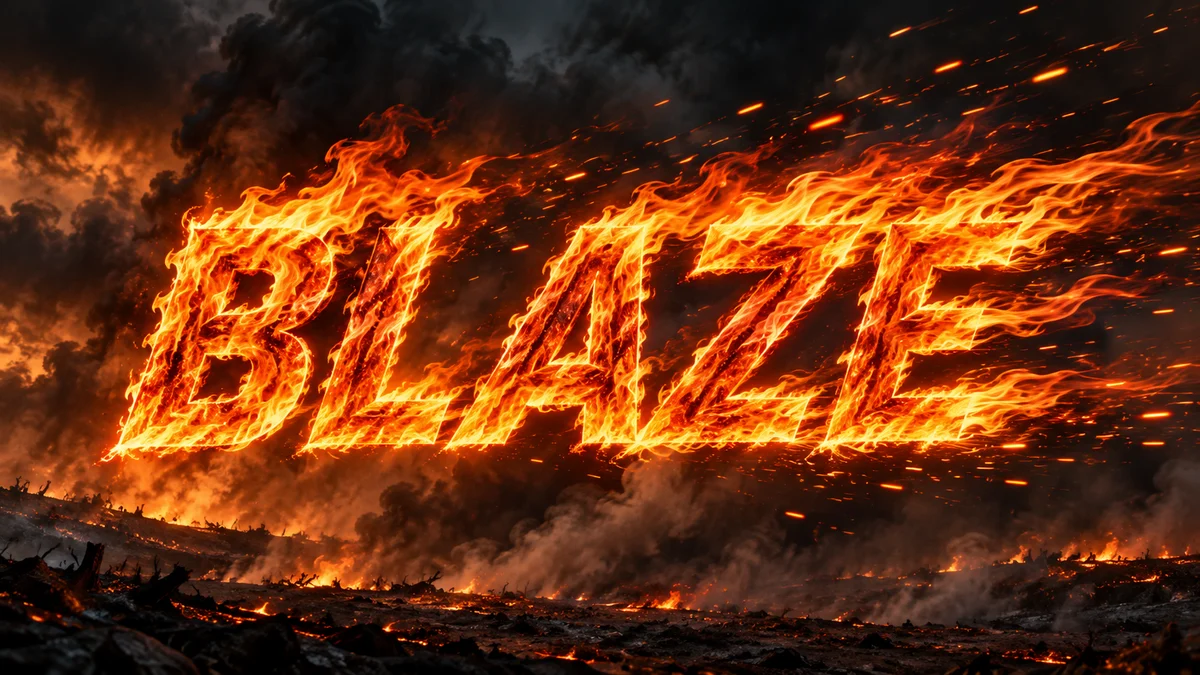
Fire and flame text effects
Roaring fire lettering, with five presets that change the flame shape, heat and backdrop while keeping your word readable.
Collection 02
Neon and glow text effects
Glass-tube signs with real wall bounce, plus soft-glow lettering for social posts and overlays.
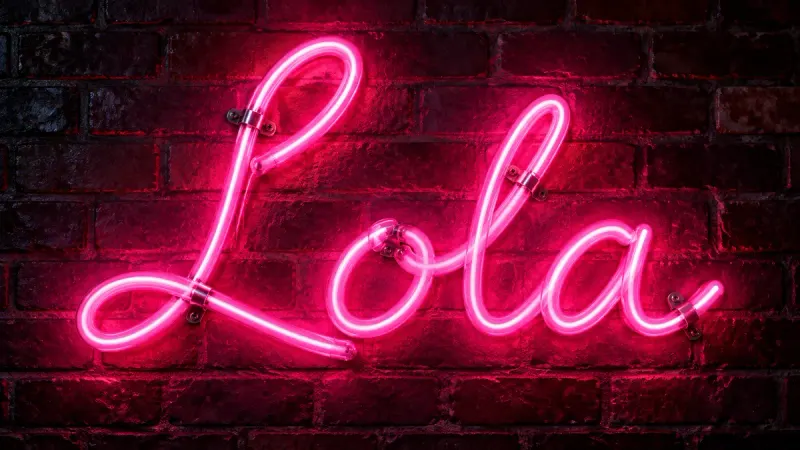
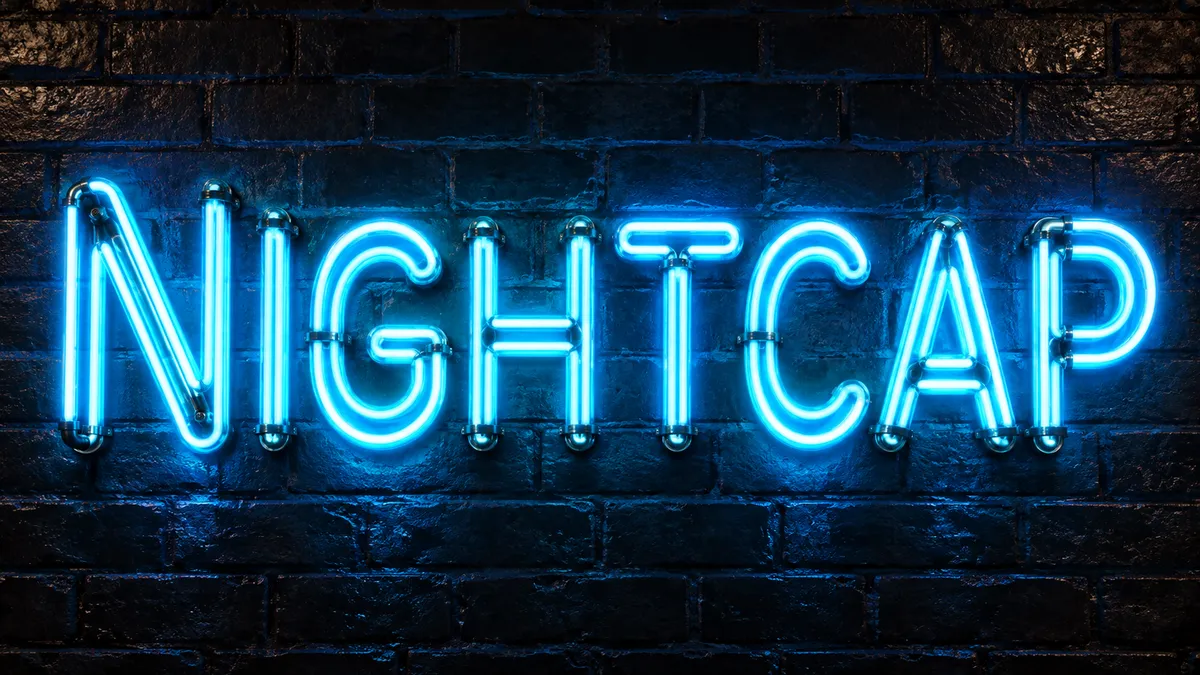
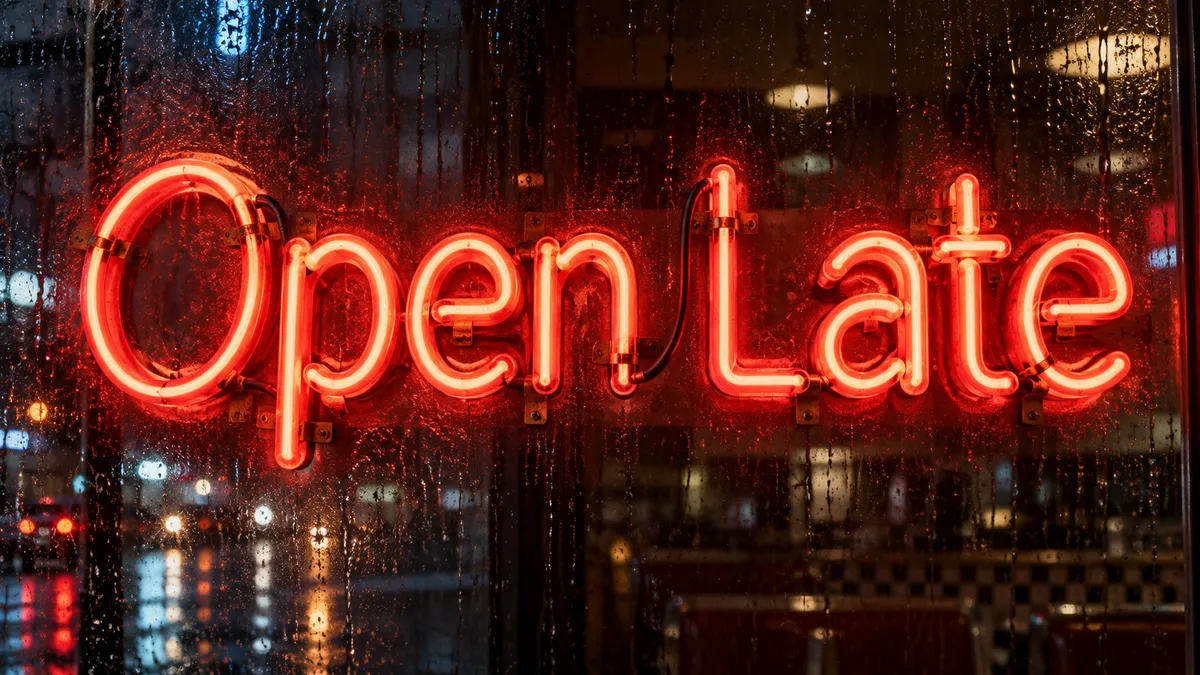
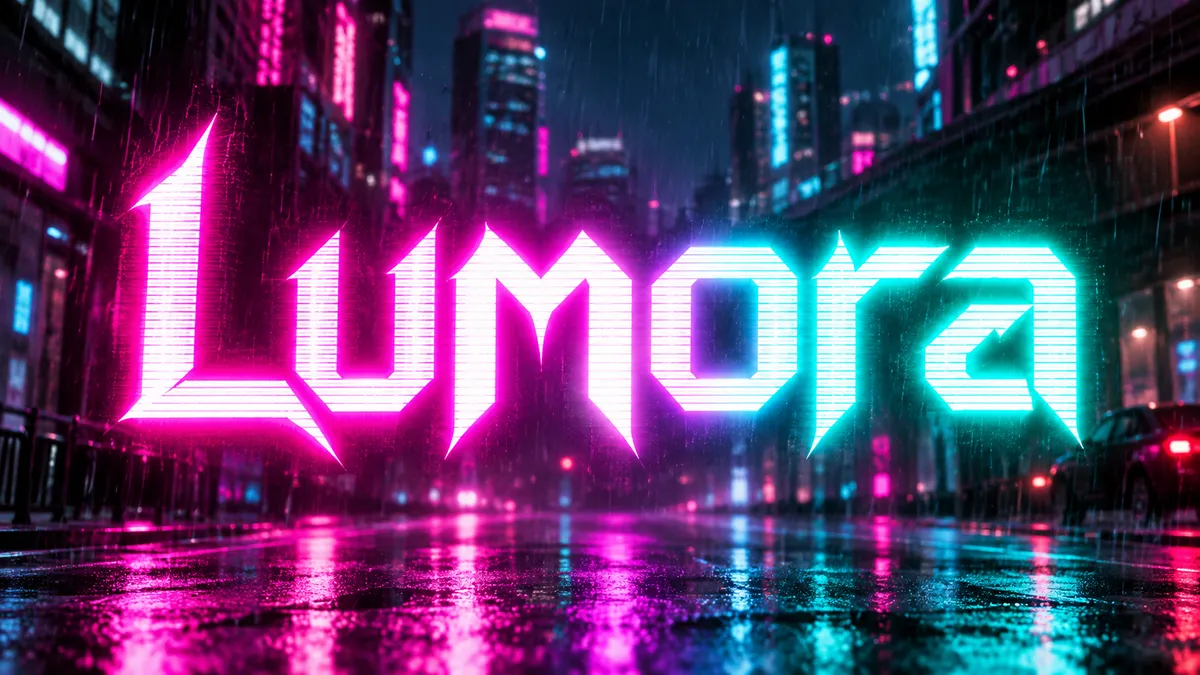
Neon Font Generator
Real glass tubes, bent into your words. Realistic neon signs with mounts, wall glow, and reflections.
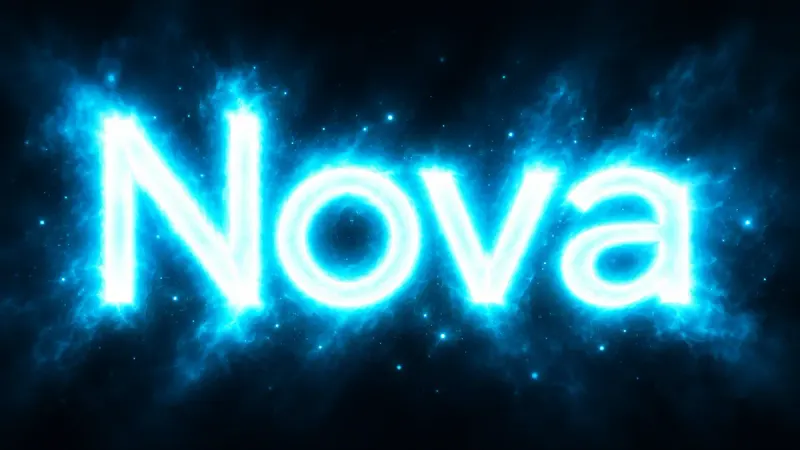
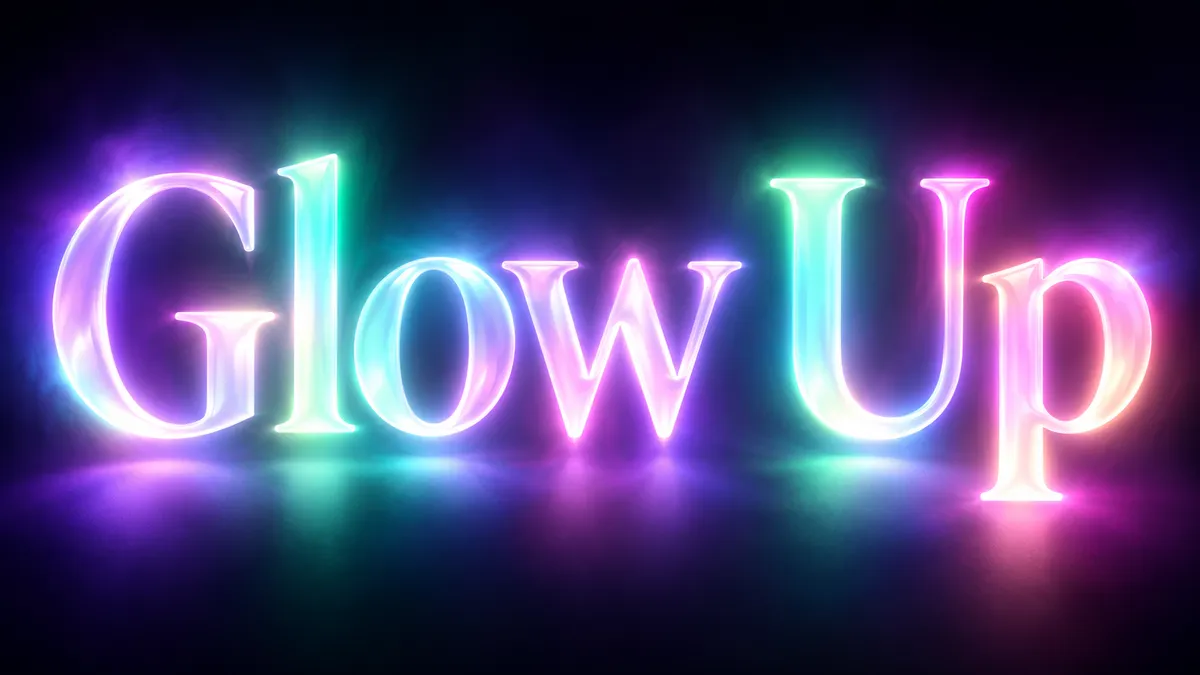
Glowing Text Generator
Letters that emit light. Soft bloom, colored halos, and clean luminous type without any glass tubes.
Collection 03
Metal text effects: gold, chrome and steel
Cast, polished and brushed metals for logos, album art and luxury lettering.
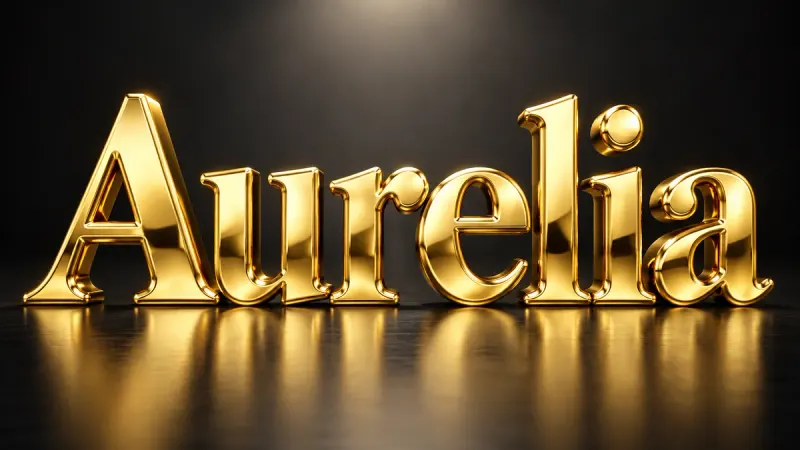
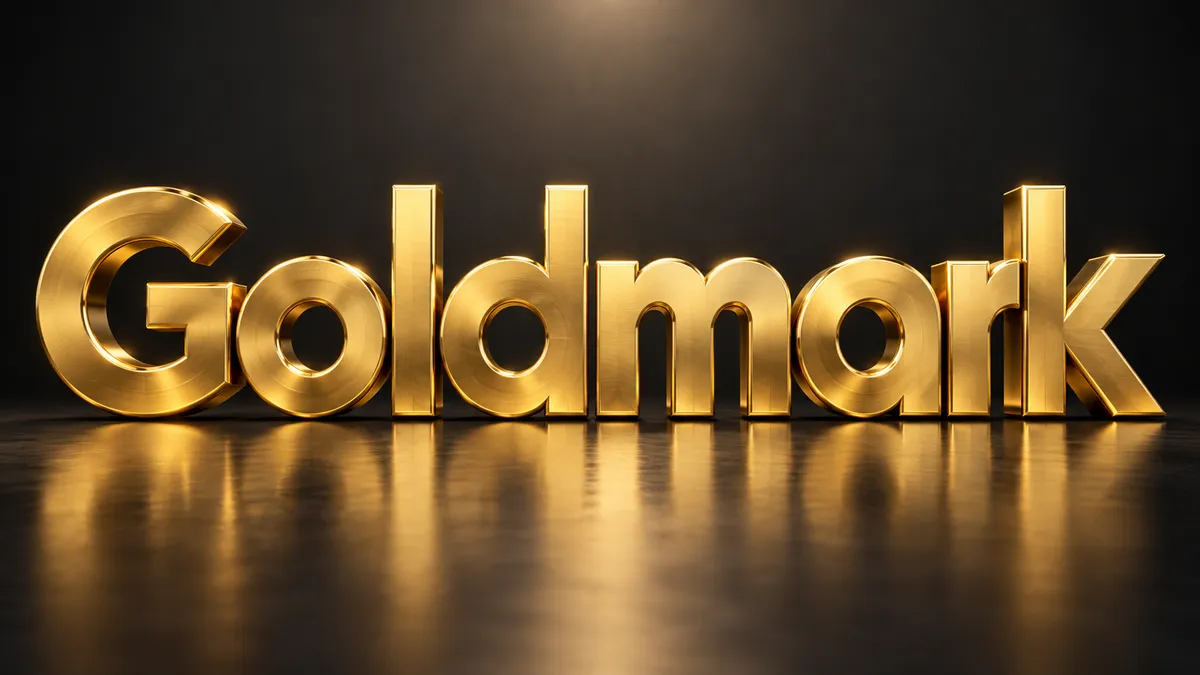
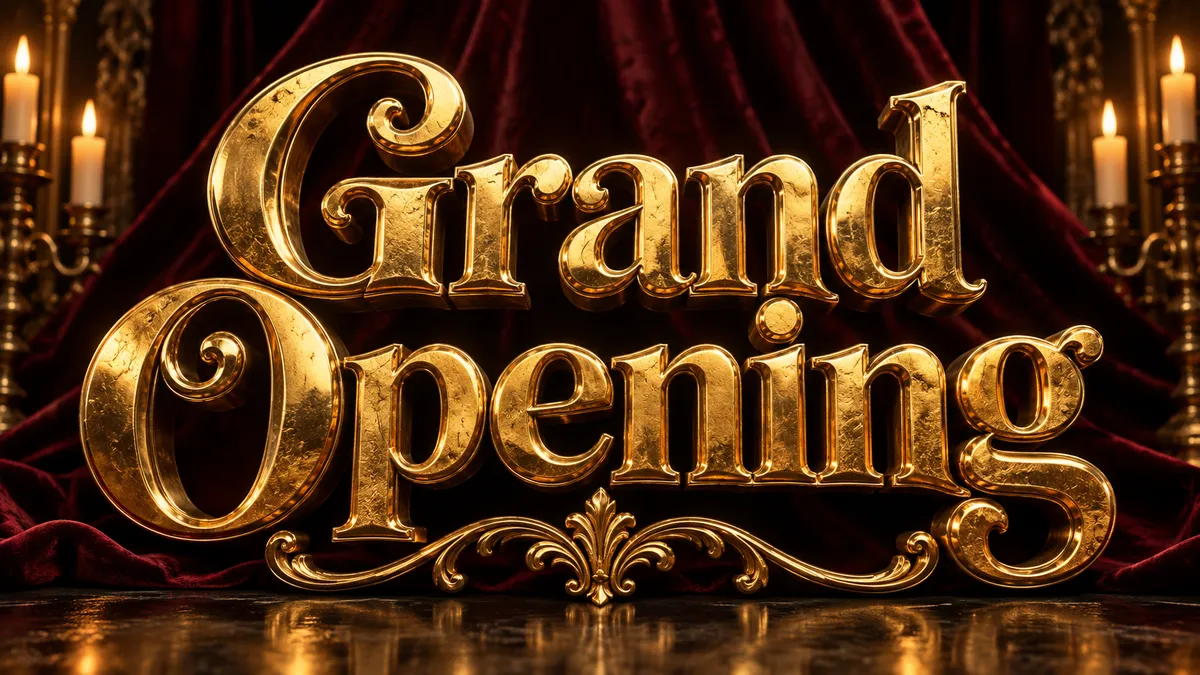
Gold Font Generator
Solid, polished, three-dimensional gold. Beveled letters with warm reflections and real weight.
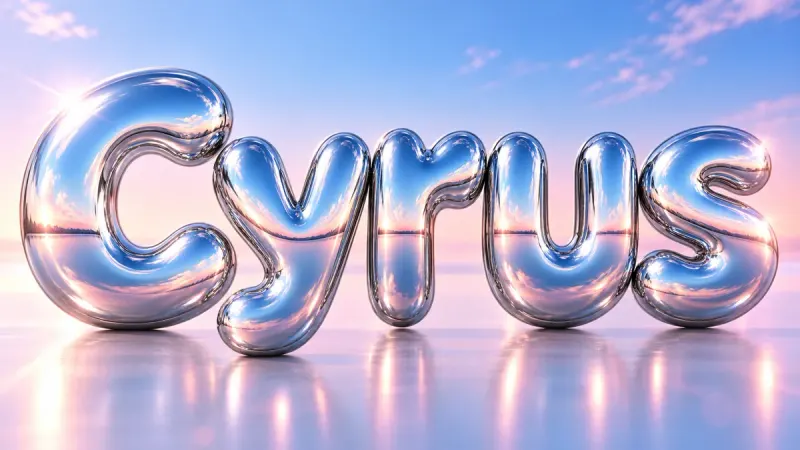
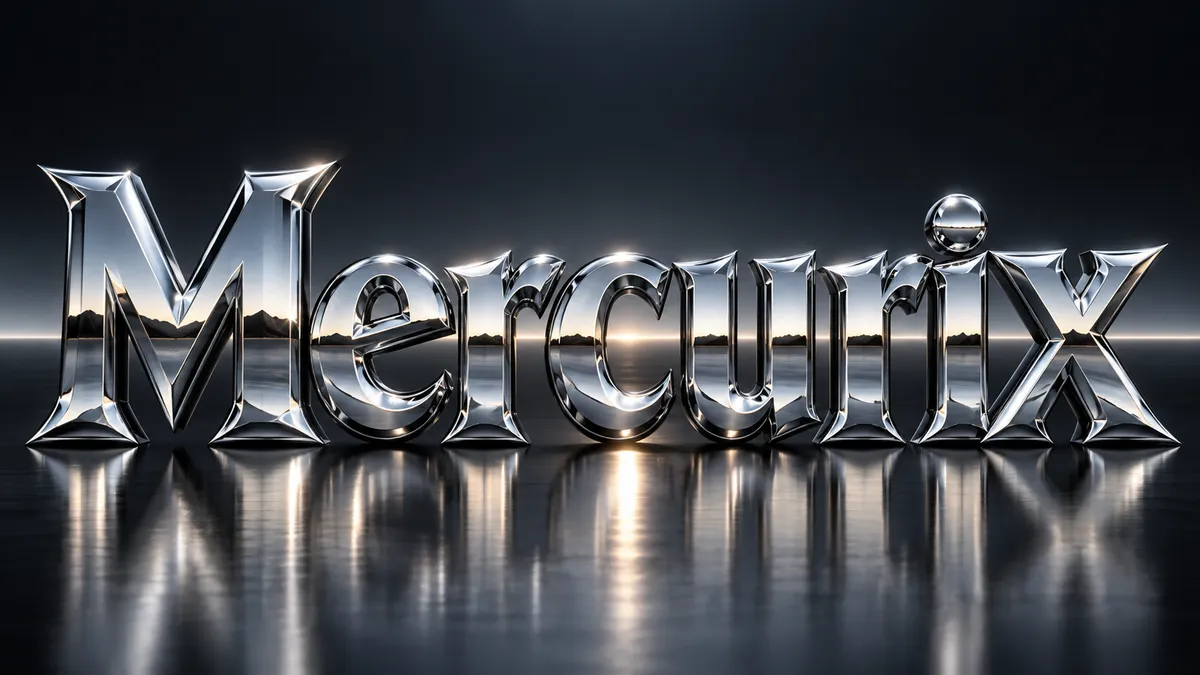
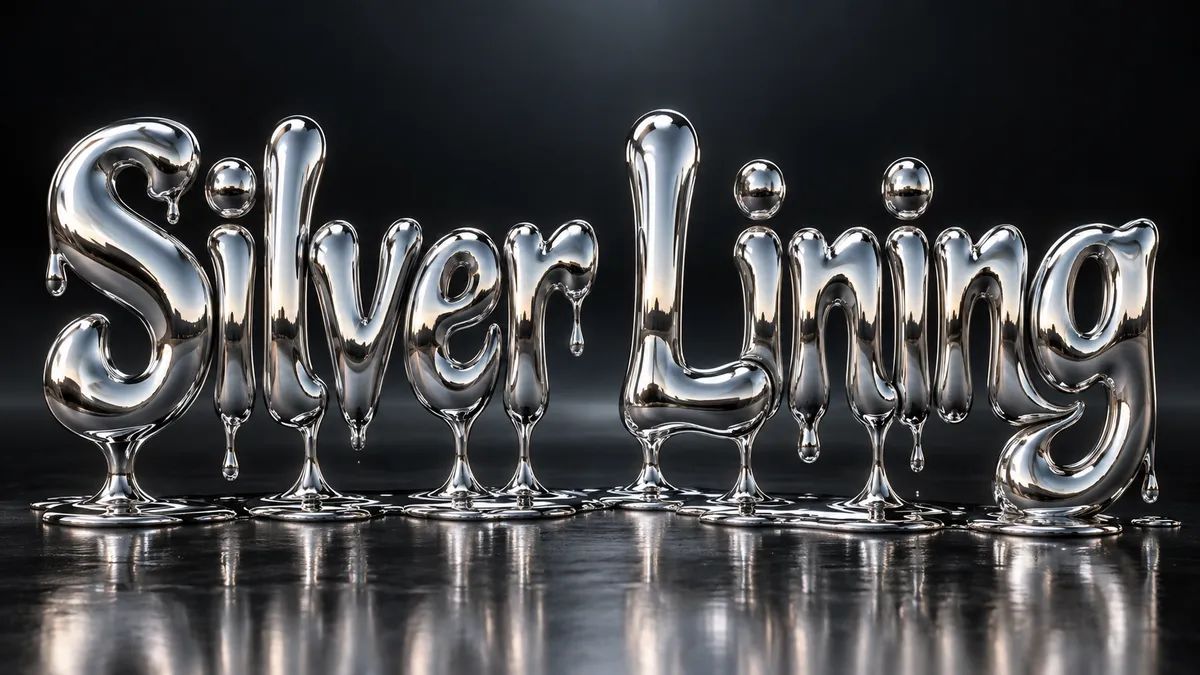
Chrome Font Generator
Mirror-finish liquid chrome that reflects everything around it. Y2K, beveled, or melting.
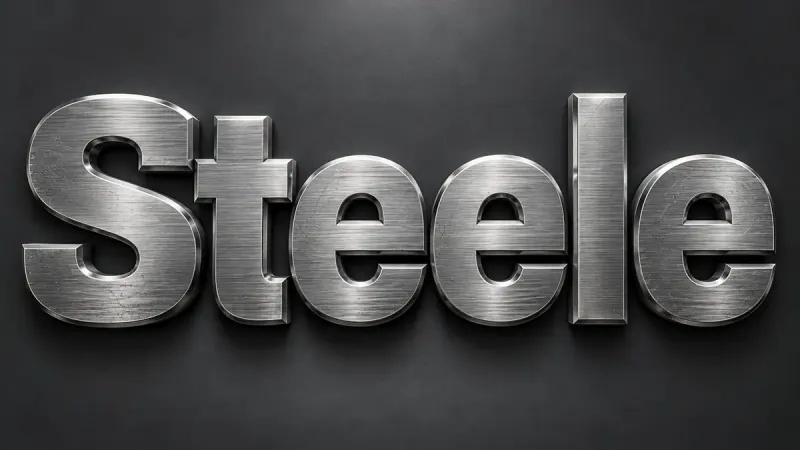
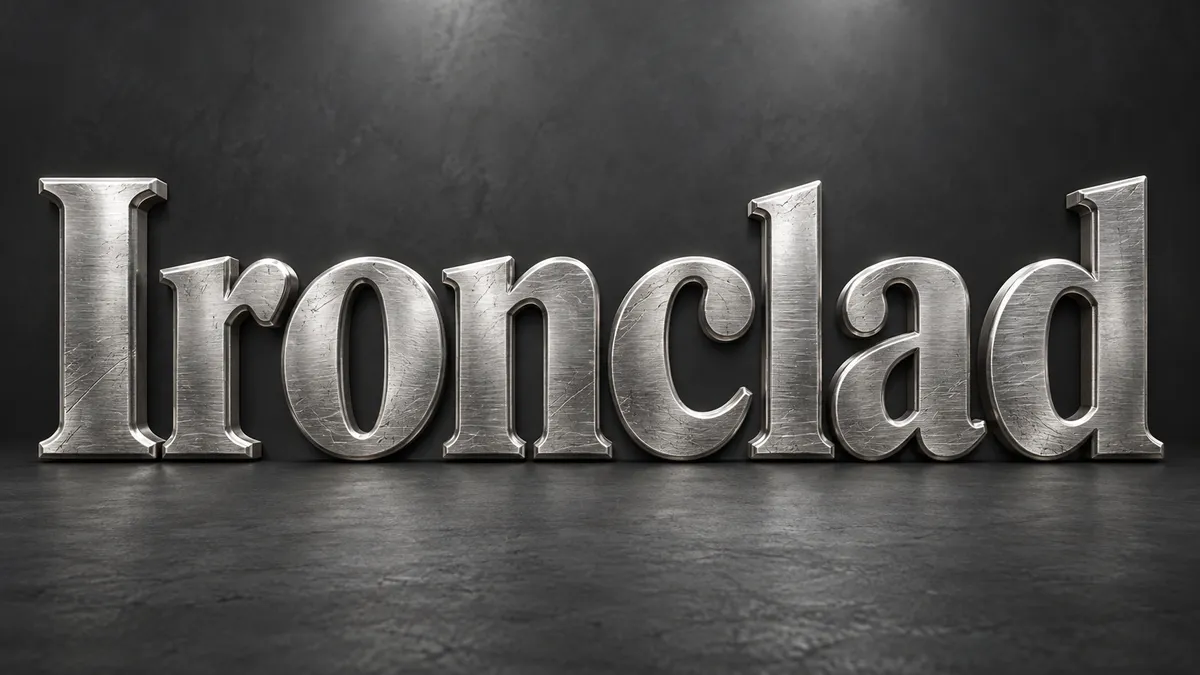
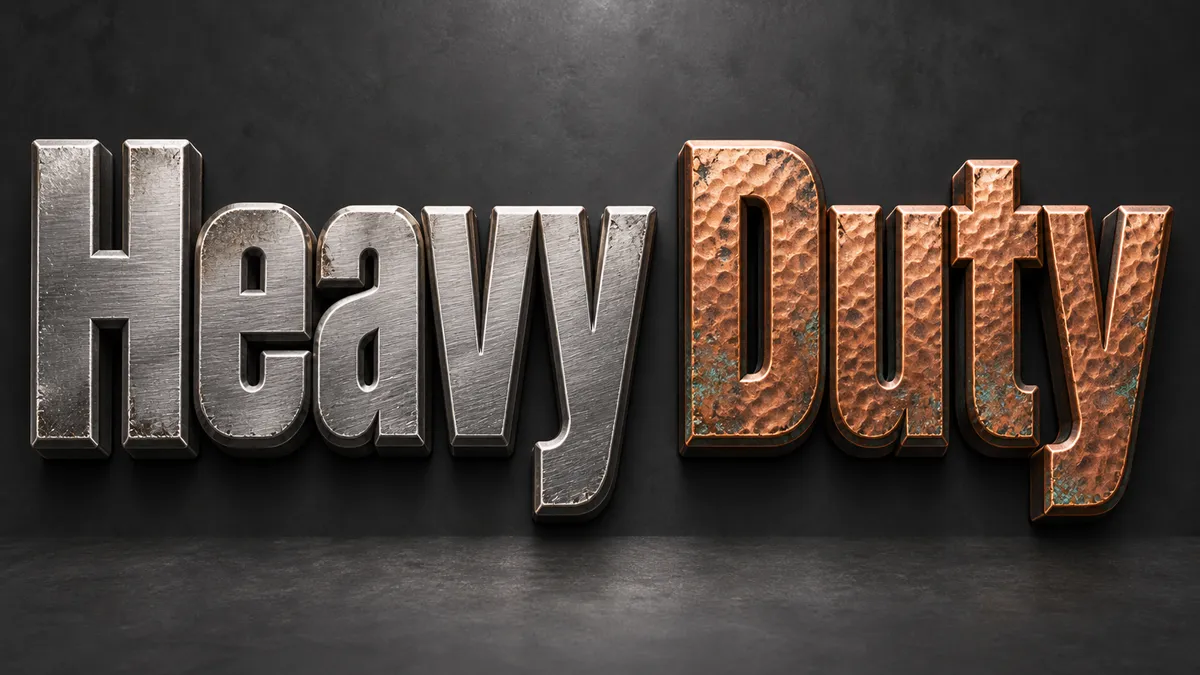
Metallic Text Generator
Brushed steel, satin silver, warm copper, or rusted iron. Real metal texture with weight and grain.
Collection 04
3D and Y2K text effects
Real extrusion with a shadow that matches the light, plus the millennium chrome and aqua-gloss revival.
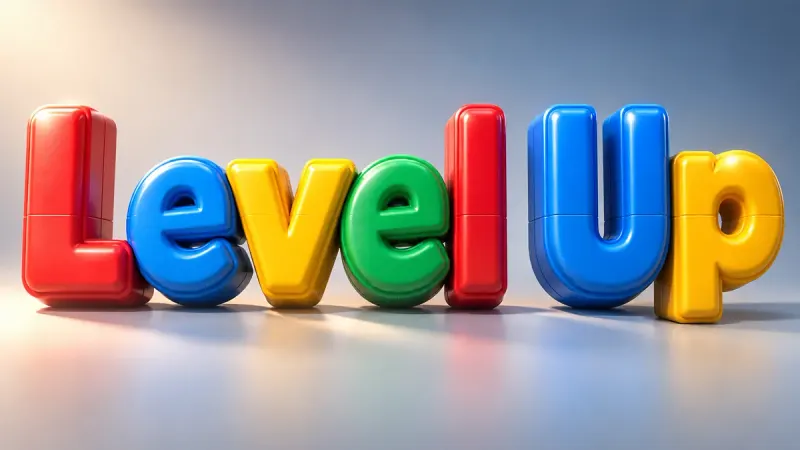
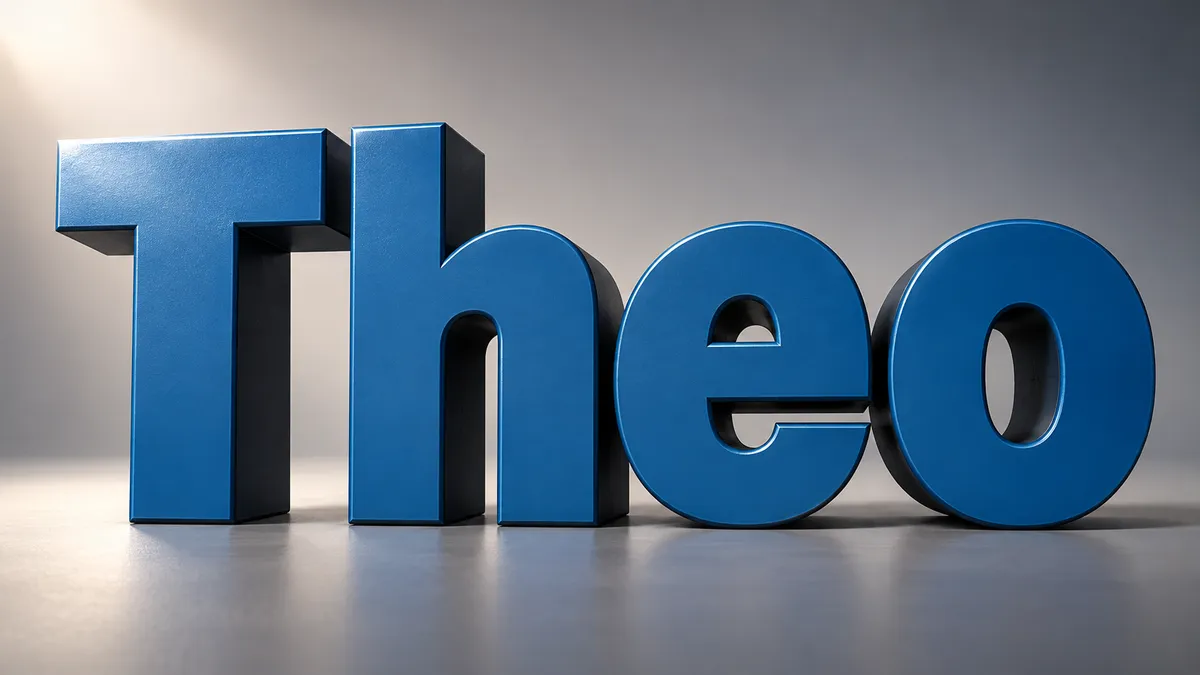
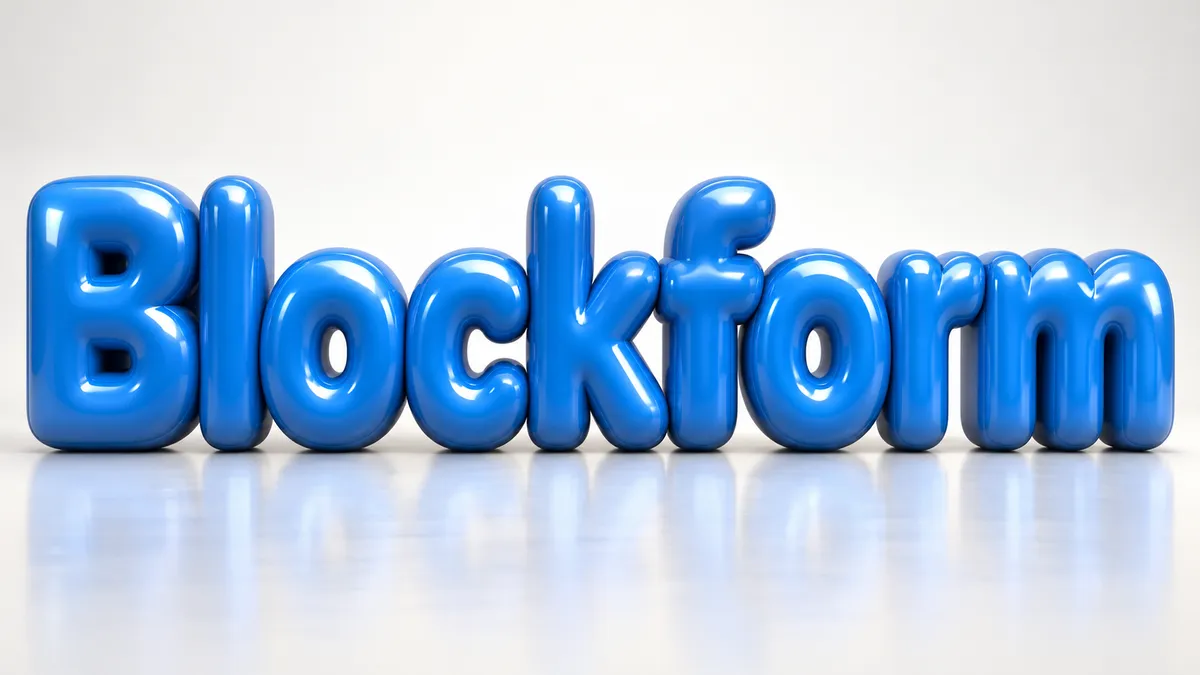
3D Text Generator
Letters with actual depth: extruded sides, a lit front face, and a shadow that agrees with both.
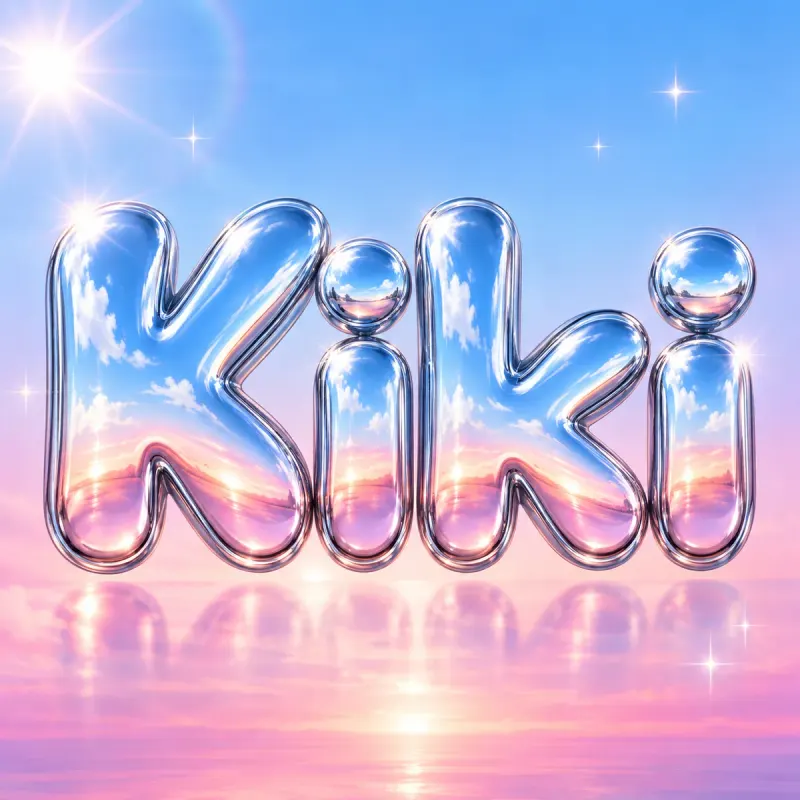
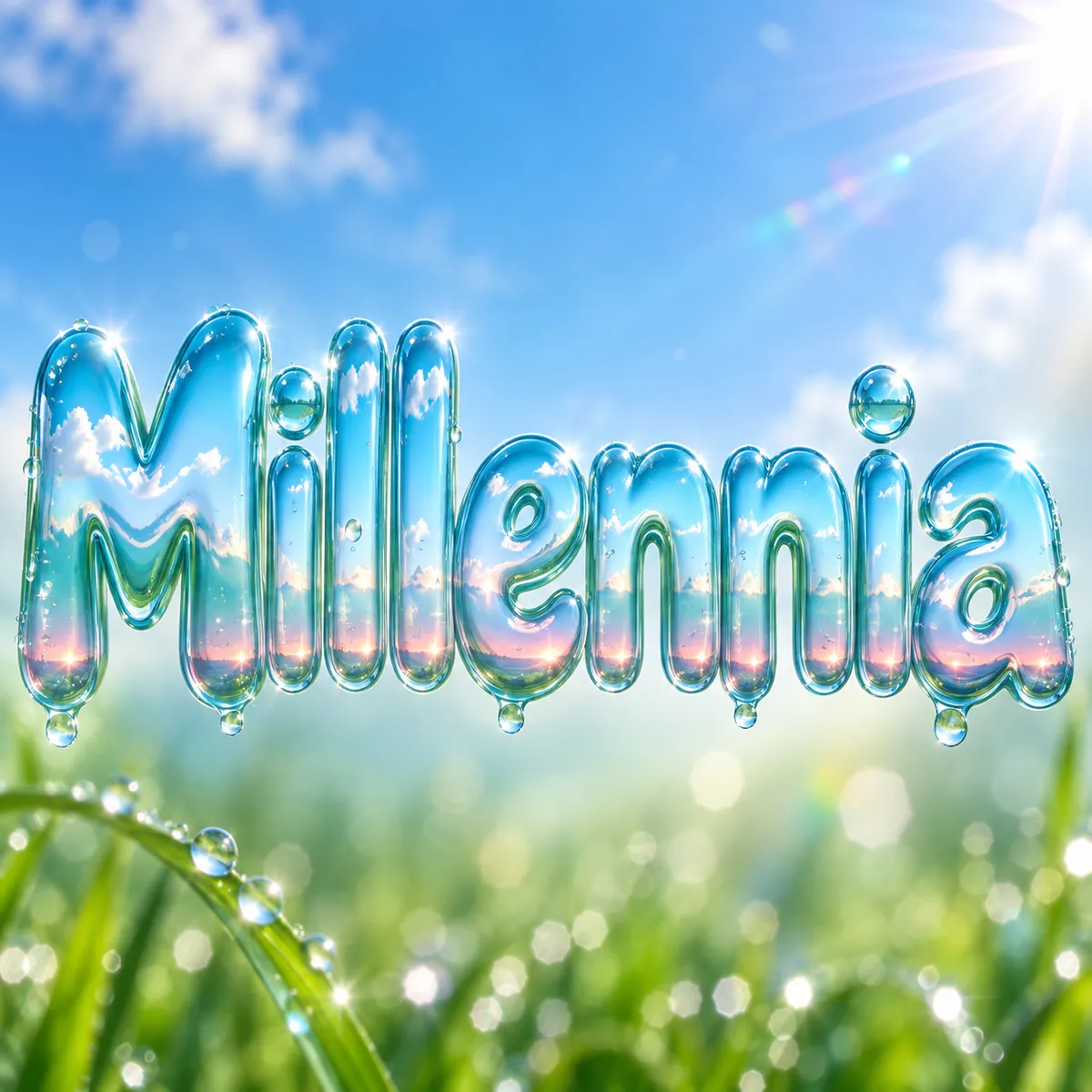
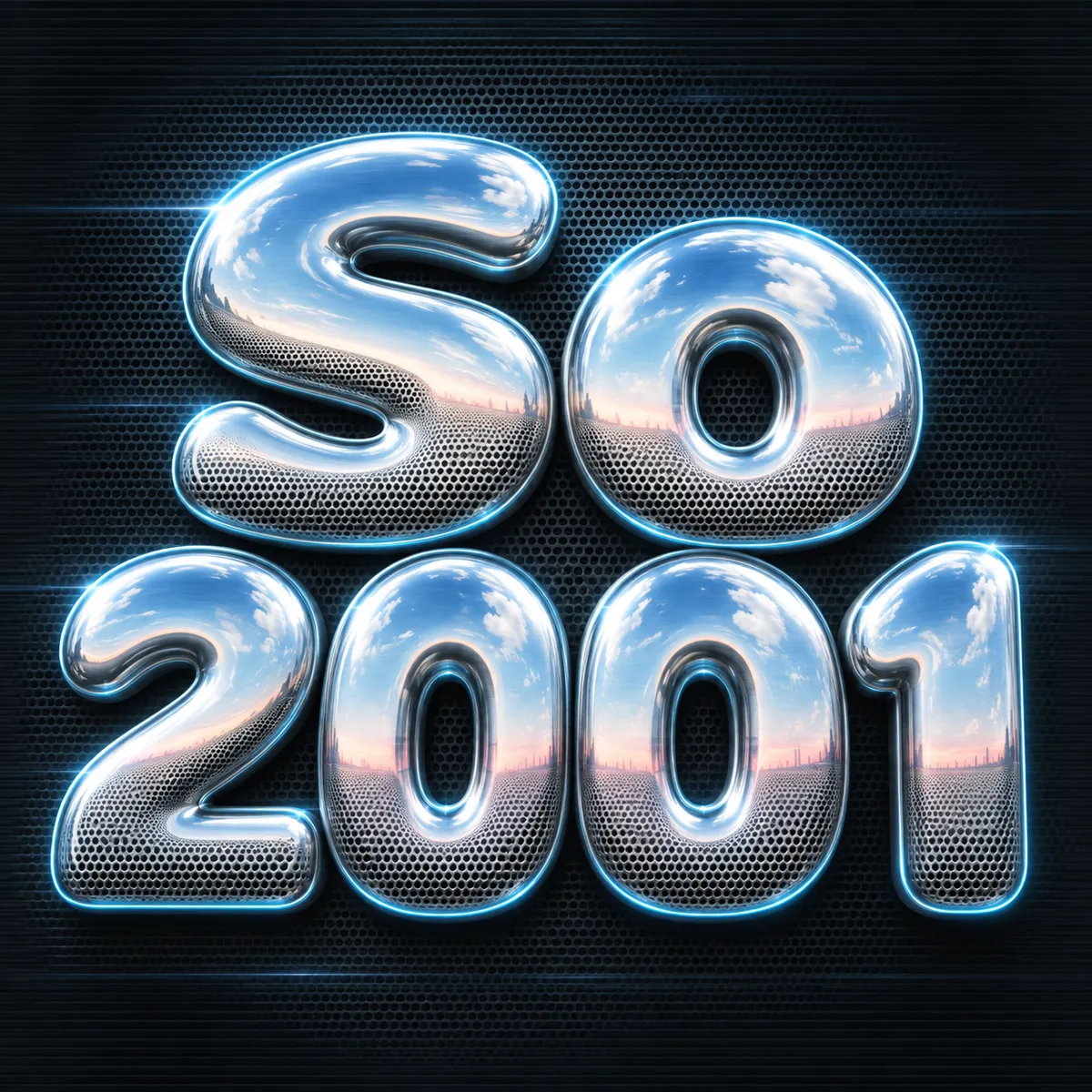
Y2K Font Generator
Millennium chrome, aqua gloss, glitter gel, and holo stickers. The year 2000 as a letterform.
Collection 05
More text effect styles
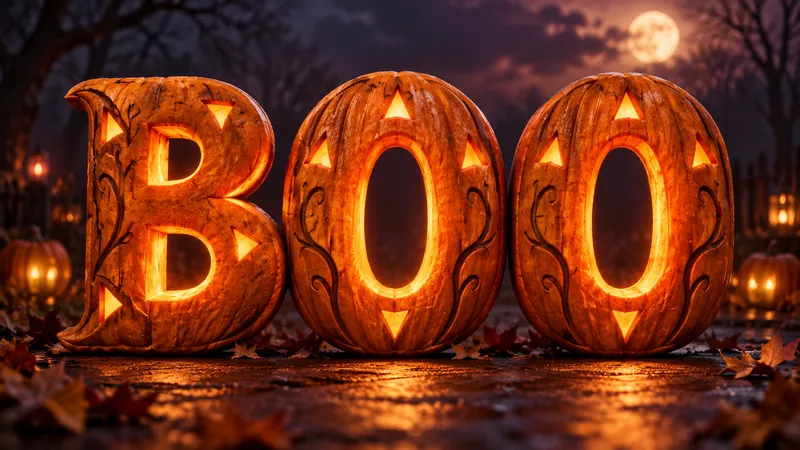
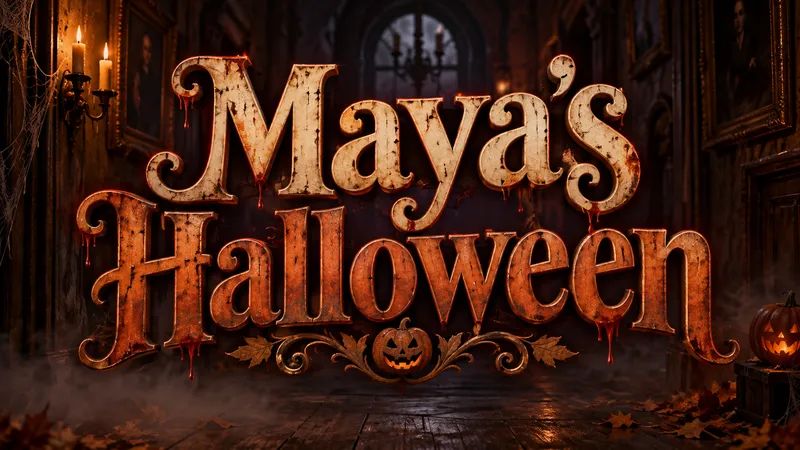
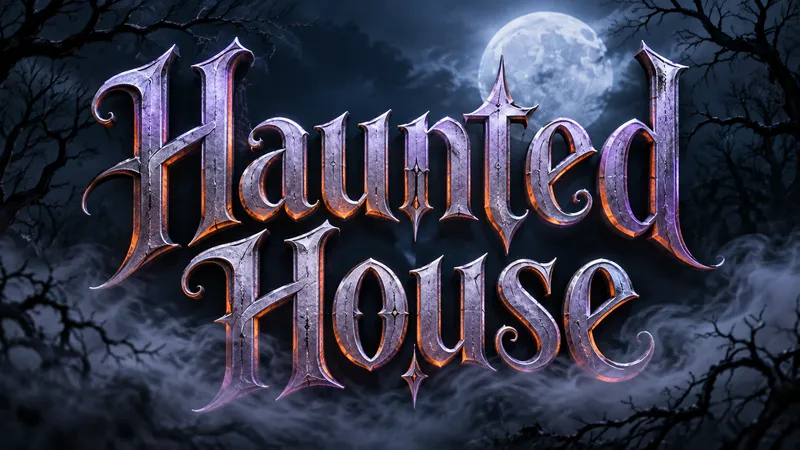
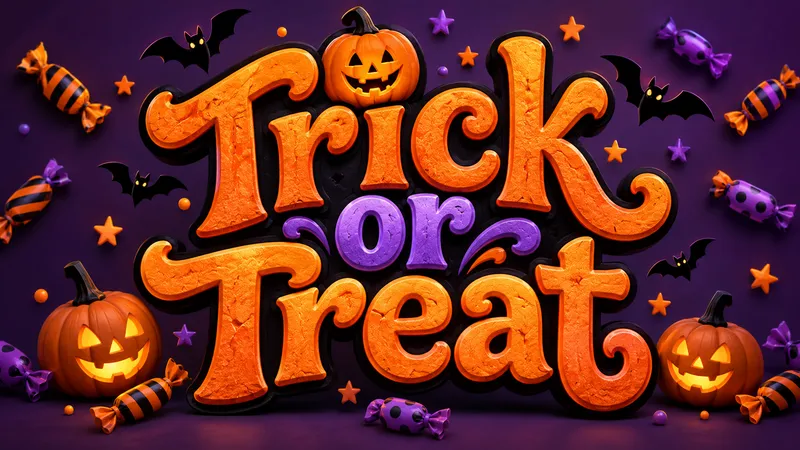
Halloween Font Generator
Make a spooky title image for your invitation, poster or video. Five looks, from pumpkin glow to candy lettering.
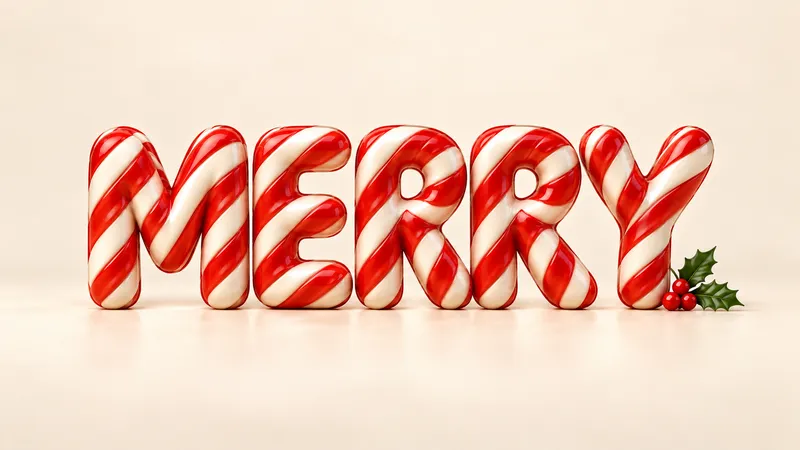
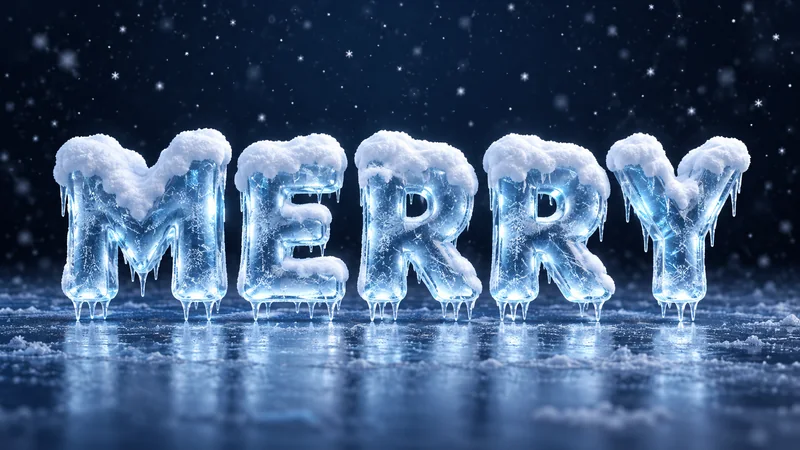

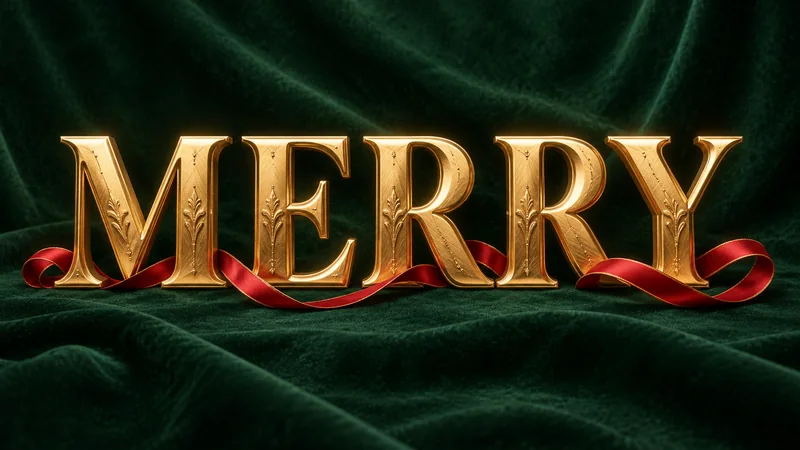
Christmas Font Generator
Give your holiday greeting its own material: fresh snow, striped candy, baked gingerbread, brushed gold or tiny lights.
Blood Font Generator
Shape your words into glossy, dripping horror lettering with control over the mood and mess.
Cyberpunk Font Generator
Give your words a future-city identity with neon light, hard geometry, and controlled digital noise.
Chinese Brush Font Generator
Turn Chinese words, names, and short phrases into expressive ink lettering with a readable brush rhythm.
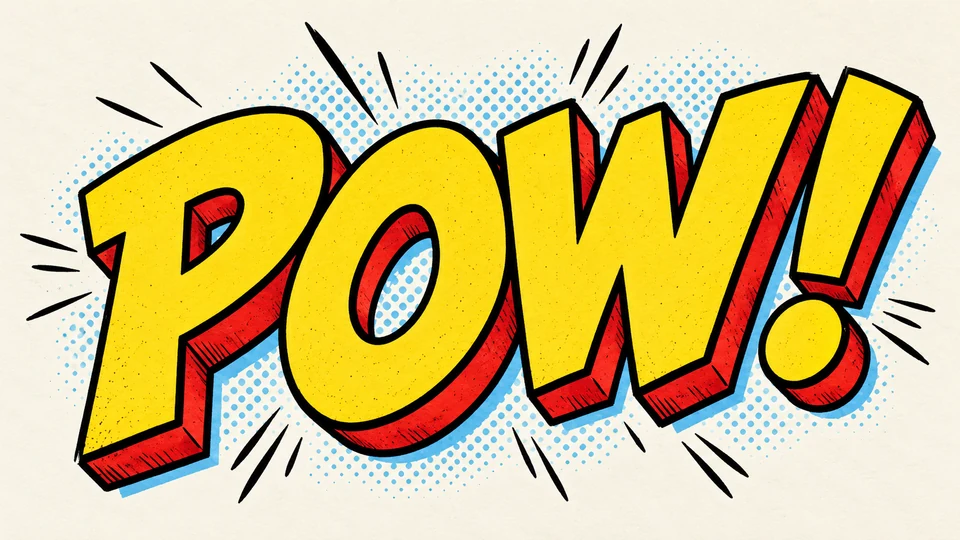
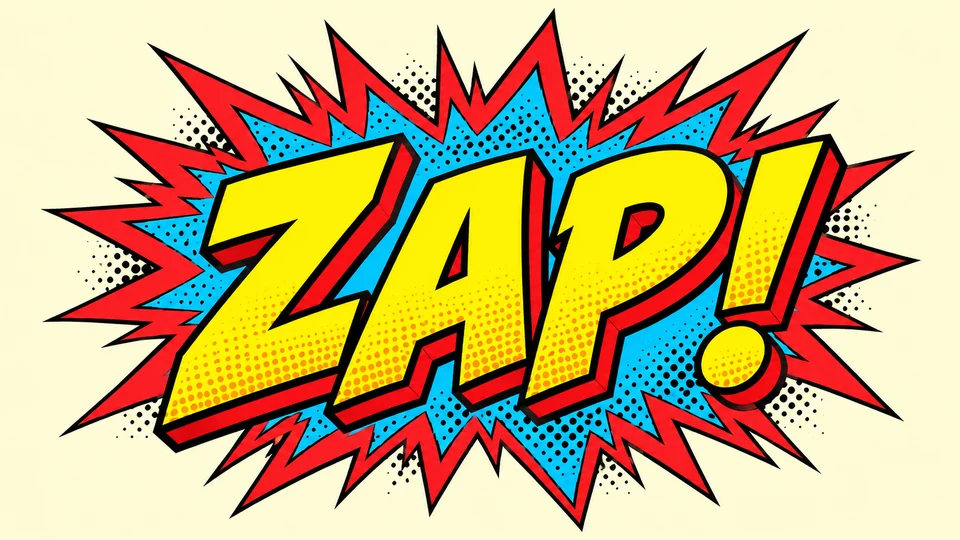
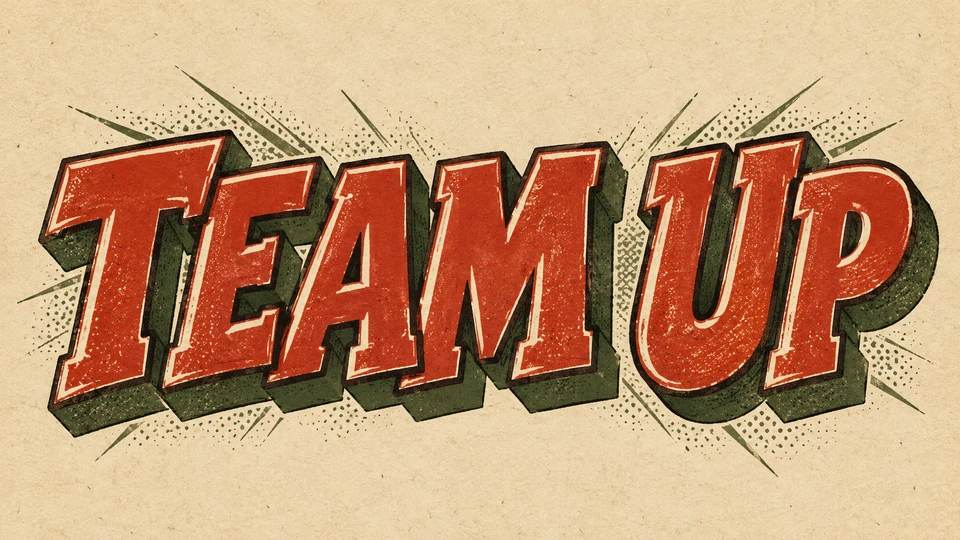
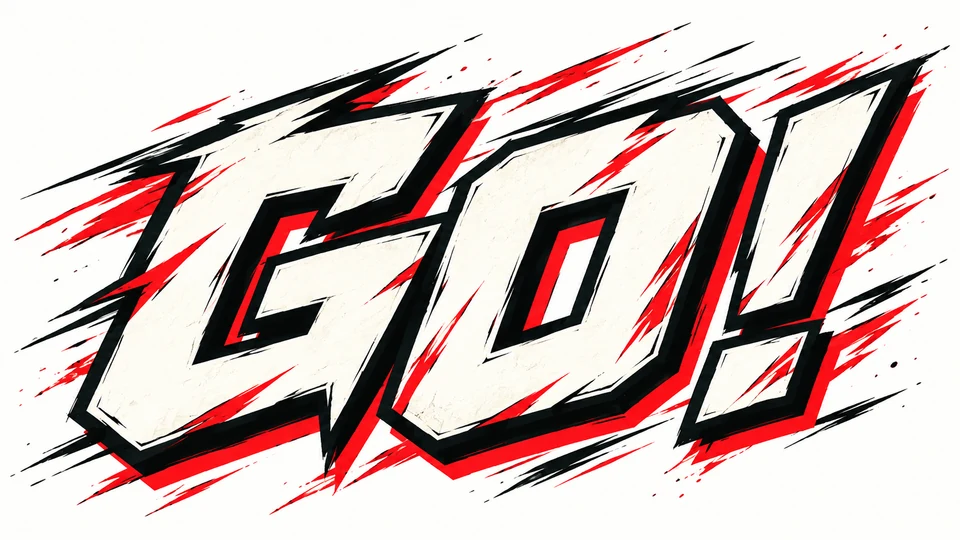
Comic Text Generator
Build a punchy comic title or speech-bubble word with ink outlines, halftone energy, and clean readability.
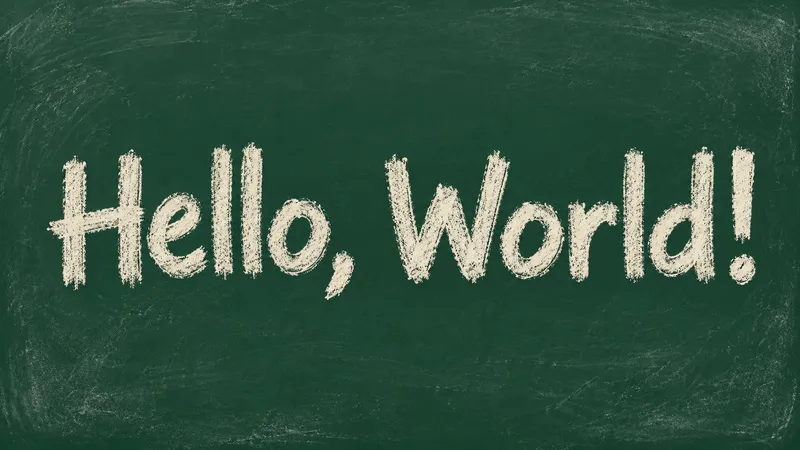
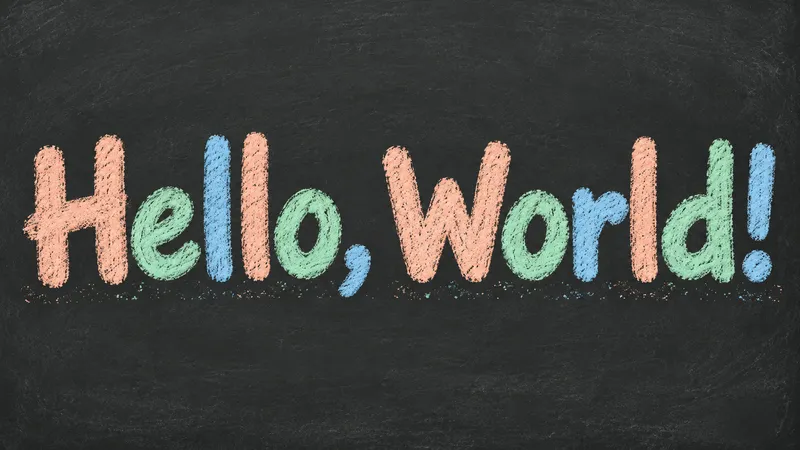
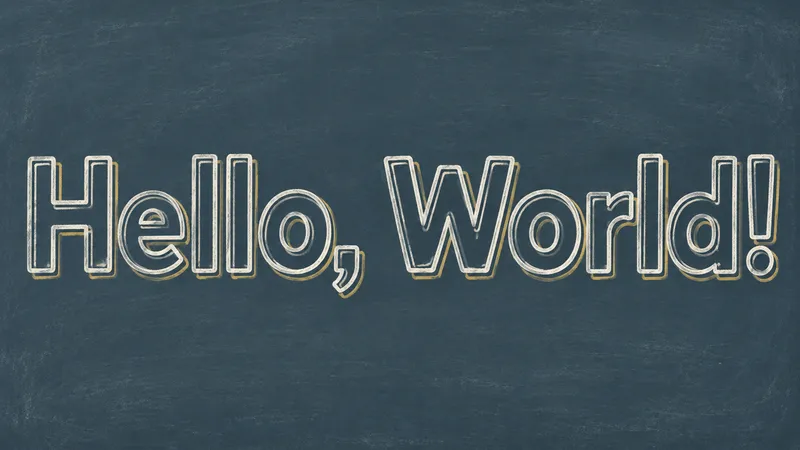
Chalk Font Generator
Turn a short greeting into dusty white chalk, soft pastel strokes or crisp chalk outlines.
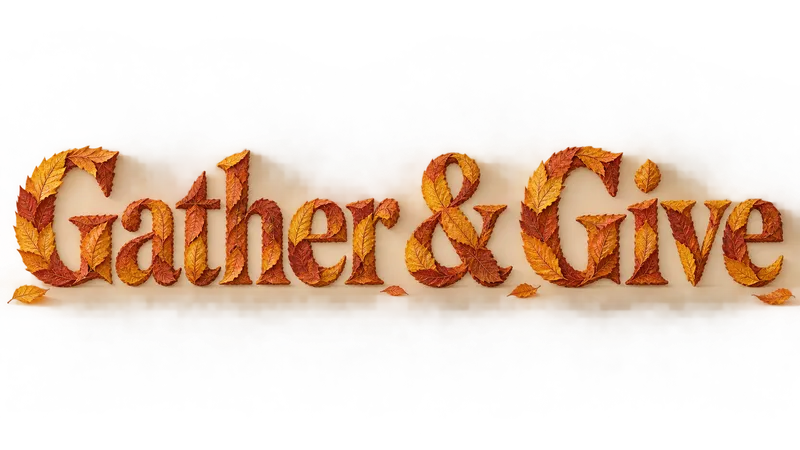
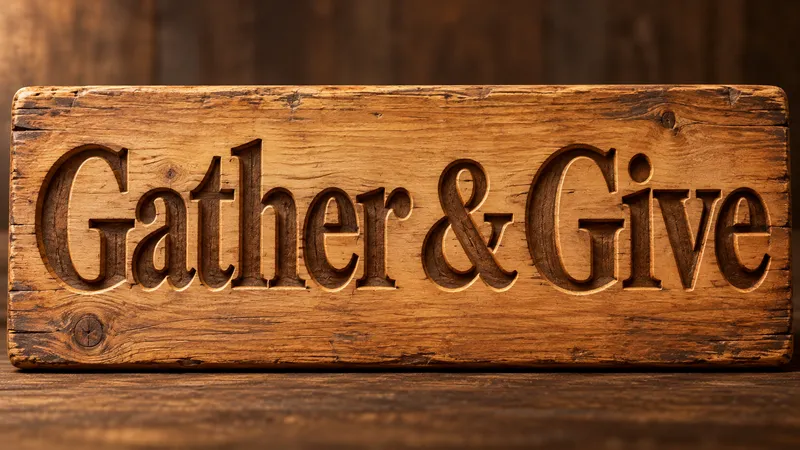
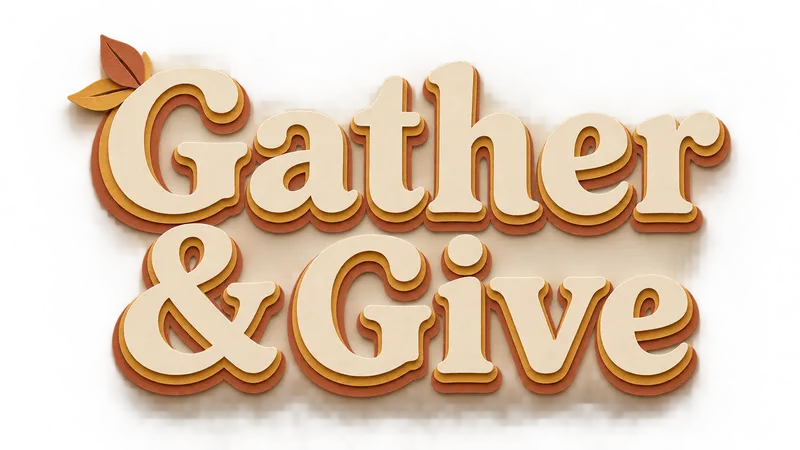
Thanksgiving Font Generator
Make a gathering title with autumn leaves, carved wood or layered harvest paper.
Collection 06
Text effect generators by use case
Same engine, tuned for a job: tattoo lettering, movie titles, viking runes and thumbnail text.
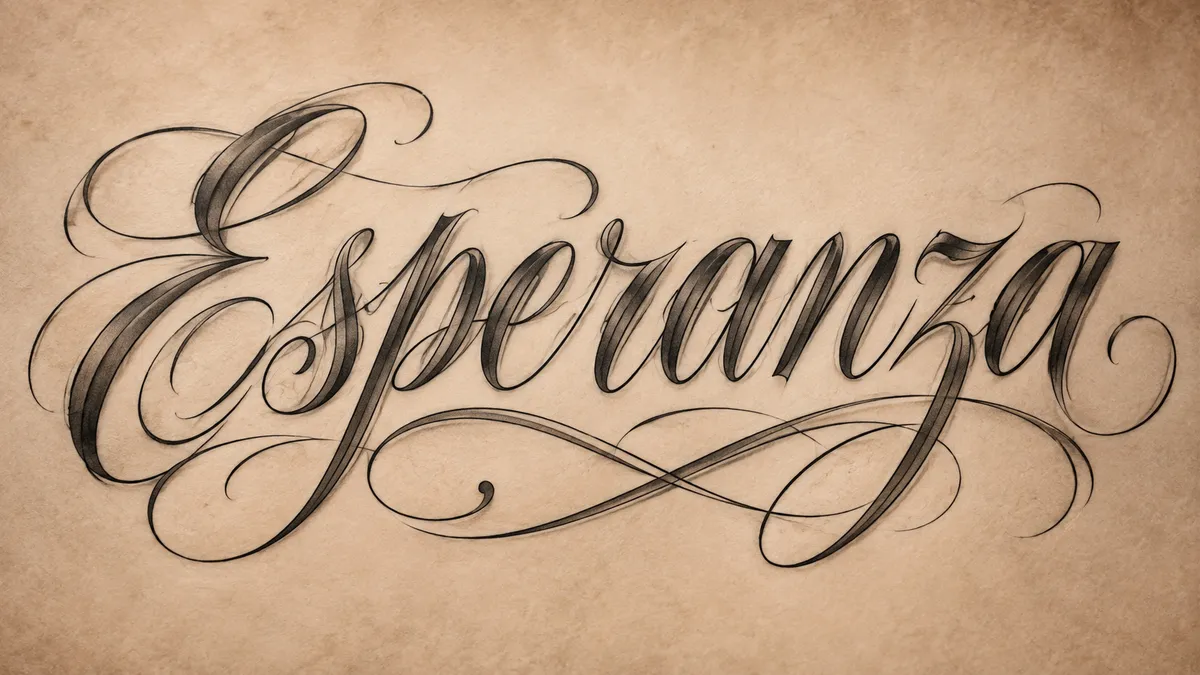
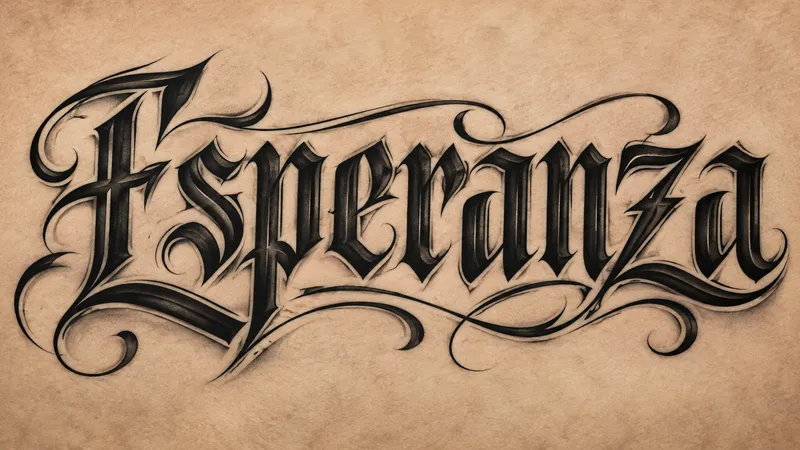
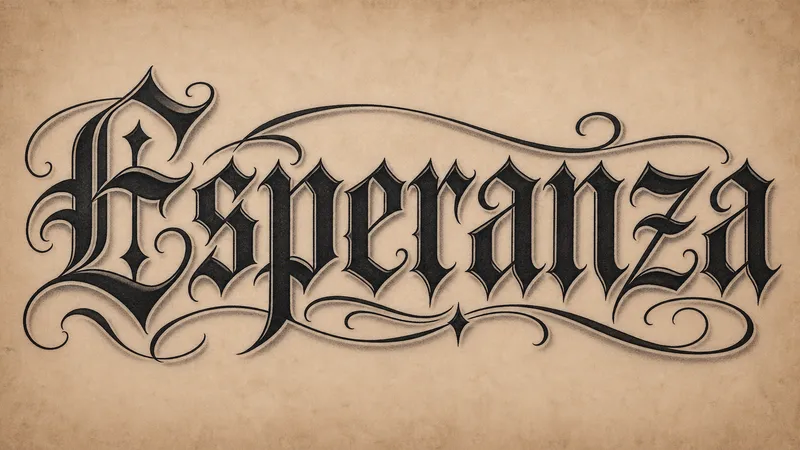
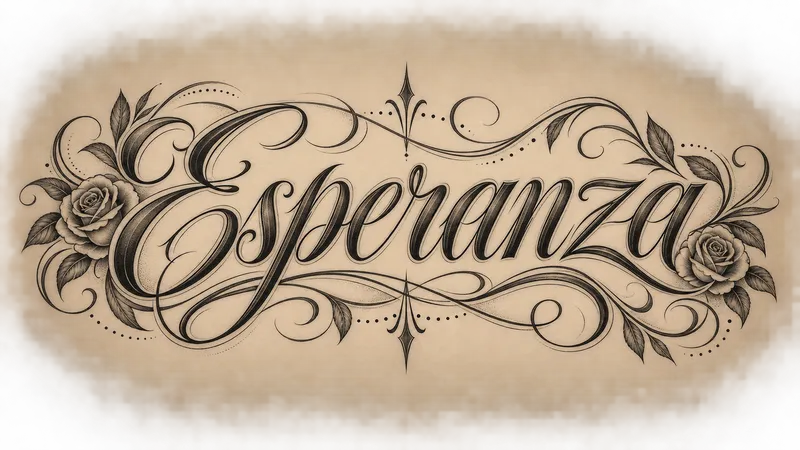
Chicano Lettering Generator
Fine-line script, heavy gangster letters, and blackletter, drawn the way a tattoo artist would.
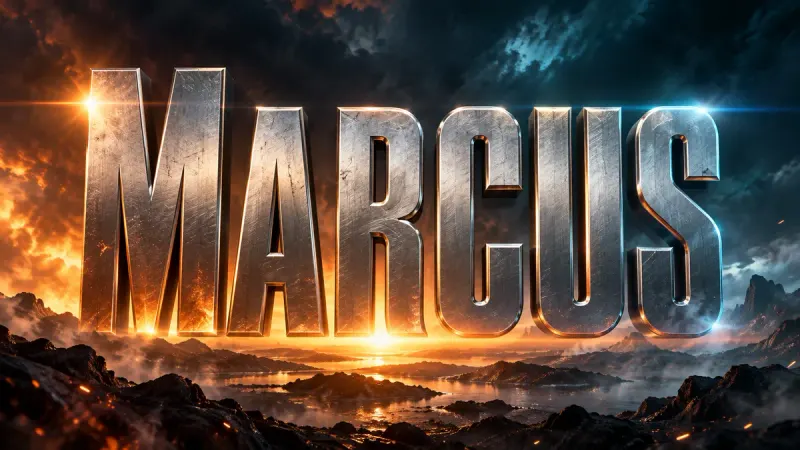
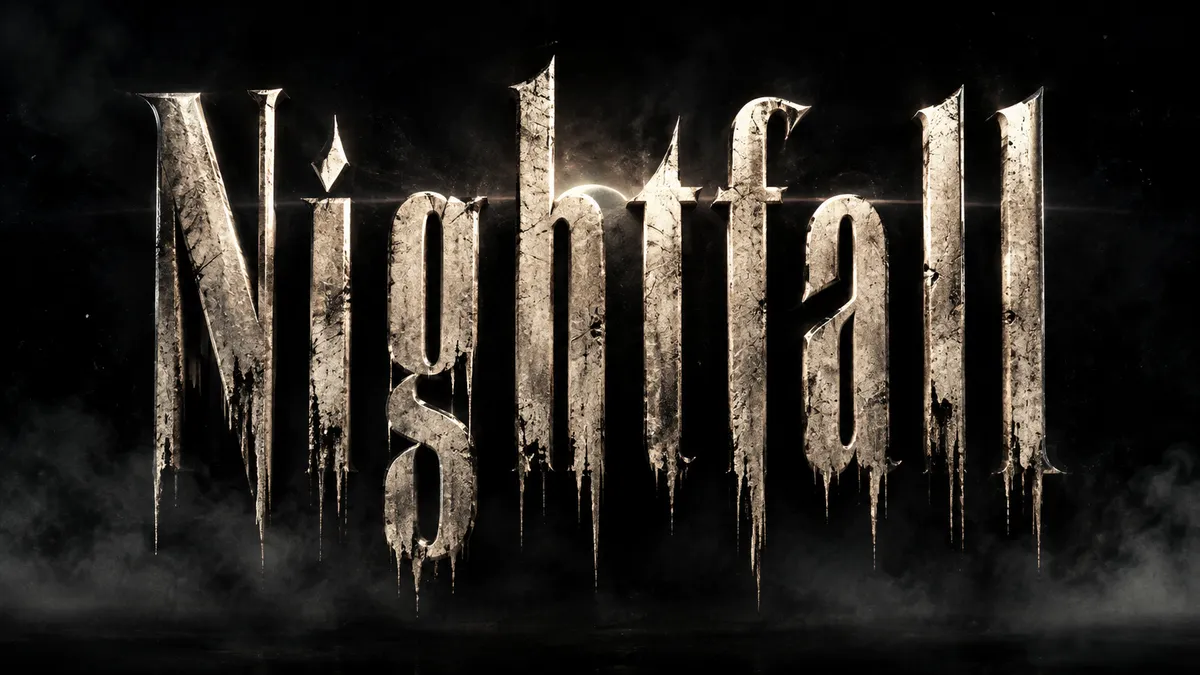
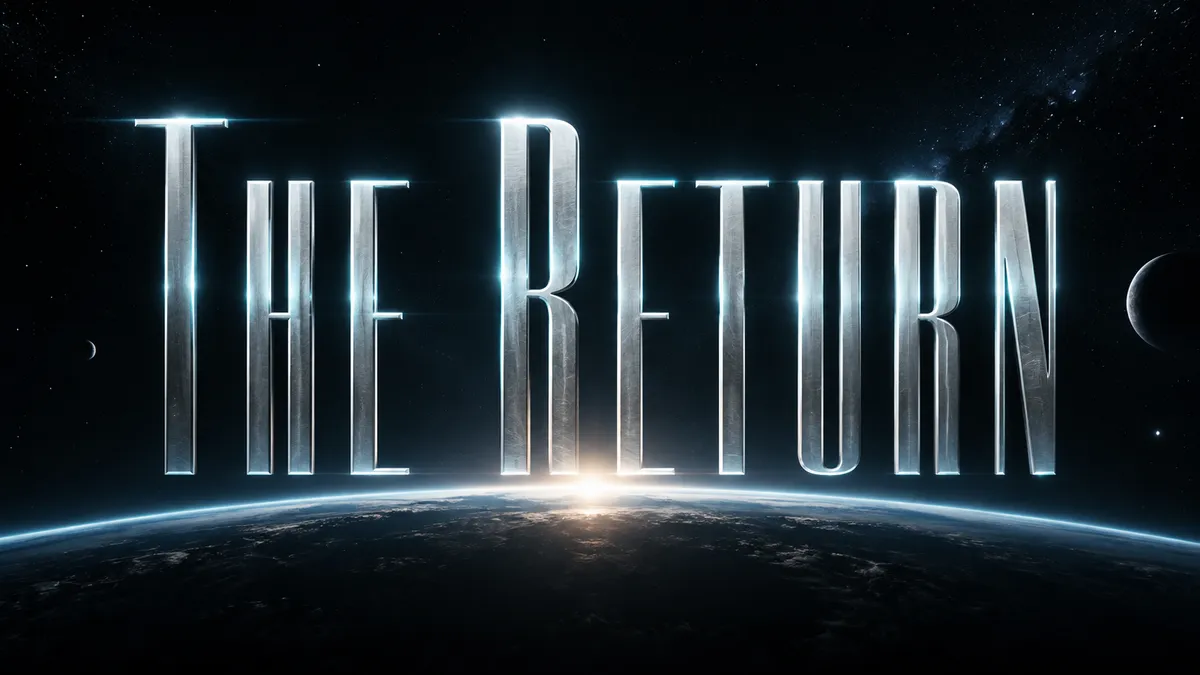
Movie Title Generator
Cinematic title cards and poster type in 16:9. Blockbuster, horror, sci-fi, or prestige drama.
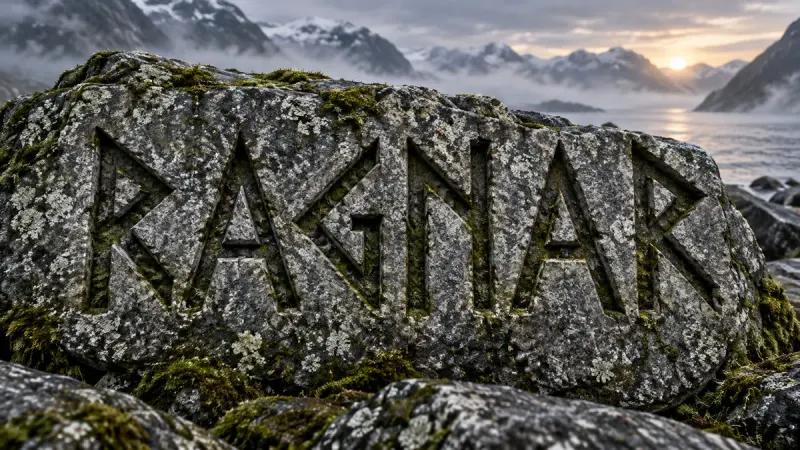
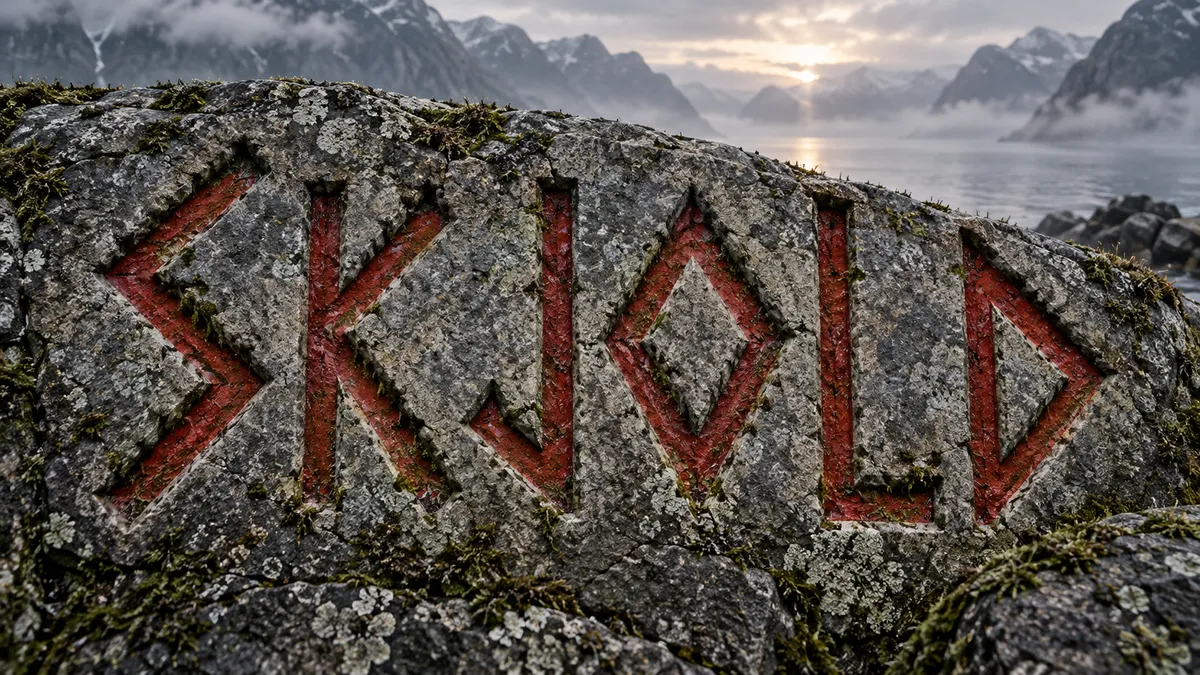
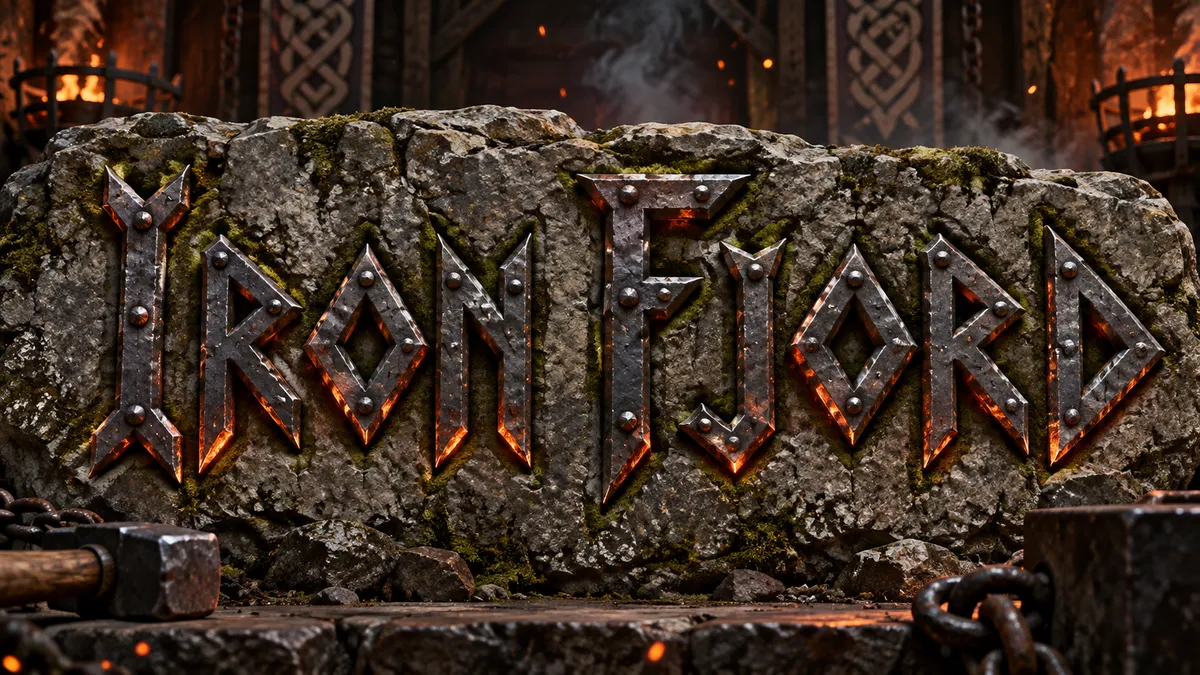
Viking Font Generator
Rune-inspired, carved, and forged lettering with the weight of a longship prow.
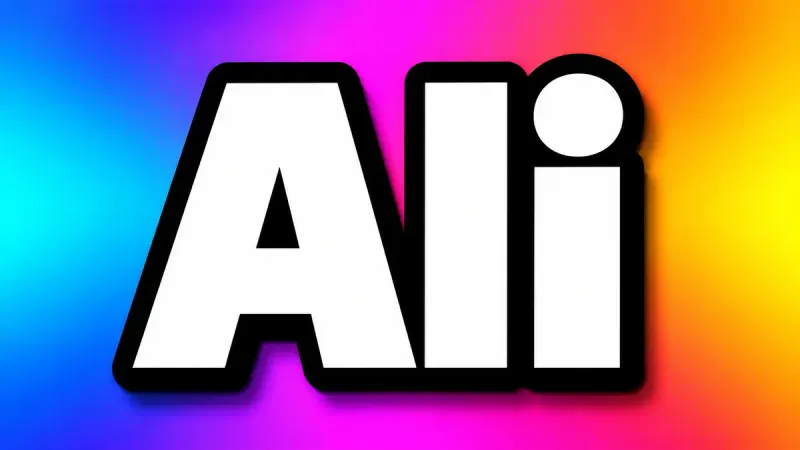
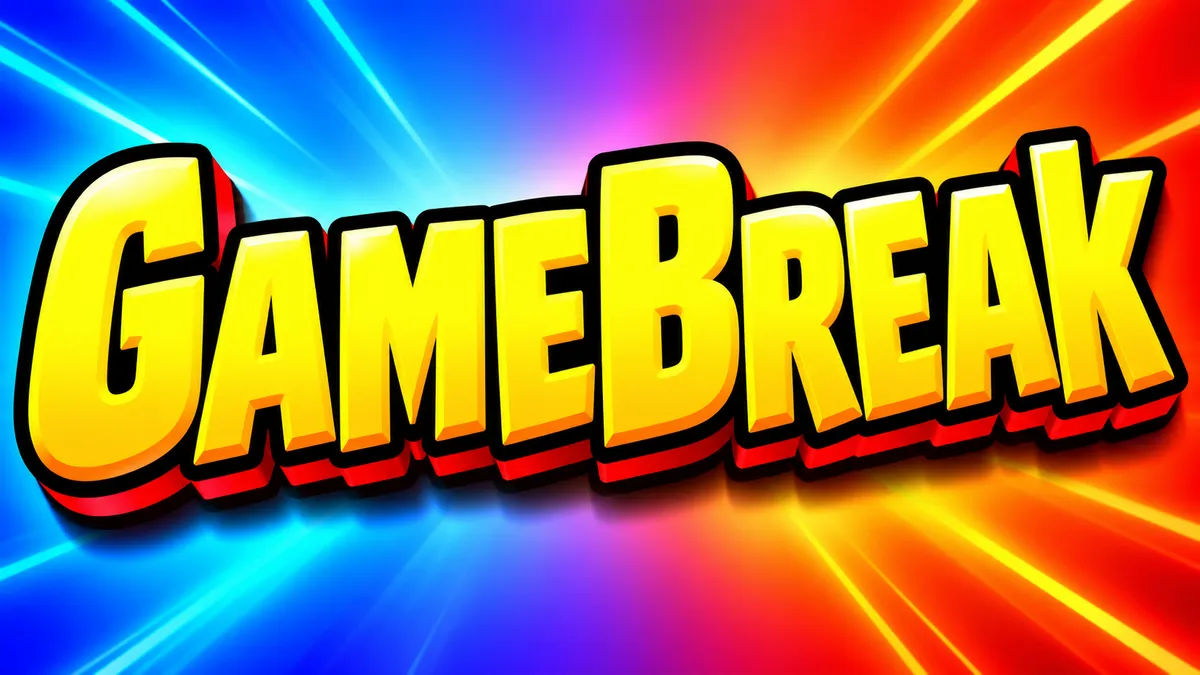

YouTube Thumbnail Font Generator
Thick, outlined, high-contrast text that stays readable at 168 pixels wide. Built for the click.
Death Metal Font Generator
Thorned blackletter, rusted iron, molten type, and underground gig-poster energy for your own words.
Varsity Font Generator
Bold athletic lettering for team names, jerseys, scoreboards, banners, and game-day graphics.
Liquid Font Generator
Glossy gel, glassy water, chrome fluid, and soft translucent letters with real highlights and refraction.
Crown Font Generator
Regal gold, engraved stone, royal seals, and vintage crest lettering for names, mottos, and emblems.
80s Font Generator
Neon chrome, outrun gradients, arcade glow, and cassette-era lettering for retro posters and titles.
Floral Text Generator
Botanical stems, pressed petals, garden signs, and soft blooms arranged around your own words.
Gothic Lettering Image Generator
Readable blackletter, carved stone, and candlelit manuscripts for fantasy titles. Download a PNG or JPEG image.
How it works
How the text effect generator works
Three steps, about 40 seconds per render, no design software involved.
Open a style and type your word — a name, a brand, a date or a short slogan.
Pick one of its five presets, then a resolution and aspect ratio.
Generate, check the spelling and composition, and download the complete PNG or JPEG.
Text effect generator FAQ
A text effect generator renders the words you type as a finished image: the material, lighting, background and composition are generated around your specific letters. It is different from a font, which only gives you letter shapes you still have to style yourself. Check the generated spelling and letterforms before using the result.
There are 45 styles across fire, neon, metal, 3D, Y2K, tattoo, movie and pop-culture families, with 224 presets in total. A preset changes material, lighting and backdrop while keeping your text legible, so Fire Text can come back as a towering Inferno or as compact Ember Core lettering.
High-contrast effects are easier to read at sidebar size: try Fire Text, Chrome Text or the YouTube thumbnail presets at 16:9. Keep the text to one or two words and use the generated image as a complete title card. For a simple real-font heading on transparency, use the free Text to PNG tool at /tools/text-to-png.
No. Transparent AI output is currently unavailable, so generated effects retain their backgrounds in PNG or JPEG downloads. The free Text to PNG tool at /tools/text-to-png creates simple real-font lettering with a genuine transparent background. It creates a separate text graphic and does not remove the background from an AI image.
Yes. 3D and Y2K lettering were the most recent additions, with graffiti, gothic, glitch and horror next in the queue, and existing presets get retuned when the underlying image models improve. Every style keeps its own URL, so a bookmark or link never breaks.