Halloween Font Generator
Make a spooky title image for your invitation, poster or video. Five looks, from pumpkin glow to candy lettering.
5 presets to explore
Original design reference. Your generated result will depend on your text, preset and chosen model.
Quick · 1K · JPGEach generation uses the credits shown, from your available balance.
Sample text: “MIDNIGHT MASQUERADE”This is a fixed example. Generate to create “MIDNIGHT MASQUERADE” in this direction.
Sample details
Midnight Masquerade Halloween party poster with a haunted house, glowing pumpkins and fiery orange lettering
What are you making?
Keep your text and open a ready-to-edit draft with the right preset and canvas. Credits are only used when you generate.
Poster title
16:9A landscape heading for a banner, thumbnail or party poster.
Set up in StudioInvitation heading
4:3Create the decorative heading; add dates and details in your layout editor.
Set up in StudioVertical video title
9:16A static portrait title card. Add its timing and animation in your video editor.
Set up in StudioBy Fontique EditorialPublished Updated
Turn a name, greeting or party title into a Halloween text image. The generator builds original spooky lettering around your words: warm carved pumpkin, dripping wax, moonlit mist, playful candy colors or distressed poster ink. Compare all five presets with the same short phrase to see how the material, lighting and letter shapes change.
Use the result as a title on an invitation, haunted-house poster or video. Start with BOO or Happy Halloween, choose a ratio, then select Standard and PNG in the studio for a PNG image. Quick generation uses JPG. In Canva or CapCut, import the image and resize it as one object; changing the actual wording requires another image. The generated artwork is static, so add any motion in your video editor.
Need Halloween text you can copy into a bio or comment? Use the Creepy or Cursed Text tools below instead. This page makes images, not copyable characters or installable font files. The effects are original seasonal designs, not replicas of a movie title or brand logo.
- Models
- gpt-image-2.5-sunburst (Quick preview) · gpt-image-2 (Standard) · nano-banana-pro (Pro)
- Resolution & format
- Quick: 1K PNG / JPEG, experimental transparency · Standard / Pro: 1K / 2K / 4K PNG / JPEG with a background
- Typical render
- ~45s Standard · ~22s Pro
- Credits
- 100 credits at 1K Quick · 100 credits at 1K, 200 credits at 2K, 400 credits at 4K on Standard
- This page
- 5 presets · 6 sample phrases · 5 answered questions
Compare real typefaces
Compare letter shapes without the material effect. Choose a typeface to try in Studio; AI artwork interprets its visual direction.
How it works
How to make Halloween Text
Enter a short Halloween greeting or title and choose the canvas ratio.
Compare the five preset examples, then select a material and a background option.
For PNG output, select Standard and PNG in the studio; generate, inspect the result and download. Quick generation uses JPG.
Use cases
What people use Halloween Text for
- Halloween party invitations
- Costume labels and photo props
- YouTube and short-form video titles
- Haunted-house event signage
- Seasonal social posts
- Candy and bakery promotions
FAQ
Halloween Font Generator FAQ
It creates a static image from your words and the selected spooky effect. Choose Standard and PNG in the studio for PNG output; Quick generation uses JPG. It does not provide a TTF or OTF font file, a fixed alphabet, or an editable text layer. Use a short phrase and check the spelling before downloading.
For copyable characters, choose the Creepy Text or Cursed Text tool in Related generators. Those tools transform text into Unicode characters and combining marks. This page makes image artwork; the texture and lighting cannot be pasted into a plain-text field. Keep copyable effects restrained because character support varies by app.
Select Standard and PNG in the studio, generate and download the image, then upload or import it into your project. Position and resize it above your background. The lettering remains one image, so you cannot edit individual letters in the imported artwork. Add animation in CapCut if needed; the generator itself produces a still image. The step-by-step guides below cover both workflows.
Quick offers experimental transparent PNG in the studio. Transparency has been checked on two low-quality 1K examples, not separately on every style; smoke, glow, and fine detail can leave semi-transparent edges. Standard and Pro currently retain a background, and image edits do not preserve transparency. For predictable transparent lettering with bundled font shapes, use Text to PNG at /tools/text-to-png. It creates new text graphics and does not remove backgrounds from AI images.
Start with Pumpkin Glow for a bright carved title, Candy Bat for a playful invitation, or Retro Horror for strong flat contrast. Haunted Drip is darker and Moonlit Mist is subtler. Keep the phrase short and check the result at its final display size so texture, drips and fog do not obscure the letters.
Sources
What this is based on
A letterform shape is not copyrightable in the United States, but the font file that draws it and the brand name that uses it can still be protected — so Fontique renders original lettering as images and never redistributes a typeface.
The following are examples of works not subject to copyright […] (e) Typeface as typeface.
- OpenAI, Image generation guide (gpt-image)
- Google, Gemini API — Image generation
Related styles
More text effect generators
Blood Font Generator
Shape your words into glossy, dripping horror lettering with control over the mood and mess.
Cursed Text Generator
Zalgo-style glitch text with adjustable intensity. Creepy, corrupted, and still just Unicode.
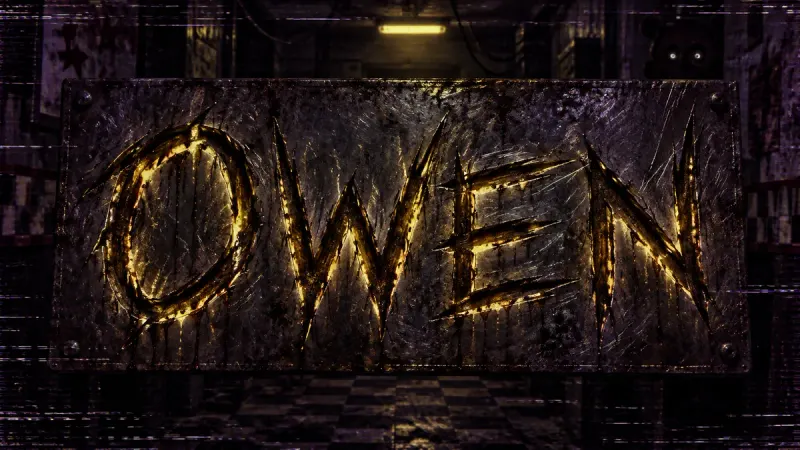
FNAF Font Generator
Scratched metal, VHS static, and a dim security-camera glow. Horror lettering inspired by the game. Fan-made.
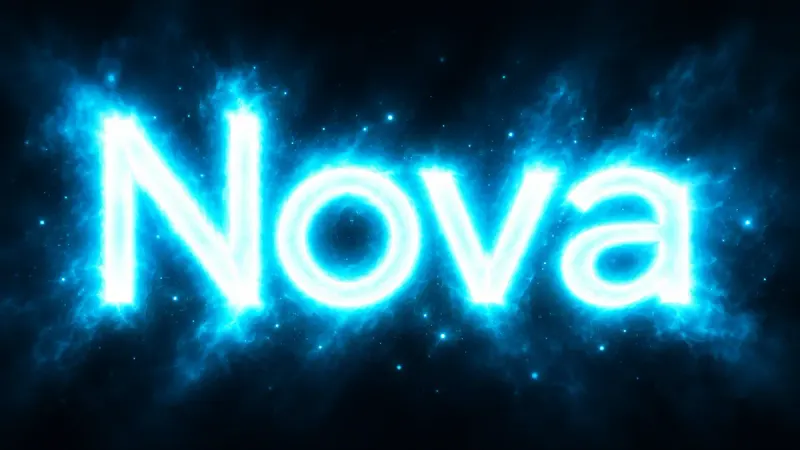
Glowing Text Generator
Letters that emit light. Soft bloom, colored halos, and clean luminous type without any glass tubes.
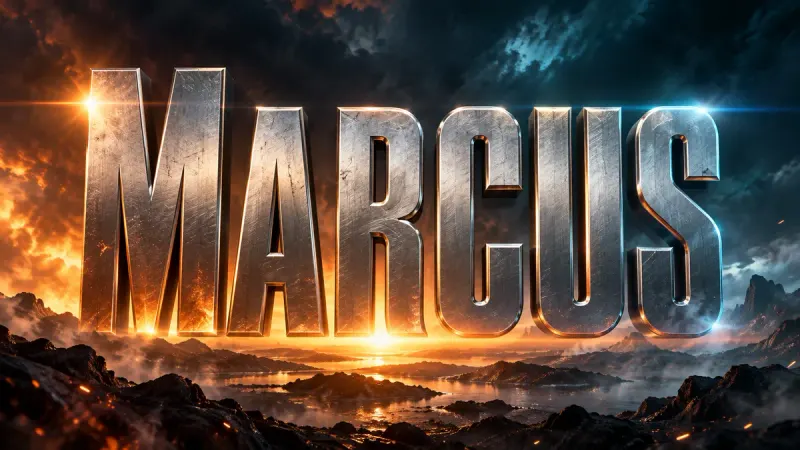
Movie Title Generator
Cinematic title cards and poster type in 16:9. Blockbuster, horror, sci-fi, or prestige drama.
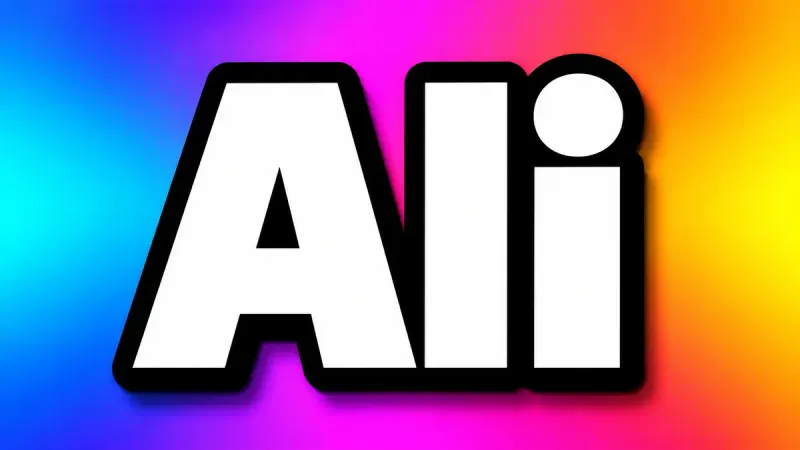
YouTube Thumbnail Font Generator
Thick, outlined, high-contrast text that stays readable at 168 pixels wide. Built for the click.