Chinese Brush Font Generator
Turn Chinese words, names, and short phrases into expressive ink lettering with a readable brush rhythm.
5 presets to explore
Shows letter shapes and colors only. Generate to see the full effect.
Quick · 1K · JPGEach generation uses the credits shown, from your available balance.
Sample details
deep black calligraphic strokes with visible brush fibers, confident dry-brush breaks and a traditional scroll rhythm
By Fontique EditorialPublished Updated
The Fontique Chinese brush font generator renders the words you provide as original ink lettering, with visible bristle texture, pressure changes, and controlled ink bleed. It is designed for Chinese characters, bilingual titles, and short names that need the feeling of hand-painted calligraphy without tracing a specific artist or copying a protected mark.
Use Classic Ink for a bold hanging-scroll look, Vermilion Seal for a stamp-like accent, or Modern Wash for airy contemporary strokes. The generator keeps the characters grouped and gives each stroke room to breathe, while the scene supplies paper, rice texture, or a dark ink-wash atmosphere.
Create title cards, tea and food packaging concepts, festival invitations, poster headings, cultural presentation covers, and social graphics. The exported brush artwork includes its paper background. For exact letter shapes on transparency, use a supported font in the free Text to PNG tool; it creates new lettering rather than cutting out this image. For best results, enter a short phrase and verify the character spelling before publishing.
- Models
- gpt-image-2.5-sunburst (Quick preview) · gpt-image-2 (Standard) · nano-banana-pro (Pro)
- Resolution & format
- Quick: 1K PNG / JPEG, experimental transparency · Standard / Pro: 1K / 2K / 4K PNG / JPEG with a background
- Typical render
- ~45s Standard · ~22s Pro
- Credits
- 100 credits at 1K Quick · 100 credits at 1K, 200 credits at 2K, 400 credits at 4K on Standard
- This page
- 5 presets · 6 sample phrases · 5 answered questions
Compare real typefaces
Compare letter shapes without the material effect. Choose a typeface to try in Studio; AI artwork interprets its visual direction.
How it works
How to make Chinese Brush Text
Enter a short Chinese phrase or bilingual title.
Choose an ink, seal, or wash preset.
Generate, check character accuracy, and download the complete PNG or JPEG.
FAQ
Chinese Brush Font Generator FAQ
Yes. Enter a short Chinese phrase, a name, or a Chinese and Latin combination. Check the preview for character accuracy and keep the phrase compact so the brush texture does not merge adjacent strokes.
No. The presets describe broad brush materials and compositions. They do not copy a living artist, a protected typeface, a company seal, or a recognizable logo.
Quick offers experimental transparent PNG in the studio. Transparency has been checked on two low-quality 1K examples, not separately on every style; smoke, glow, and fine detail can leave semi-transparent edges. Standard and Pro currently retain a background, and image edits do not preserve transparency. For predictable transparent lettering with bundled font shapes, use Text to PNG at /tools/text-to-png. It creates new text graphics and does not remove backgrounds from AI images.
Red Banner and Vermilion Seal provide the strongest celebratory contrast. Use a short headline, leave room around the strokes, and confirm that any supporting Chinese copy is typeset separately for maximum accuracy.
Yes. You can use generated lettering in personal and commercial design work. If your project includes a real organization name, seal, poem, or quoted text, check the spelling and any separate rights before publishing.
Sources
What this is based on
A letterform shape is not copyrightable in the United States, but the font file that draws it and the brand name that uses it can still be protected — so Fontique renders original lettering as images and never redistributes a typeface.
The following are examples of works not subject to copyright […] (e) Typeface as typeface.
- OpenAI, Image generation guide (gpt-image)
- Google, Gemini API — Image generation
Related styles
More text effect generators
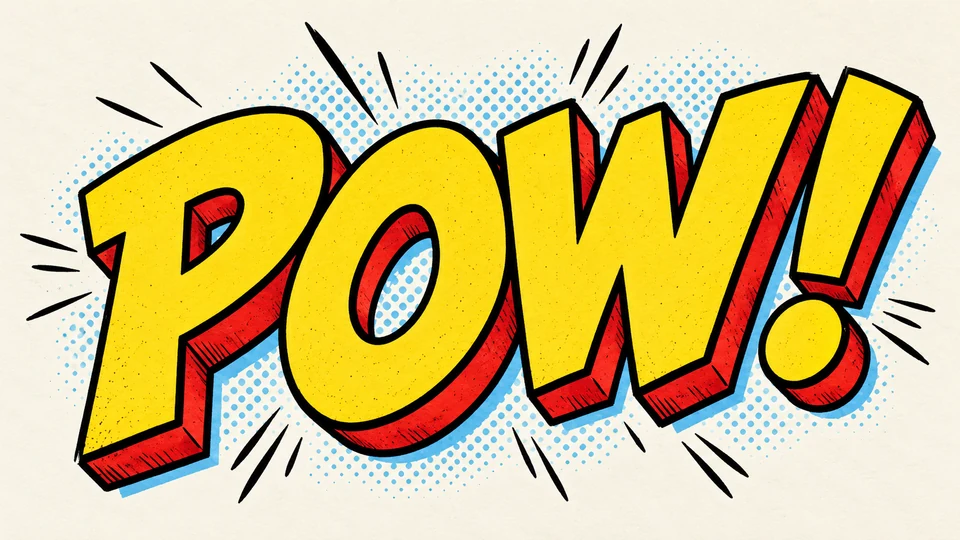
Comic Text Generator
Build a punchy comic title or speech-bubble word with ink outlines, halftone energy, and clean readability.
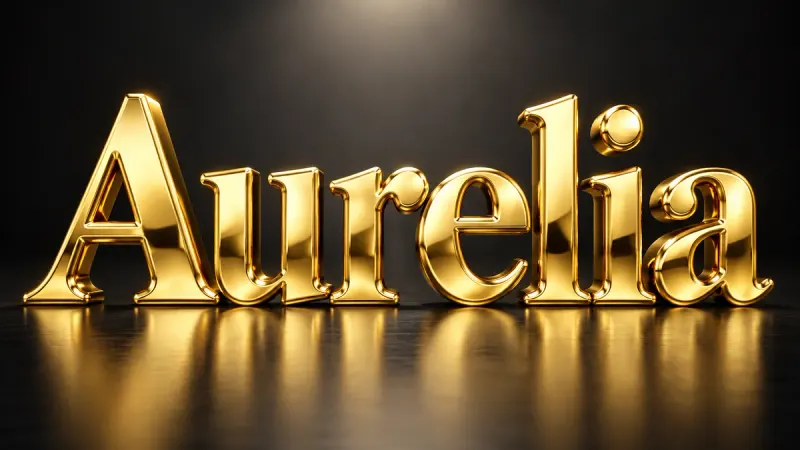
Gold Font Generator
Solid, polished, three-dimensional gold. Beveled letters with warm reflections and real weight.
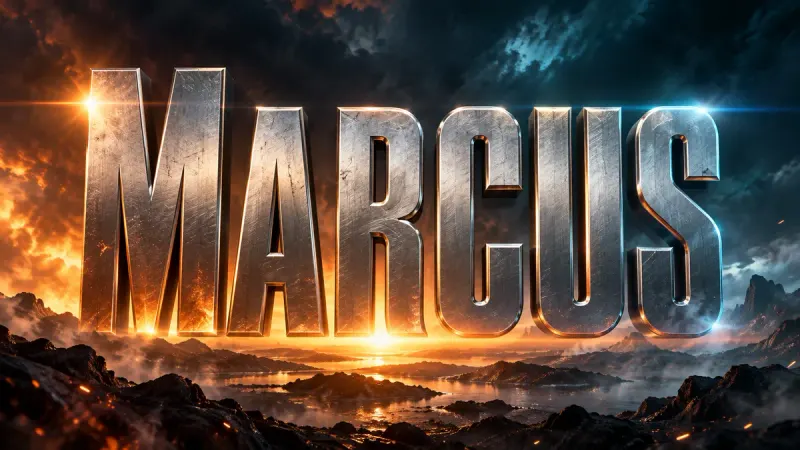
Movie Title Generator
Cinematic title cards and poster type in 16:9. Blockbuster, horror, sci-fi, or prestige drama.
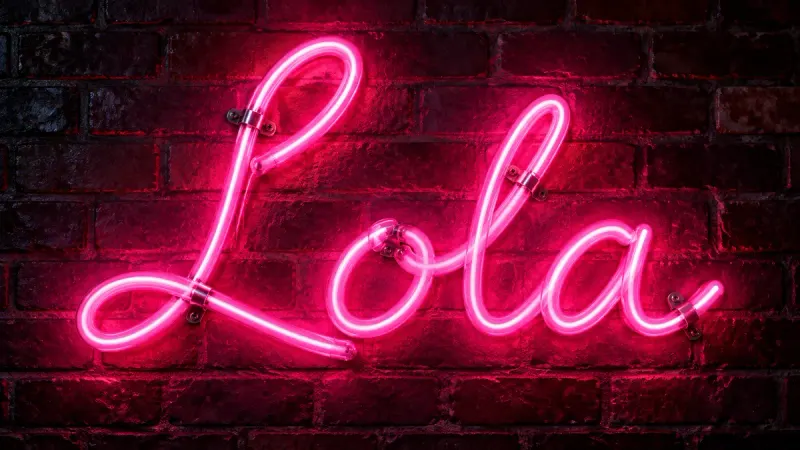
Neon Font Generator
Real glass tubes, bent into your words. Realistic neon signs with mounts, wall glow, and reflections.
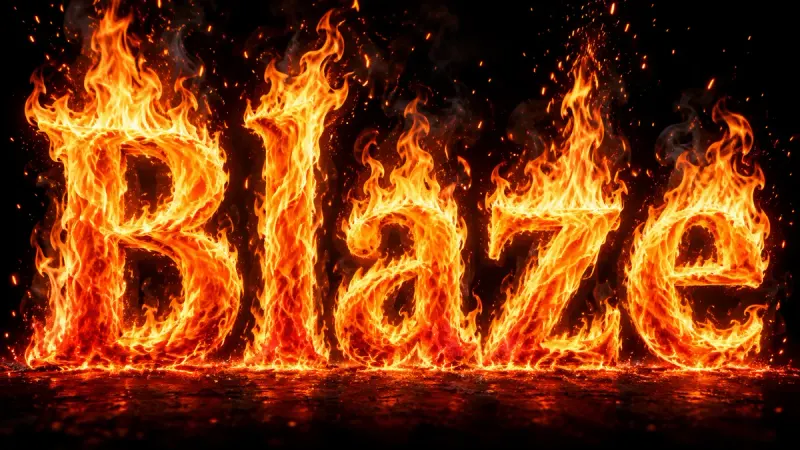
Fire Text Generator
Type a word, pick a flame preset, and get roaring fire lettering with live embers in seconds.
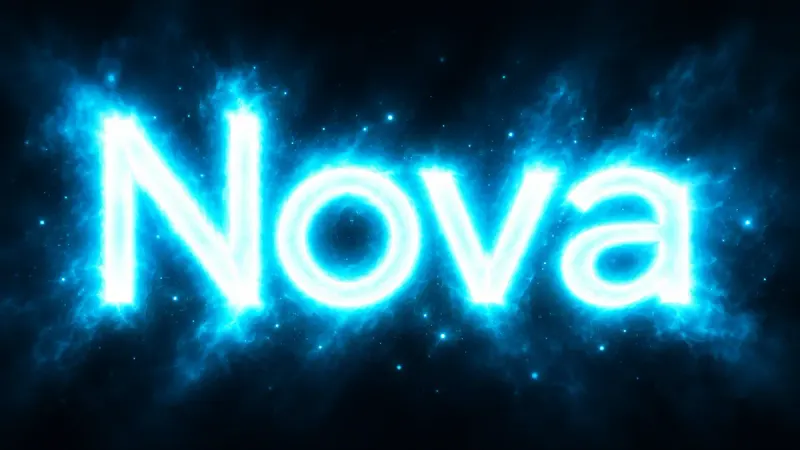
Glowing Text Generator
Letters that emit light. Soft bloom, colored halos, and clean luminous type without any glass tubes.
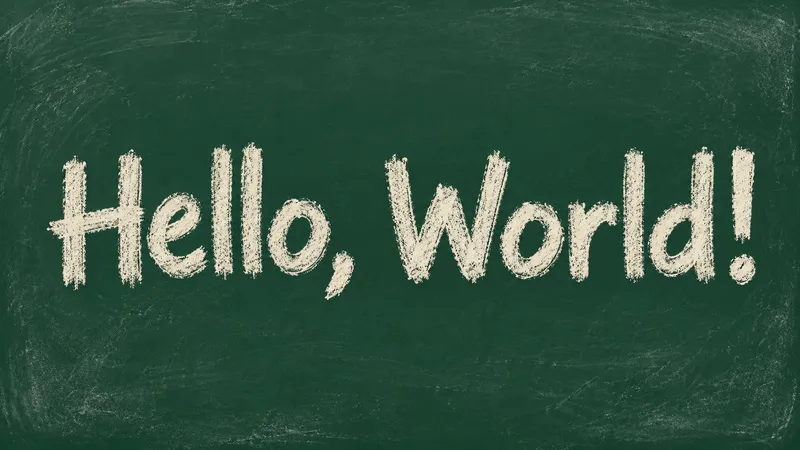
Chalk Font Generator
Turn a short greeting into dusty white chalk, soft pastel strokes or crisp chalk outlines.