Thanksgiving Font Generator
Make a gathering title with autumn leaves, carved wood or layered harvest paper.
3 presets to explore
Quick · 1K · JPGEach generation uses the credits shown, from your available balance.
Sample text: “Gather & Give”This is a fixed example. Generate to create “Autumn Table” in this direction.
Sample details
1672 × 941 px · gpt-image-2
the leaves form the letters themselves, not a wreath around ordinary type; keep open counters and a clearly drawn ampersand, only a few small leaves beyond the baseline, rich dry leaf texture
Choose a title for your gathering
Keep the generated title short, then add names, dates and meal details as editable text in your layout.
An autumn headline
Autumn Leaves builds the letters from layered leaves. It needs enough display space for the veins and edges.
Try Autumn LeavesA rustic welcome sign
Carved Wood places the title inside a warm timber sign with dark carved recesses.
Try Carved WoodAn invitation or social graphic
Harvest Paper uses a clean cream, ochre and rust silhouette that works beside separately typed event details.
Try Harvest PaperChoose a preset for the task
- Large seasonal headlineAutumn Leaves
- Keep leaf detail clear of the ampersand and letter interiors; check before printing.
- Open this preset
- Gathering sign mockupCarved Wood
- The timber is part of the image. Place the complete sign rather than treating it as cutout letters.
- Open this preset
- Invitation title or meal announcementHarvest Paper
- Use the generated heading as artwork and keep the date, address and menu editable.
- Open this preset
Gather & Give in three autumn materials
Compare the same phrase and ampersand across leaf, timber and paper treatments. Open the sample settings to reuse its text, preset, model and canvas. Generations vary, so check your own output before sharing.
- Open these settings
Actual words: “Gather & Give”
Autumn Leaves
- Open these settings
Actual words: “Gather & Give”
Carved Wood
- Open these settings
Actual words: “Gather & Give”
Harvest Paper
Make a Gather & Give invitation heading
Open the Harvest Paper sample settings with Gather & Give, Standard, 1K, PNG and 16:9. Generate, inspect the ampersand and download the image. Place it at the top of your invitation and add the date, address and meal details below in your editor. Review the whole design at its intended print size. The presets request a backdrop, but the Autumn Leaves and Harvest Paper samples contain transparent areas. Standard does not guarantee transparency; check your own PNG on the invitation background. The results are images, not editable invitations or cutting-machine vectors.
By Fontique EditorialPublished
Give a Thanksgiving gathering its own title instead of starting from a fixed holiday graphic. This generator draws your words as original autumn lettering, using warm leaves, carved timber or layered paper. Enter Gather & Give to compare all three materials, then change the words to your family name, Friendsgiving title or a short message of thanks.
Autumn Leaves builds broad letter shapes from overlapping amber and russet leaves. Carved Wood cuts readable serif letters into a warm timber sign. Harvest Paper uses stacked cream, ochre and rust paper with small cut-paper leaf accents. The wood treatment suits a rustic gathering sign; the paper treatment keeps a cleaner silhouette for an invitation or social post. Keep longer details outside the generated title.
Use Standard and PNG in the studio to download a wide image, then place it in your invitation or menu layout. Add the date, address and meal details as editable text in that app. Inspect the ampersand and leaf edges at the final size. The generator makes a still image, not an editable invitation, a Thanksgiving font file or a cutting-machine vector. The presets request a backdrop, but the background can vary between outputs.
- Models
- gpt-image-2.5-sunburst (Quick preview) · gpt-image-2 (Standard) · nano-banana-pro (Pro)
- Resolution & format
- Quick: 1K PNG / JPEG, experimental transparency · Standard / Pro: 1K / 2K / 4K PNG / JPEG with a background
- Typical render
- ~45s Standard · ~22s Pro
- Credits
- 100 credits at 1K Quick · 100 credits at 1K, 200 credits at 2K, 400 credits at 4K on Standard
- This page
- 3 presets · 6 sample phrases · 5 answered questions
Compare real typefaces
Compare letter shapes without the material effect. Choose a typeface to try in Studio; AI artwork interprets its visual direction.
How it works
How to make Thanksgiving Text
Enter Gather & Give, Thankful or your own short gathering title.
Compare Autumn Leaves, Carved Wood and Harvest Paper, then open the chosen preset on a wide canvas.
Choose Standard and PNG, generate and review the title; download it and add event details in your layout app.
Use cases
What people use Thanksgiving Text for
- Friendsgiving invitation titles
- Thanksgiving menu headers
- Family gathering signs
- Autumn event graphics
- Seasonal shop announcements
- Gratitude slideshow titles
FAQ
Thanksgiving Font Generator FAQ
Yes. Enter a short greeting or name, choose one of the three autumn presets and generate it in the studio. Gather & Give is the comparison example. For a longer invitation, generate only the main title and add event details as editable text in your design app.
Harvest Paper gives invitations a clean layered-paper title. Carved Wood creates a rustic sign image, while Autumn Leaves suits a large seasonal headline. Check the output at its final size: small leaf veins and narrow carved strokes may disappear on compact place cards.
No. The output is a PNG or JPEG image, not a TTF, OTF or SVG. It does not contain editable text or cutting paths. Use the downloaded image as artwork in your invitation or poster; use a separate licensed font or vector workflow if you need editable letters or a cutting-machine design.
The Autumn Leaves and Harvest Paper samples contain transparent areas; the Carved Wood sample includes its backdrop. Standard PNG transparency is not guaranteed, so inspect your download on its intended background. Quick also offers experimental transparent PNG. For predictable transparency with bundled font shapes, use Text to PNG.
The studio accepts up to 40 characters. Longer phrases require smaller letters or multiple lines, which makes the autumn detail harder to read. Try Happy Thanksgiving as the generated title, then add the family message separately. Check every letter and any ampersand before sharing or printing.
Sources
What this is based on
A letterform shape is not copyrightable in the United States, but the font file that draws it and the brand name that uses it can still be protected — so Fontique renders original lettering as images and never redistributes a typeface.
The following are examples of works not subject to copyright […] (e) Typeface as typeface.
- OpenAI, Image generation guide (gpt-image)
- Google, Gemini API — Image generation
Related styles
More text effect generators
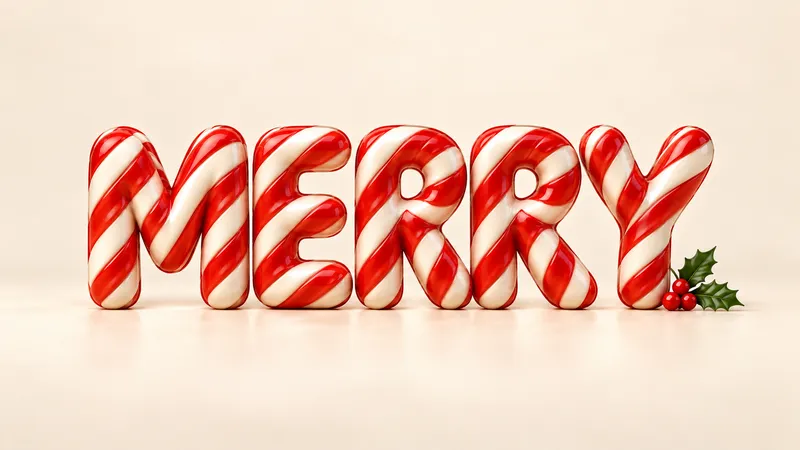
Christmas Font Generator
Give your holiday greeting its own material: fresh snow, striped candy, baked gingerbread, brushed gold or tiny lights.
Floral Text Generator
Botanical stems, pressed petals, garden signs, and soft blooms arranged around your own words.
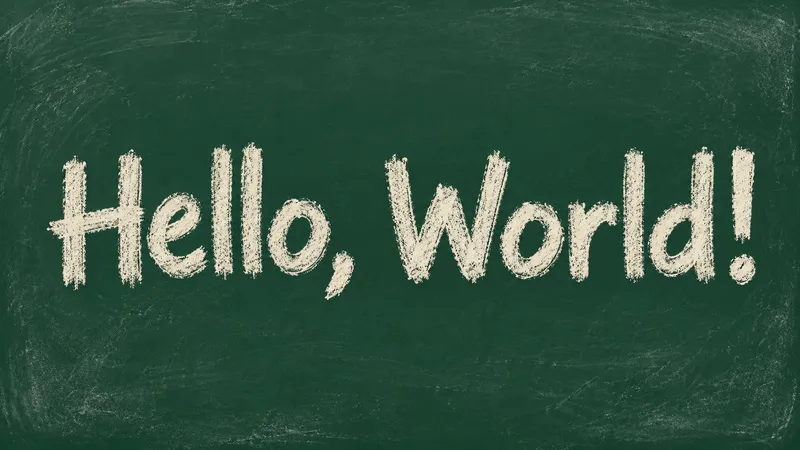
Chalk Font Generator
Turn a short greeting into dusty white chalk, soft pastel strokes or crisp chalk outlines.
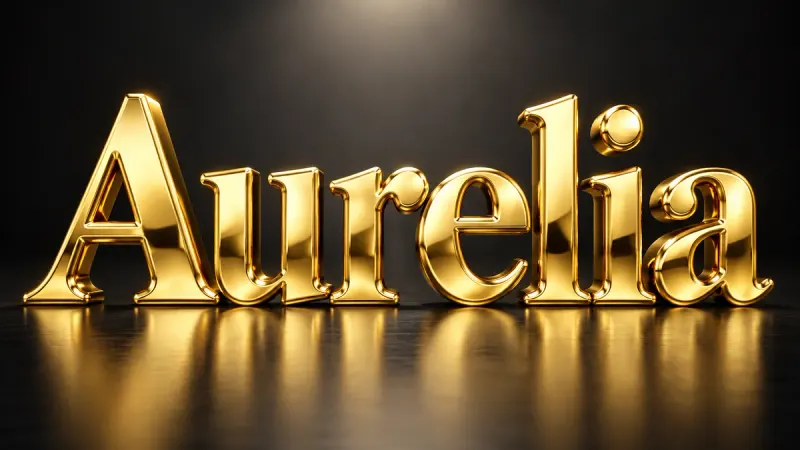
Gold Font Generator
Solid, polished, three-dimensional gold. Beveled letters with warm reflections and real weight.
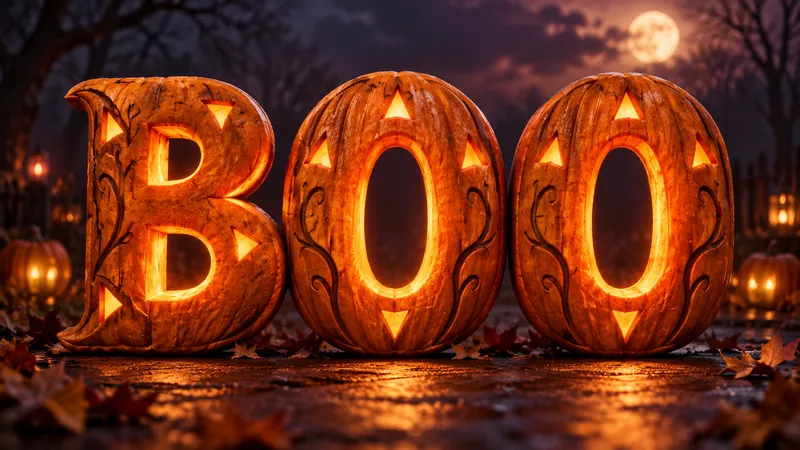
Halloween Font Generator
Make a spooky title image for your invitation, poster or video. Five looks, from pumpkin glow to candy lettering.

3D Text Generator
Letters with actual depth: extruded sides, a lit front face, and a shadow that agrees with both.