Winter Lights
Winter Lights landscape event title made from layered copper-wire string lights, with flowing script lettering and a distant winter light installation
Design reference
Give your holiday greeting its own material: fresh snow, striped candy, baked gingerbread, brushed gold or tiny lights.
Original design reference. Your generated result will depend on your text, preset and chosen model.
Quick · 1K · JPGEach generation uses the credits shown, from your available balance.
Sample text: “MERRY”This is a fixed example. Generate to create “MERRY” in this direction.
multiple fine copper-wire strands build substantial stems, curved serifs and slender connecting strokes; individual warm-white micro bulbs cast soft amber pools of light, with open counters, a strong readable silhouette and carefully separated letters; preserve the visible wire construction without solid filled letter bodies or neon tubes
Keep your text and open a ready-to-edit draft with the right preset and canvas. Credits are only used when you generate.
A landscape heading for a banner, thumbnail or party poster.
Set up in StudioCreate the decorative heading; add dates and details in your layout editor.
Set up in StudioA static portrait title card. Add its timing and animation in your video editor.
Set up in StudioBy Fontique EditorialPublished Updated
Make a Christmas greeting that feels part of the celebration. This generator turns your words into original festive lettering, with five distinct materials: snow-capped icy glass letters, peppermint candy stripes, iced gingerbread, gold gift lettering and a string of fairy lights. Start with MERRY to compare the looks, or enter your own short greeting.
Select Standard and PNG in the studio for a PNG title; Quick generation uses JPG. Use the image on a card, gift tag, market poster or video. Snowcap gives bold words a soft winter edge; Gingerbread feels handmade; Golden Gift suits a more restrained greeting. Choose a wide headline, square social graphic or portrait video canvas. Leave room for the rest of your design.
The result is a static image, not an installable Christmas font or an editable greeting-card template. Add dates, names and smaller details in your design app. The AI image includes its background. For simple lettering with real fonts and transparency, the free Text to PNG tool creates a separate text graphic; it does not cut out the AI image.
Explore public community creations and curated design references. Labels identify the source of each image.
Winter Lights landscape event title made from layered copper-wire string lights, with flowing script lettering and a distant winter light installation
Design reference
Merry Christmas square greeting card with two lines of flowing red-and-ivory candy lettering and a single holly accent on a cream background
Design reference
NOELLE hand-iced gingerbread gift tag with baked cookie texture, a real hanging hole and red cord, arranged on a warm stone surface
Design reference
Christmas Soiree portrait event poster with dimensional gold serif lettering, a dark evergreen background and restrained red ribbon accents
Design reference
Compare letter shapes without the material effect. Choose a typeface to try in Studio; AI artwork interprets its visual direction.
How it works
Enter a short Christmas greeting or holiday title and choose a canvas ratio.
Pick snow, candy cane, gingerbread, gold or fairy lights and choose your background option.
For PNG output, select Standard and PNG in the studio; generate, inspect the result and download. Quick generation uses JPG.
Use cases
FAQ
No. It renders your words as an image with the selected festive material. For PNG output, choose Standard and PNG in the studio; Quick generation uses JPG. You can import the image into a card, poster or video project, but it is not a TTF or OTF font and the letters are not individually editable after import.
Choose Snowcap for pale icy-glass letters with snow caps and small icicles, Candy Cane for playful peppermint stripes, or Gingerbread for a baked handmade look. Golden Gift suits a restrained greeting, while Fairy Lights makes a sculptural illuminated title. Compare the same word across presets and choose by readability as well as mood.
Yes. Select Standard and PNG in the studio to generate a PNG greeting, import it into your design app, and add names, dates and other small details there. Check the final size before printing: a high-resolution title still needs enough space for its smallest details to remain clear.
Quick offers experimental transparent PNG in the studio. Transparency has been checked on two low-quality 1K examples, not separately on every style; smoke, glow, and fine detail can leave semi-transparent edges. Standard and Pro currently retain a background, and image edits do not preserve transparency. For predictable transparent lettering with bundled font shapes, use Text to PNG at /tools/text-to-png. It creates new text graphics and does not remove backgrounds from AI images.
No. Every preset produces a still image. For a PNG overlay, select Standard and PNG in the studio, then import the downloaded image into a video editor and animate the title there. Twinkling bulbs and moving snow are not included in the generated image.
Sources
A letterform shape is not copyrightable in the United States, but the font file that draws it and the brand name that uses it can still be protected — so Fontique renders original lettering as images and never redistributes a typeface.
The following are examples of works not subject to copyright […] (e) Typeface as typeface.
Related styles
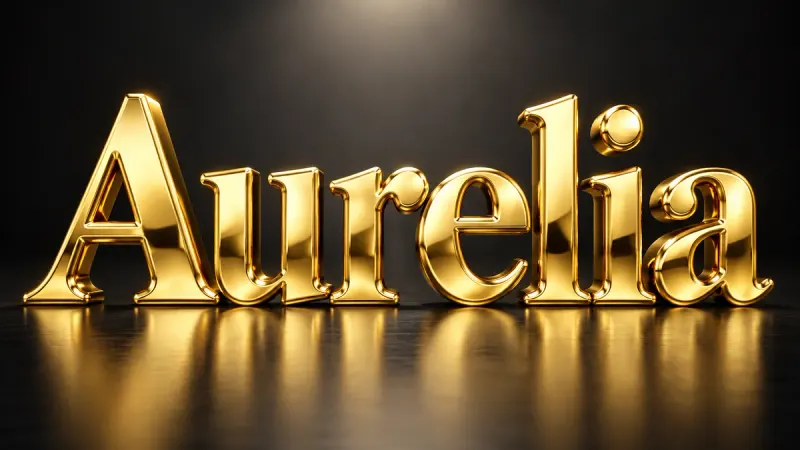
Solid, polished, three-dimensional gold. Beveled letters with warm reflections and real weight.
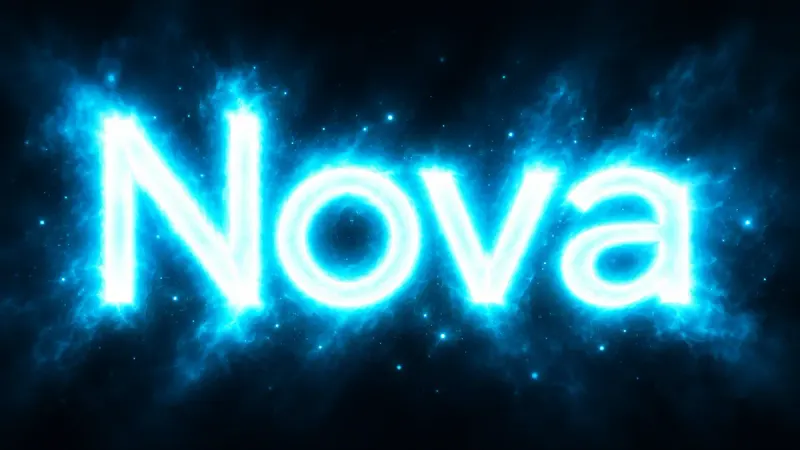
Letters that emit light. Soft bloom, colored halos, and clean luminous type without any glass tubes.
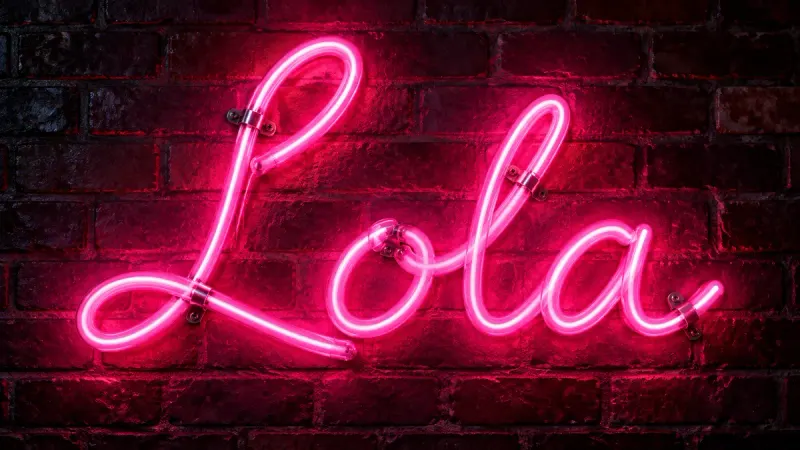
Real glass tubes, bent into your words. Realistic neon signs with mounts, wall glow, and reflections.

Letters with actual depth: extruded sides, a lit front face, and a shadow that agrees with both.
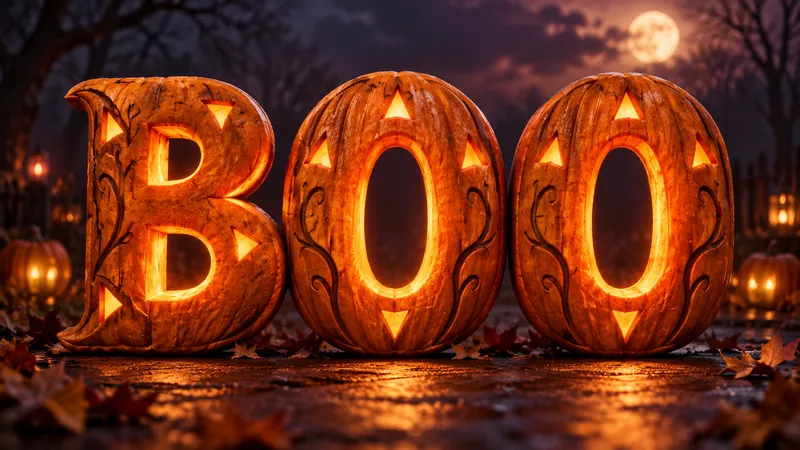
Make a spooky title image for your invitation, poster or video. Five looks, from pumpkin glow to candy lettering.
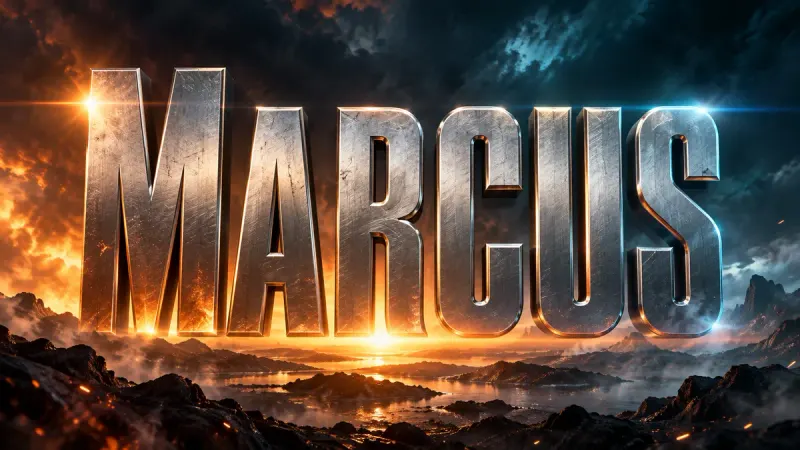
Cinematic title cards and poster type in 16:9. Blockbuster, horror, sci-fi, or prestige drama.
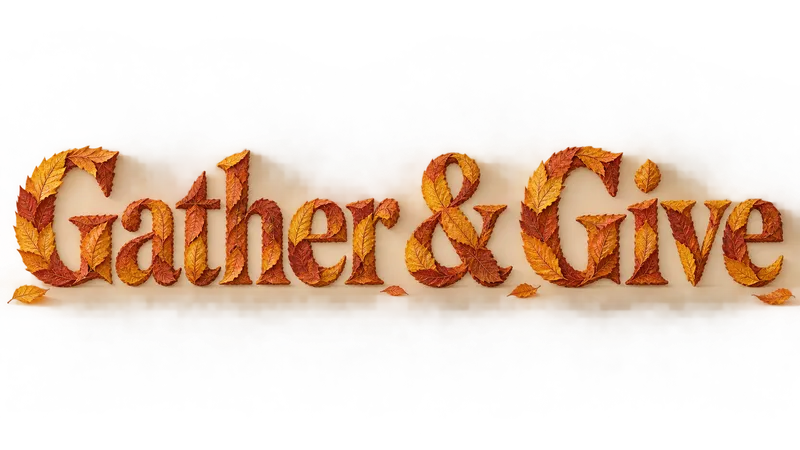
Make a gathering title with autumn leaves, carved wood or layered harvest paper.