Chalk Font Generator
Turn a short greeting into dusty white chalk, soft pastel strokes or crisp chalk outlines.
3 presets to explore
Quick · 1K · JPGEach generation uses the credits shown, from your available balance.
Sample text: “Hello, World!”This is a fixed example. Generate to create “Open Today” in this direction.
Sample details
1672 × 941 px · gpt-image-2
keep the letter interiors open and punctuation distinct; subtle erased chalk haze away from the lettering, strong light-on-dark contrast, no colored strokes
Make a chalk title that reads at its final size
Choose the lettering by its job: a compact menu heading, a colorful classroom title or a large outlined sign.
A café or market heading
Start with White Chalk and a short phrase. The thick filled strokes keep small headings clearer.
Try White ChalkA colorful classroom slide
Pastel Chalk uses peach, mint and blue on a dark board. Keep the title separate from lesson instructions.
Try Pastel ChalkA large display title
Chalk Outline leaves dark interiors and a fine double line. Use a larger placement so the outline stays visible.
Try Chalk OutlineChoose a preset for the task
- Compact menu or welcome headingWhite Chalk
- Filled strokes give the strongest contrast; add changing prices as editable text elsewhere.
- Open this preset
- Friendly classroom or party titlePastel Chalk
- Keep pastel colors on the dark board; inspect the pale strokes at thumbnail size.
- Open this preset
- Large chalkboard displayChalk Outline
- Give the double outlines room; do not shrink a long phrase onto a small label.
- Open this preset
Hello, World! in three chalk treatments
The same words make the material differences easier to compare. Open a sample’s settings to reuse its text, preset, model and canvas without starting a generation. These are image outputs rather than downloadable font files.
- Open these settings
Actual words: “Hello, World!”
White Chalk
- Open these settings
Actual words: “Hello, World!”
Pastel Chalk
- Open these settings
Actual words: “Hello, World!”
Chalk Outline
Recreate the Hello, World! chalkboard example
Open one of the sample settings below, keep Hello, World!, choose Standard, 1K, PNG and a 16:9 canvas, then generate. Compare the comma, exclamation mark and word spacing before downloading. Place the image on a welcome slide and add smaller copy in your editor. The checked chalk samples include their boards. The presets request a backdrop, but outputs can vary, so inspect your own PNG. Standard does not guarantee transparency; Quick transparent PNG remains experimental.
By Fontique EditorialPublished
Make your own chalkboard title without drawing every letter by hand. This chalk font generator turns a short name or phrase into a textured image: broken powder at the edges, dark board showing through the strokes, and enough contrast to keep the words readable. Start with Hello, World! to compare the three lettering directions using the same punctuation and spacing.
White Chalk uses bold filled strokes on a dark green board. Pastel Chalk brings peach, mint and pale blue into softer hand-lettering. Chalk Outline leaves the letter interiors dark, with a double chalk line and a restrained offset shadow. Choose by the space where the title will appear: a small café menu heading needs heavier strokes than a large classroom display.
Open the studio with your chosen preset, use a wide canvas and generate a PNG with Standard. Check the comma, exclamation mark and thin strokes before downloading. These presets request a board background; check your own PNG before placing it in another design. The result is an image, not an installable chalk font or an editable menu. Add prices, dates and smaller copy separately in your design app.
- Models
- gpt-image-2.5-sunburst (Quick preview) · gpt-image-2 (Standard) · nano-banana-pro (Pro)
- Resolution & format
- Quick: 1K PNG / JPEG, experimental transparency · Standard / Pro: 1K / 2K / 4K PNG / JPEG with a background
- Typical render
- ~45s Standard · ~22s Pro
- Credits
- 100 credits at 1K Quick · 100 credits at 1K, 200 credits at 2K, 400 credits at 4K on Standard
- This page
- 3 presets · 6 sample phrases · 5 answered questions
Compare real typefaces
Compare letter shapes without the material effect. Choose a typeface to try in Studio; AI artwork interprets its visual direction.
How it works
How to make Chalk Text
Enter a short greeting such as Hello, World! and keep its punctuation exactly as needed.
Choose White Chalk, Pastel Chalk or Chalk Outline, then open the studio on a 16:9 canvas.
Select Standard and PNG, generate, inspect every letter at the intended display size and download the image.
Use cases
What people use Chalk Text for
- Café menu headings
- Classroom welcome slides
- Market sign mockups
- Party welcome graphics
- Recipe video titles
- Chalkboard social posts
FAQ
Chalk Font Generator FAQ
Yes. Enter a short name or phrase, then choose White Chalk, Pastel Chalk or Chalk Outline. The studio supports up to 40 characters, but one to four words gives chalk grain and punctuation more room. Review the exact spelling in the generated image before downloading.
Start with White Chalk. Its filled strokes hold up better at small sizes than a fine outline. Keep the heading short and check it at the size customers will see. Generate only the heading here; add prices and regularly changing menu text as editable text in your layout app.
No. You download an image of your words, not a TTF or OTF file. You can place that image in Canva or another editor, but you cannot select individual letters and retype them there. Change the text in this generator and render a new image instead.
The checked chalk examples include their boards. Standard PNG backgrounds can vary, and transparency is not guaranteed. Quick also offers experimental transparent PNG, but these chalk presets have not been separately checked with that option. Review fine chalk edges on your intended background. For predictable transparent text with bundled font shapes, use Text to PNG.
Use broad strokes, leave space around the phrase and inspect the downloaded image at its final print size. Avoid shrinking a long line onto a small label. Chalk Outline is better suited to larger headings; White Chalk offers the strongest contrast for compact signs.
Sources
What this is based on
A letterform shape is not copyrightable in the United States, but the font file that draws it and the brand name that uses it can still be protected — so Fontique renders original lettering as images and never redistributes a typeface.
The following are examples of works not subject to copyright […] (e) Typeface as typeface.
- OpenAI, Image generation guide (gpt-image)
- Google, Gemini API — Image generation
Related styles
More text effect generators
Chinese Brush Font Generator
Turn Chinese words, names, and short phrases into expressive ink lettering with a readable brush rhythm.
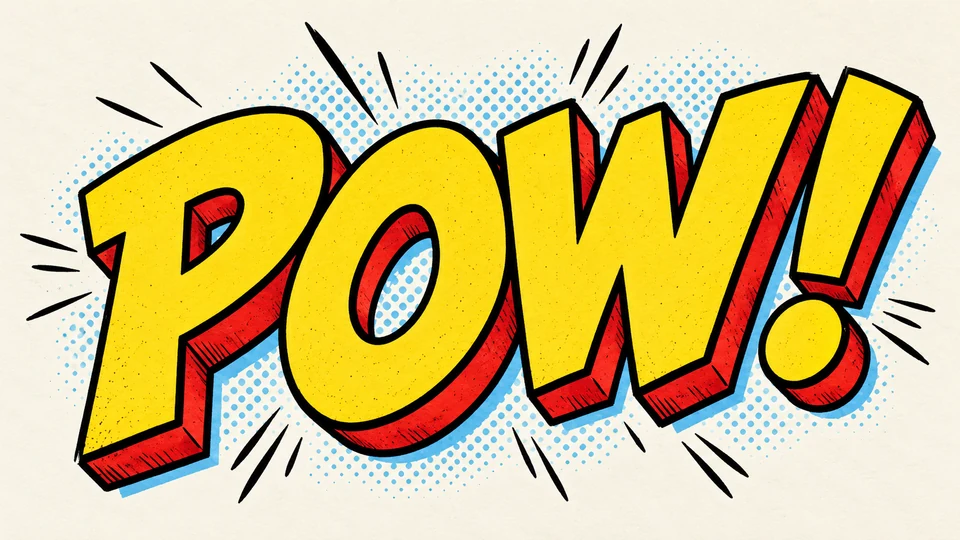
Comic Text Generator
Build a punchy comic title or speech-bubble word with ink outlines, halftone energy, and clean readability.
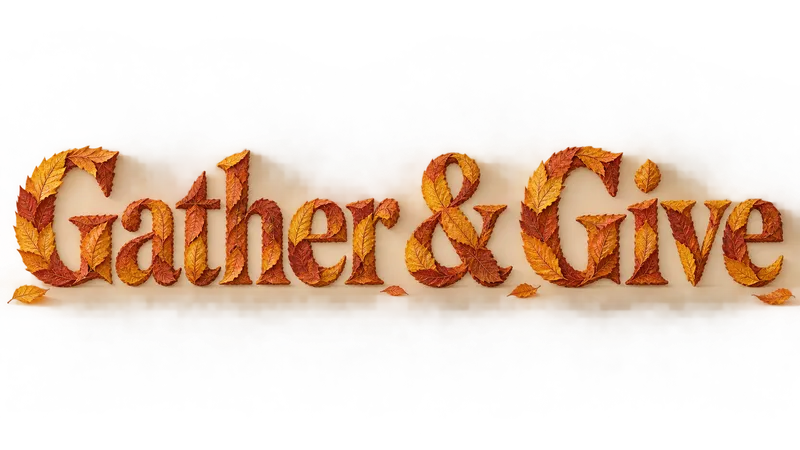
Thanksgiving Font Generator
Make a gathering title with autumn leaves, carved wood or layered harvest paper.
Floral Text Generator
Botanical stems, pressed petals, garden signs, and soft blooms arranged around your own words.
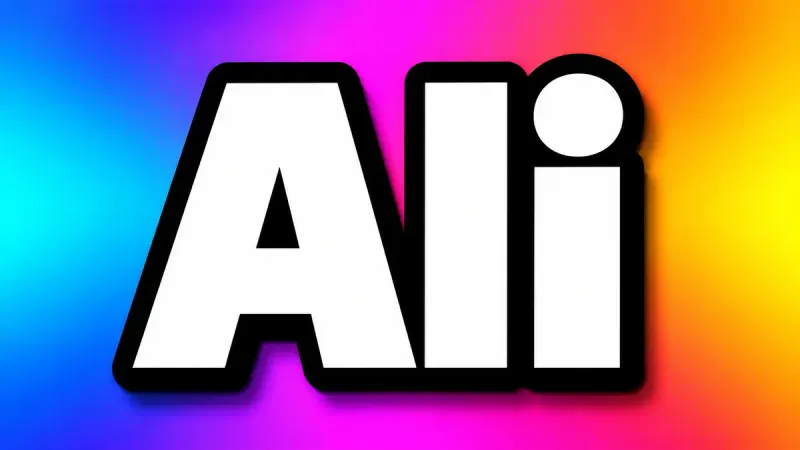
YouTube Thumbnail Font Generator
Thick, outlined, high-contrast text that stays readable at 168 pixels wide. Built for the click.
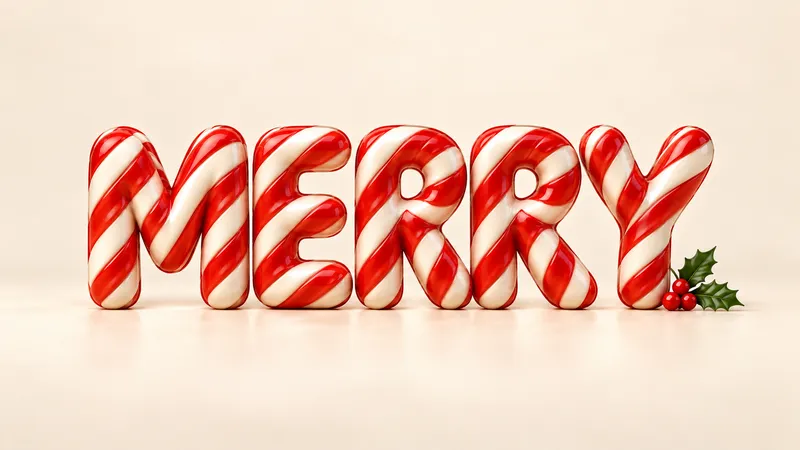
Christmas Font Generator
Give your holiday greeting its own material: fresh snow, striped candy, baked gingerbread, brushed gold or tiny lights.