3D Text Generator
Letters with actual depth: extruded sides, a lit front face, and a shadow that agrees with both.
By Fontique EditorialPublished
Most free 3D text generators fake depth by stacking a few offset copies of a flat font, which is why the sides never match the angle of the letters and the shadow points the wrong way. The Fontique 3D text generator works differently. Our model builds each letter as a solid object, so the extruded side walls follow the curve of every stroke, the front face catches a highlight, and the contact shadow falls where the light says it should.
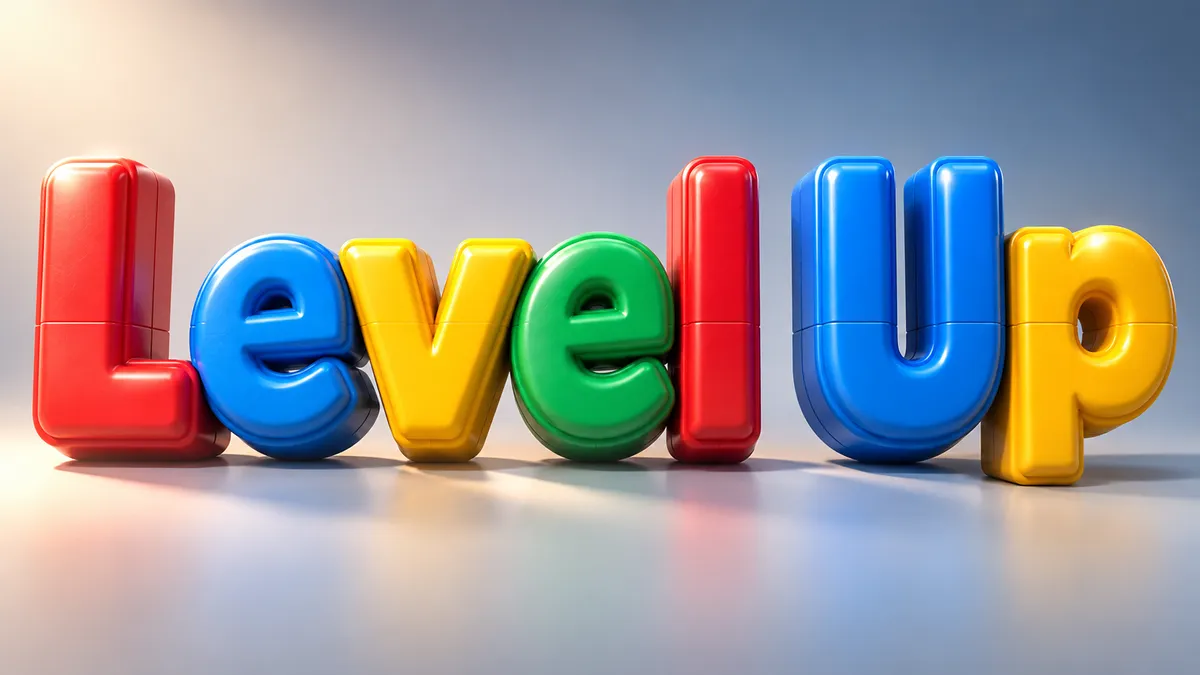
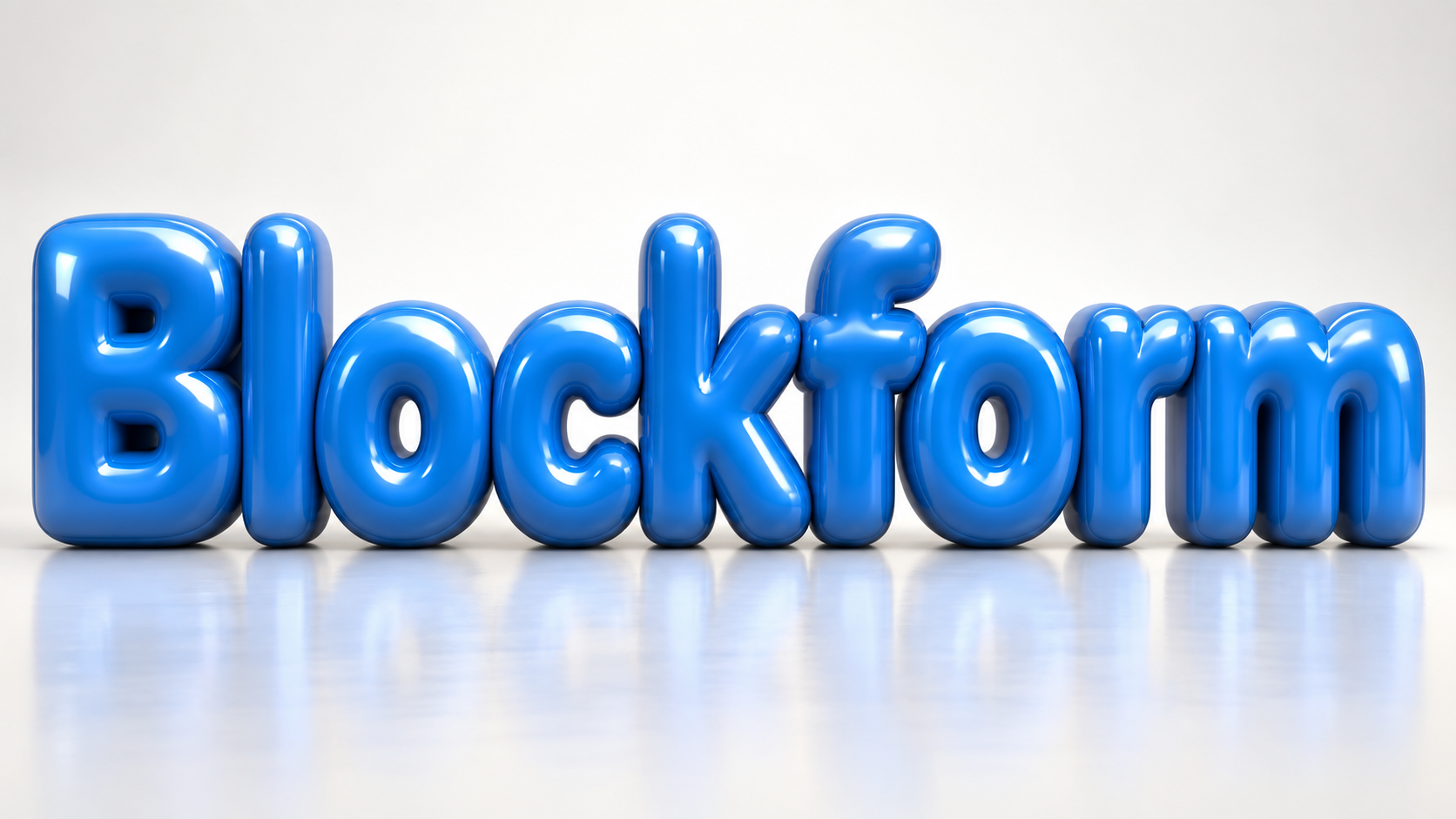
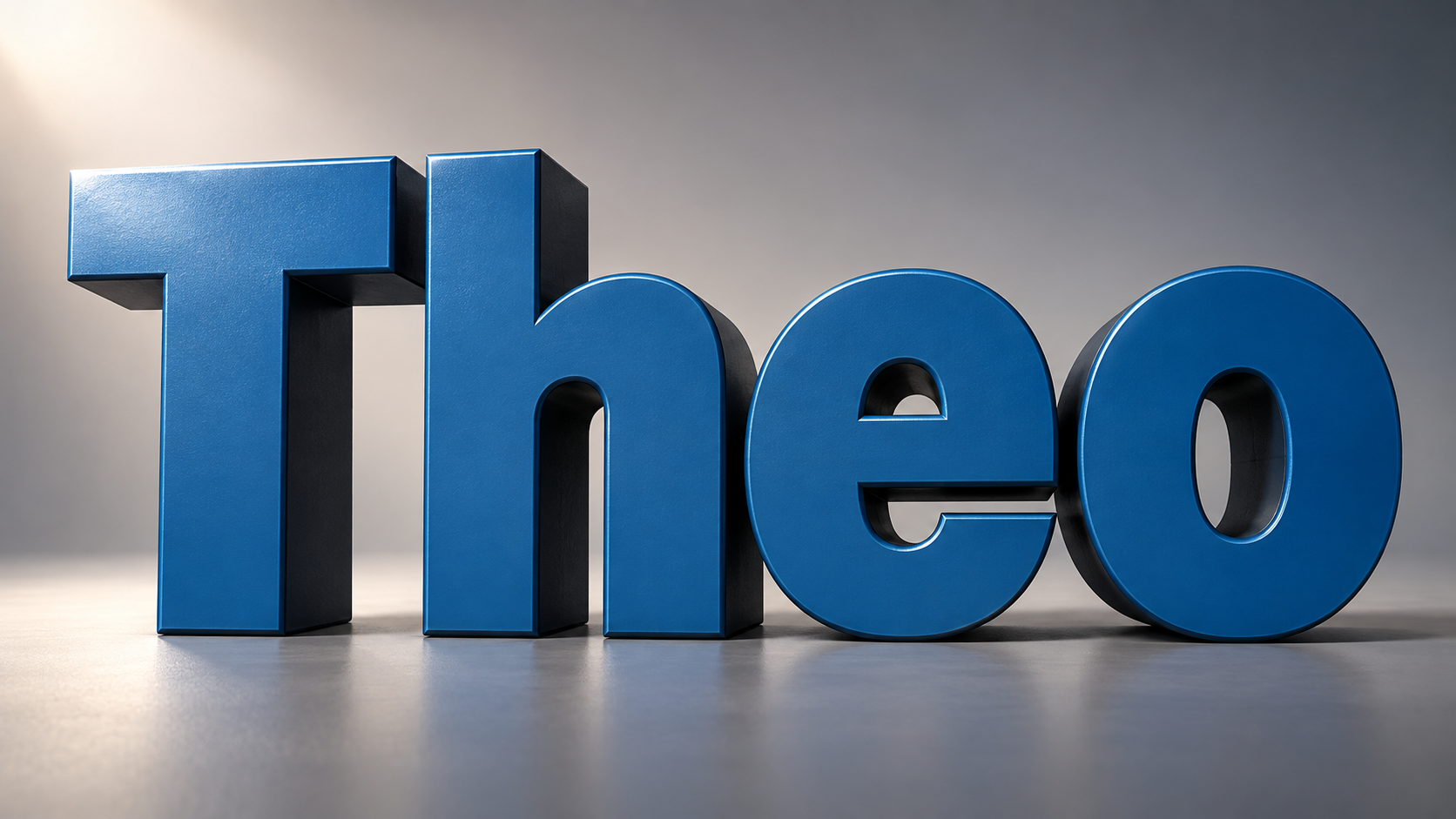
Five presets cover the materials people actually ask a 3D text maker for. Extruded Block is the clean studio render with deep straight sides. Inflated Gloss puffs the letters into balloon forms with soft specular highlights. Beveled Plastic gives you chunky toy-like edges, Carved Stone presses the word into rough relief with raking light, and Isometric Blocks stacks the letters on a pastel grid with long shadows.
Because every render is drawn from scratch rather than filtered, a 3D text creator like this suits work where the lettering is the subject: title cards, thumbnails, app store art, packaging mockups, and poster type. Renders download as HD PNGs, and the transparent option isolates the letters with their shadow so you can drop them onto any background.
Sign in to generate — new accounts get free credits.
Type a word, choose a style and press Generate. Results appear here and in your creations.
- Models
- gpt-image-2 (Standard) · nano-banana-pro (Pro)
- Resolution
- 1K / 2K / 4K PNG, transparent optional
- Typical render
- ~45s Standard · ~22s Pro
- Credits
- 1 at 1K, 2 at 2K, 4 at 4K on Standard
- This page
- 5 presets · 6 sample phrases · 5 answered questions
- Credit packs
- From $4.90 for 100 credits · commercial use included
Presets
5 3D Text presets
Each preset changes material, lighting and backdrop while keeping "Theo" perfectly legible.
Extruded Block
heavy geometric capitals with deep straight extrusion, matte painted front face and darker side walls, precise studio product-shot lighting
Inflated Gloss
letters inflated into smooth balloon-like forms, glossy surface with a bright soft-box highlight and gentle ambient occlusion where shapes meet
Beveled Plastic
chunky letters in saturated moulded plastic with wide chamfered bevels, visible seam lines and a toy-like satin finish
Carved Stone
letters cut in relief from rough grey stone, chisel marks along the bevels, raking side light casting deep shadows into the cuts
Isometric Blocks
letters built as isometric blocks on a pastel grid, flat-shaded faces in three tones, long parallel shadows, clean vector-like edges
Examples
3D Text Generator examples
Straight out of the model — no retouching. Every render below came from the 3D text generator with the preset named in the caption.

How it works
How to make 3D Text
- 01
Type the word you want built in 3D.
- 02
Pick a material: extruded, inflated, plastic, stone, or isometric.
- 03
Generate and download the HD or transparent PNG.
Use cases
What people use 3D Text for
- YouTube thumbnail titles
- App store screenshots
- Product packaging mockups
- Event and title cards
- Poster typography
FAQ
3D Text Generator FAQ
Those tools apply a layer style: a bevel and a drop shadow on top of a flat font. The geometry never changes, so the sides of the letters stay parallel no matter how curved the stroke is. Our model renders the word as a solid object, which is why the extrusion wraps correctly around an S or a G and the shadow matches the light.
Yes. Enable the Transparent option and the PNG contains only the lettering, its extruded sides, and the contact shadow. That matters more for 3D than for flat styles, because the shadow is what sells the depth once the letters sit on your own background.
Extruded Block and Inflated Gloss survive being scaled down to a phone-sized thumbnail best, because both keep a bright front face with high contrast against the sides. Carved Stone and Isometric Blocks carry more detail and read better at poster or banner size.
You get free credits when you create an account, and each standard render costs one credit, so the first batch of 3D text costs nothing. After that, credit packs are available on the pricing page with no subscription, and credits never expire.
One to three words gives the best result. Depth needs room: as the letters get smaller the extruded sides compress until the effect looks flat again. For a longer line, switch to the 3:1 banner ratio, or split the phrase across two renders and stack them in your layout.
Sources
What this is based on
A letterform shape is not copyrightable in the United States, but the font file that draws it and the brand name that uses it can still be protected — so Fontique renders original lettering as images and never redistributes a typeface.
The following are examples of works not subject to copyright […] (e) Typeface as typeface.
- OpenAI, Image generation guide (gpt-image)
- Google, Gemini API — Image generation
Related styles
More text effect generators
 Text effect
Metallic Font Generator
Brushed steel, satin silver, warm copper, or rusted iron. Real metal texture with weight and grain.
 Text effect
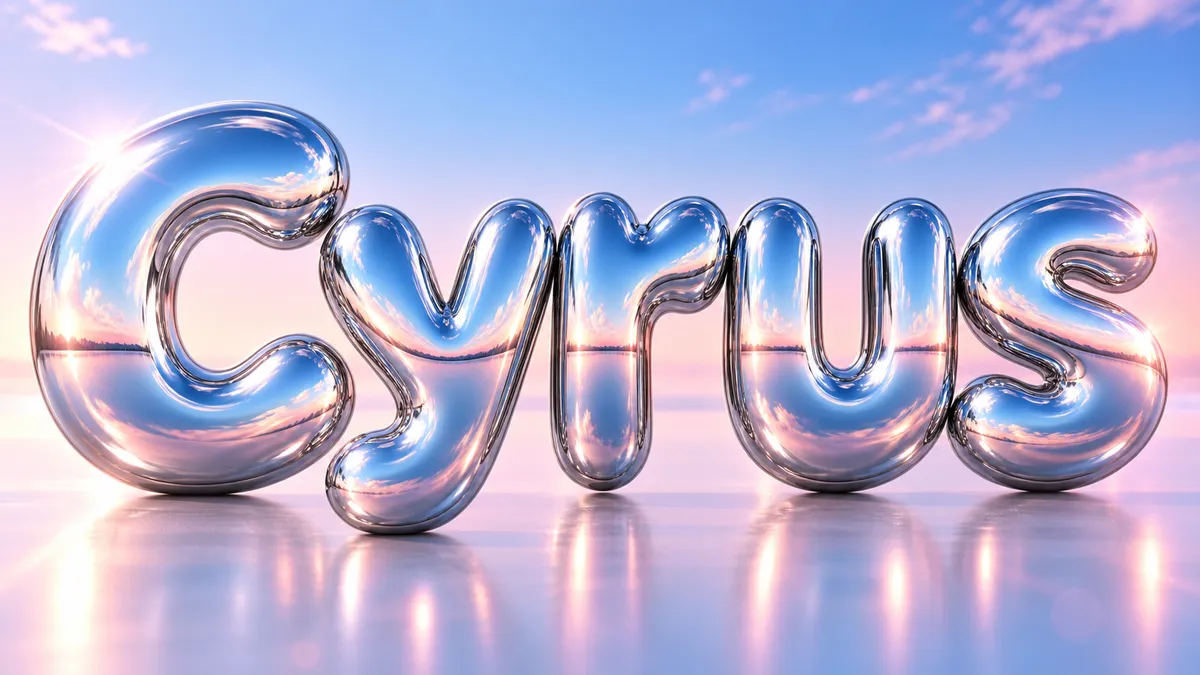
Chrome Font Generator
Mirror-finish liquid chrome that reflects everything around it. Y2K, beveled, or melting.
 Text effect
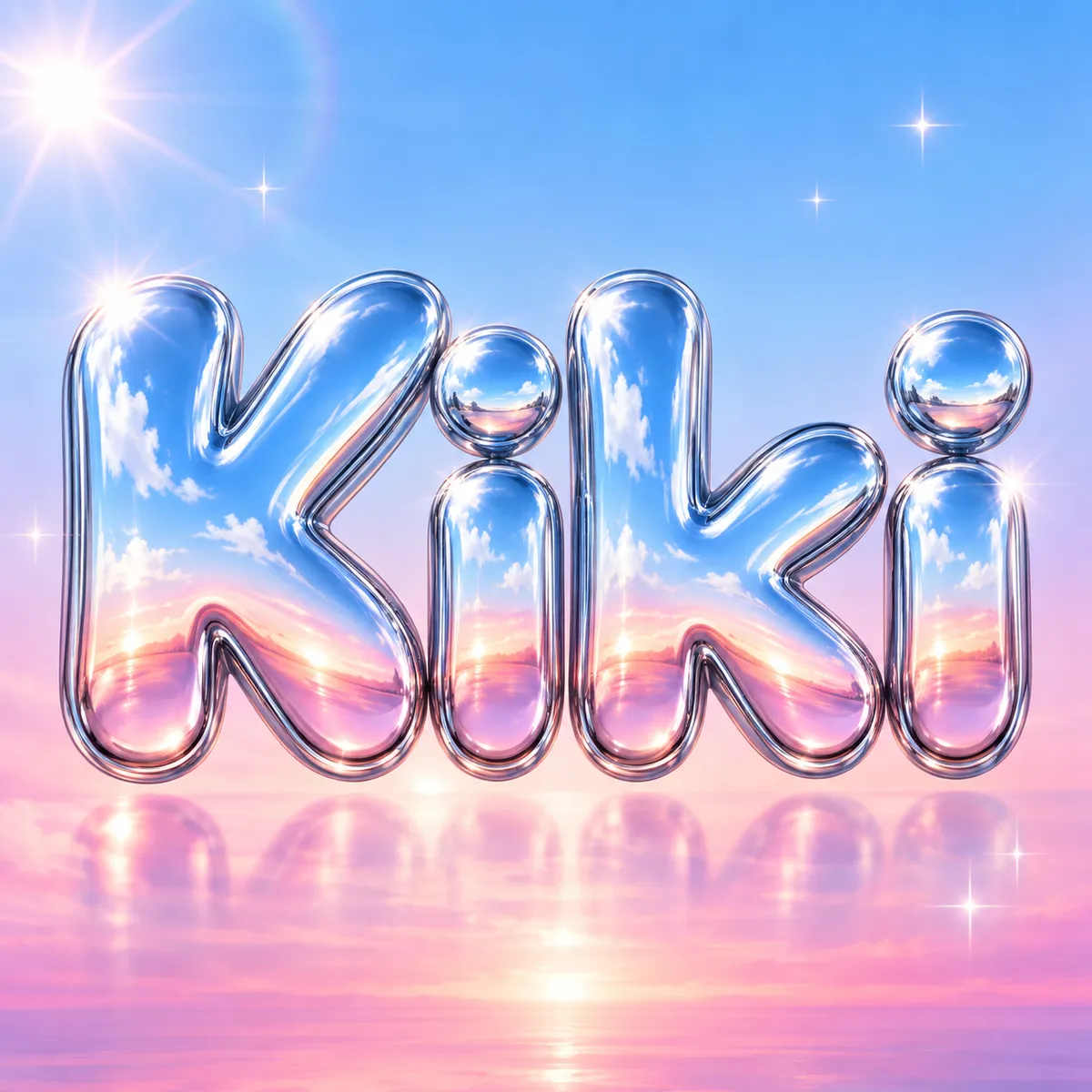
Y2K Font Generator
Millennium chrome, aqua gloss, glitter gel, and holo stickers. The year 2000 as a letterform.
 Text effect
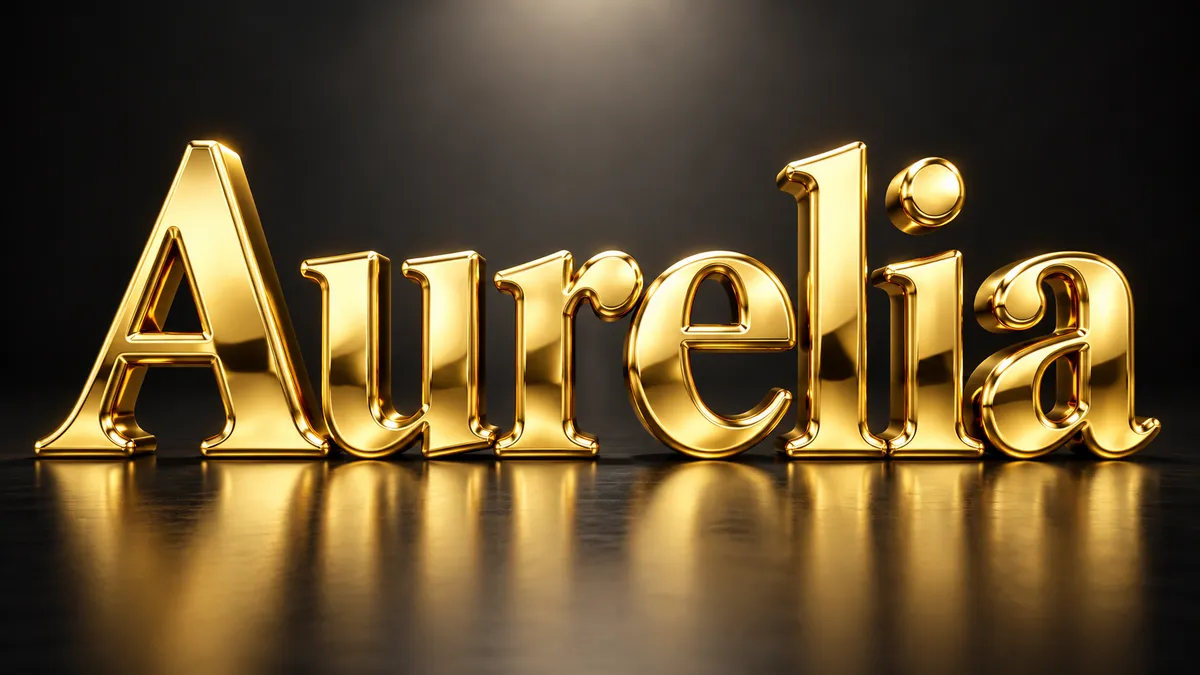
Gold Font Generator
Solid, polished, three-dimensional gold. Beveled letters with warm reflections and real weight.
 Use case
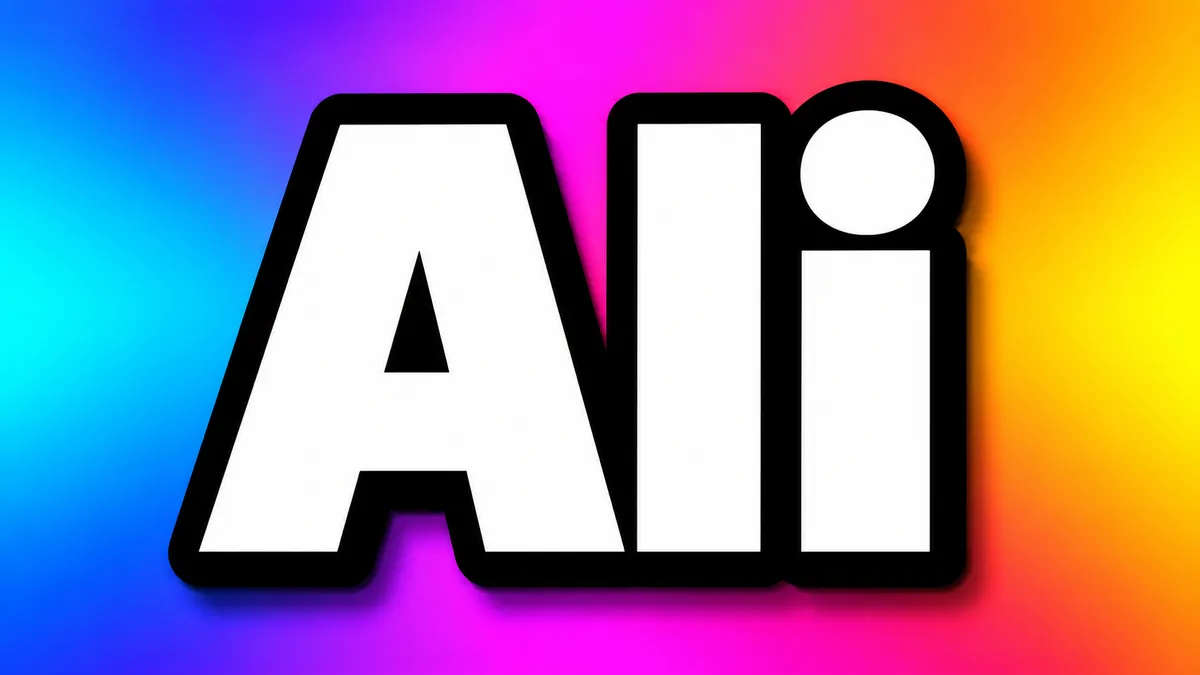
YouTube Thumbnail Font Generator
Thick, outlined, high-contrast text that stays readable at 168 pixels wide. Built for the click.
 Use case
Movie Title Generator
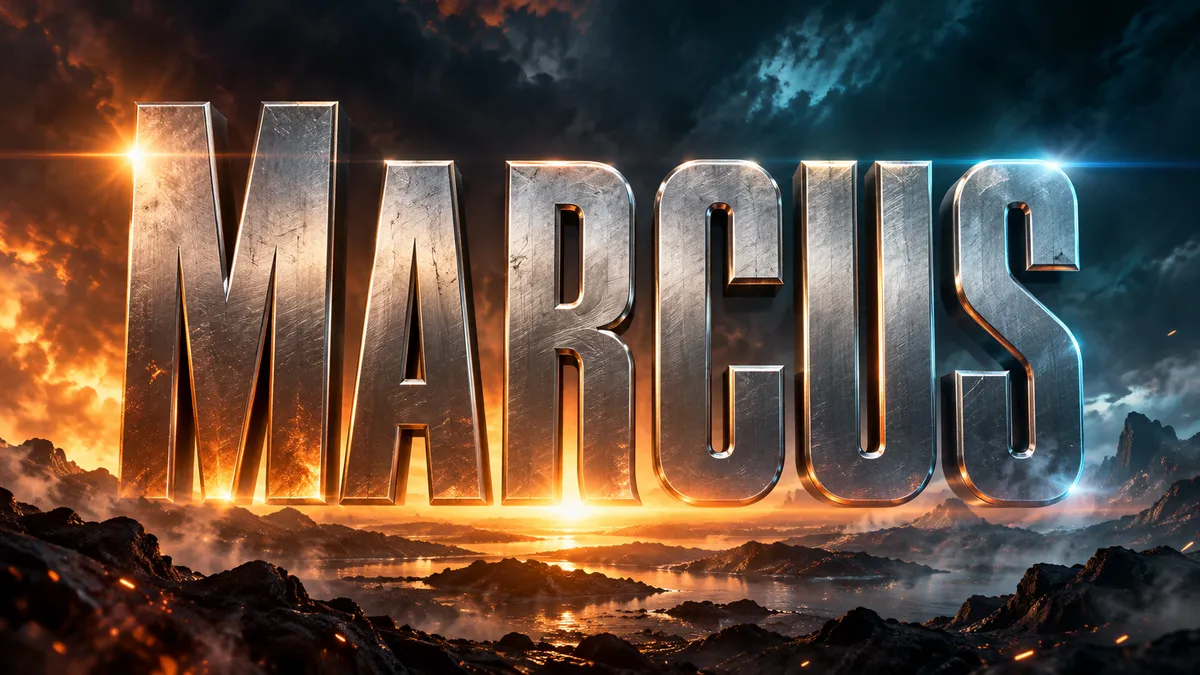
Cinematic title cards and poster type in 16:9. Blockbuster, horror, sci-fi, or prestige drama.