Fire Text Generator
Type a word, pick a flame preset, and get roaring fire lettering with live embers in seconds.
By Fontique EditorialPublished Updated
The Fontique fire text generator renders your words as roaring flames: tall, turbulent fire tongues rising off every stroke, glowing embers drifting upward, and a haze of heat and smoke that makes the letters feel alive. Unlike a flat fire text effect layered onto a font, the AI paints each letter as a real burning form, so the lettering reads clearly while the fire moves around it.
Pick a preset to steer the mood. Inferno pushes towering orange-and-red flames, Blue Blaze gives you gas-burner blue, and Ember Core keeps the fire tight around a dark molten core. Sizes, ratios, and colors adapt to your text, whether it is a gamer tag or a three-word band name.
People use this fire font generator for YouTube thumbnails, Twitch banners, album covers, party invitations, and logos that need heat. Every render downloads as an HD PNG, with a transparent background available for compositing. As a fire text maker it works best on one word or a short phrase, under roughly 20 characters, which keeps the flames tall and the letters readable.
输入文字、选择风格并点击生成。结果会显示在这里以及“我的作品”中。
- Models
- gpt-image-2 (Standard) · nano-banana-pro (Pro)
- Resolution
- 1K / 2K / 4K PNG, transparent optional
- Typical render
- ~45s Standard · ~22s Pro
- Credits
- 1 at 1K, 2 at 2K, 4 at 4K on Standard
- This page
- 5 presets · 6 sample phrases · 5 answered questions
- Credit packs
- From $4.90 for 100 credits · commercial use included
预设
5 Fire Text presets
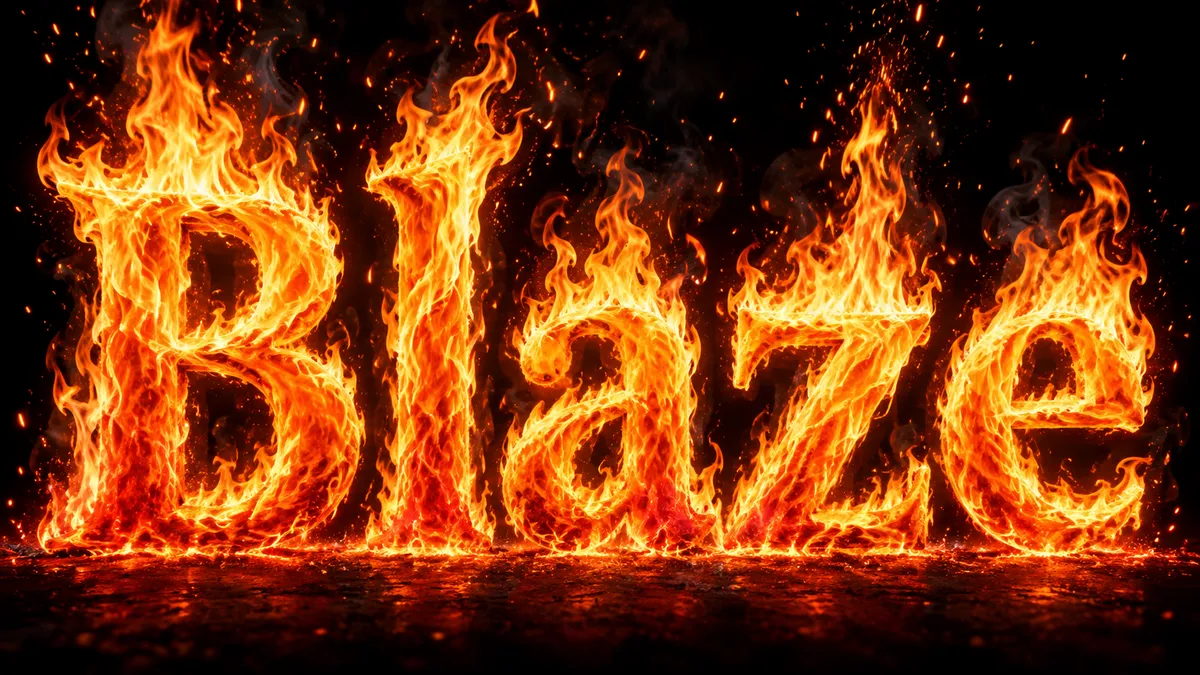
Each preset changes material, lighting and backdrop while keeping "Blaze" perfectly legible.
Inferno
massive towering flames engulfing the letters, deep red base fading to bright yellow tips, heavy shower of embers
Blue Blaze
cool blue gas-burner flames with violet edges and white cores, crisp and intense, sparse silver sparks
Ember Core
compact fire hugging dark molten letterforms, orange-red glow leaking through cracks, fine ember trails
Wildfire
wind-swept flames streaking sideways off the letters, long ember streaks, dramatic motion blur on the fire tips
Hellfire
dark crimson and black flames with sulfur-yellow highlights, thick smoke, sinister heavy letterforms
示例
Fire Text Generator examples
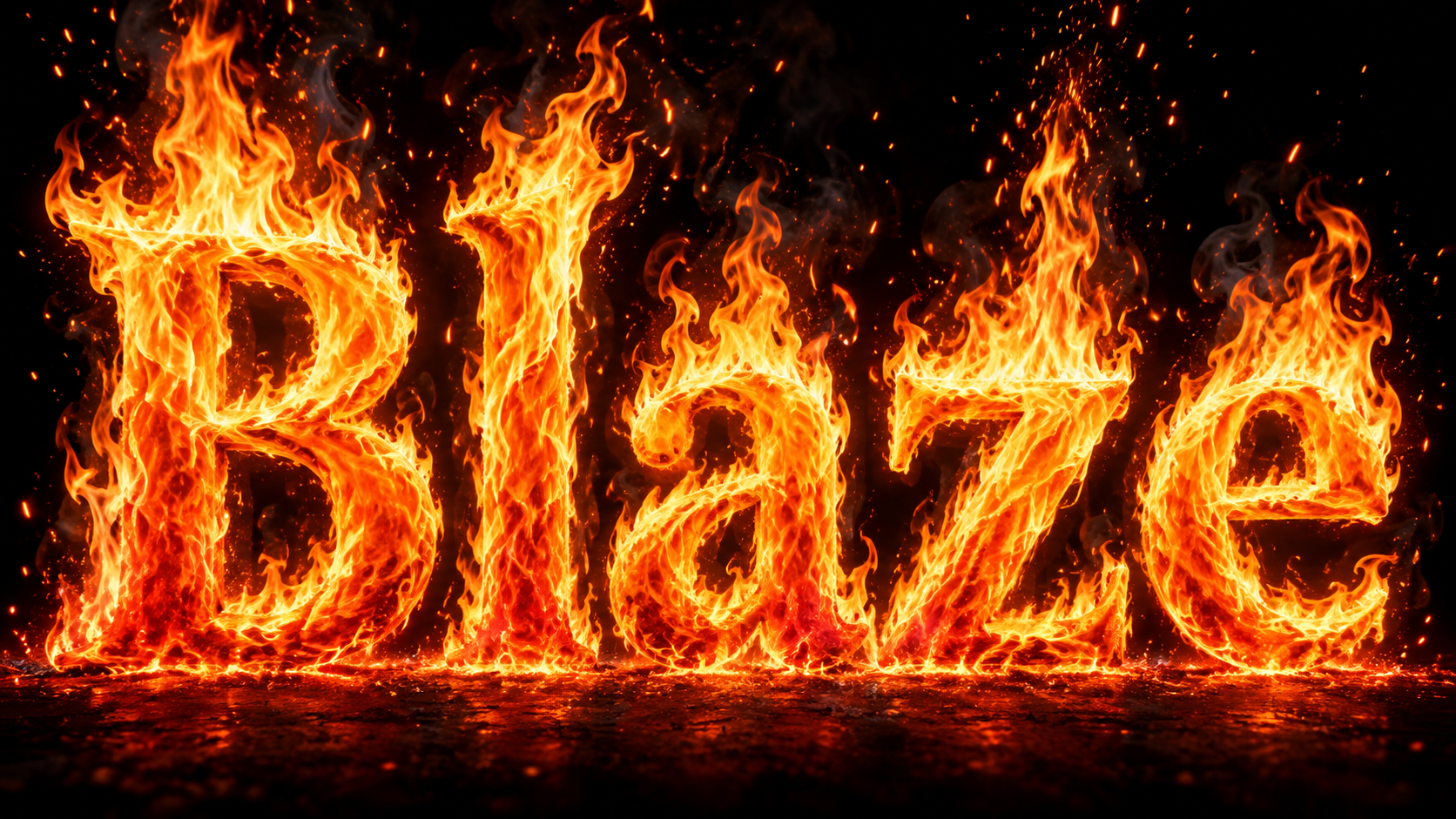
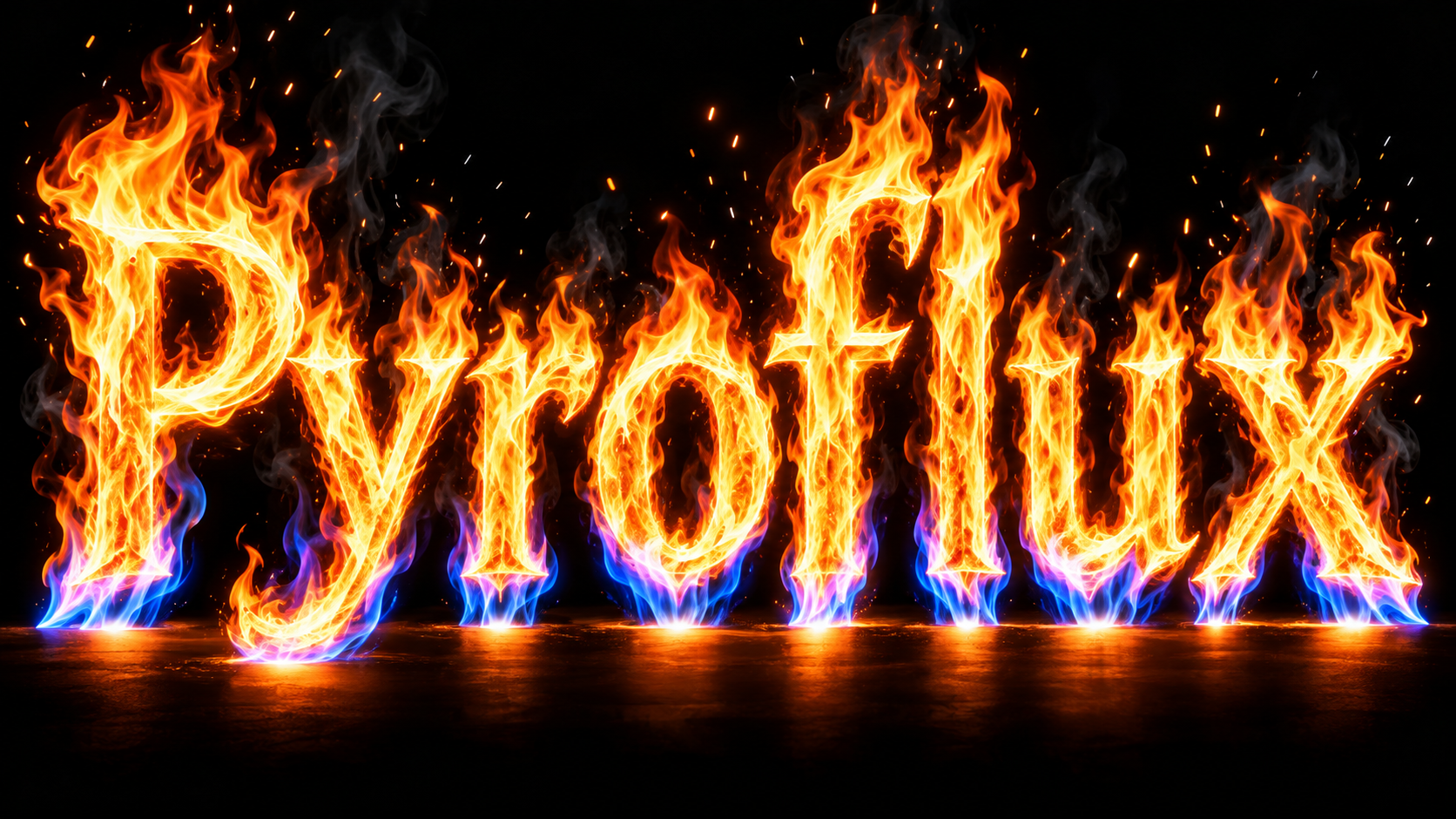
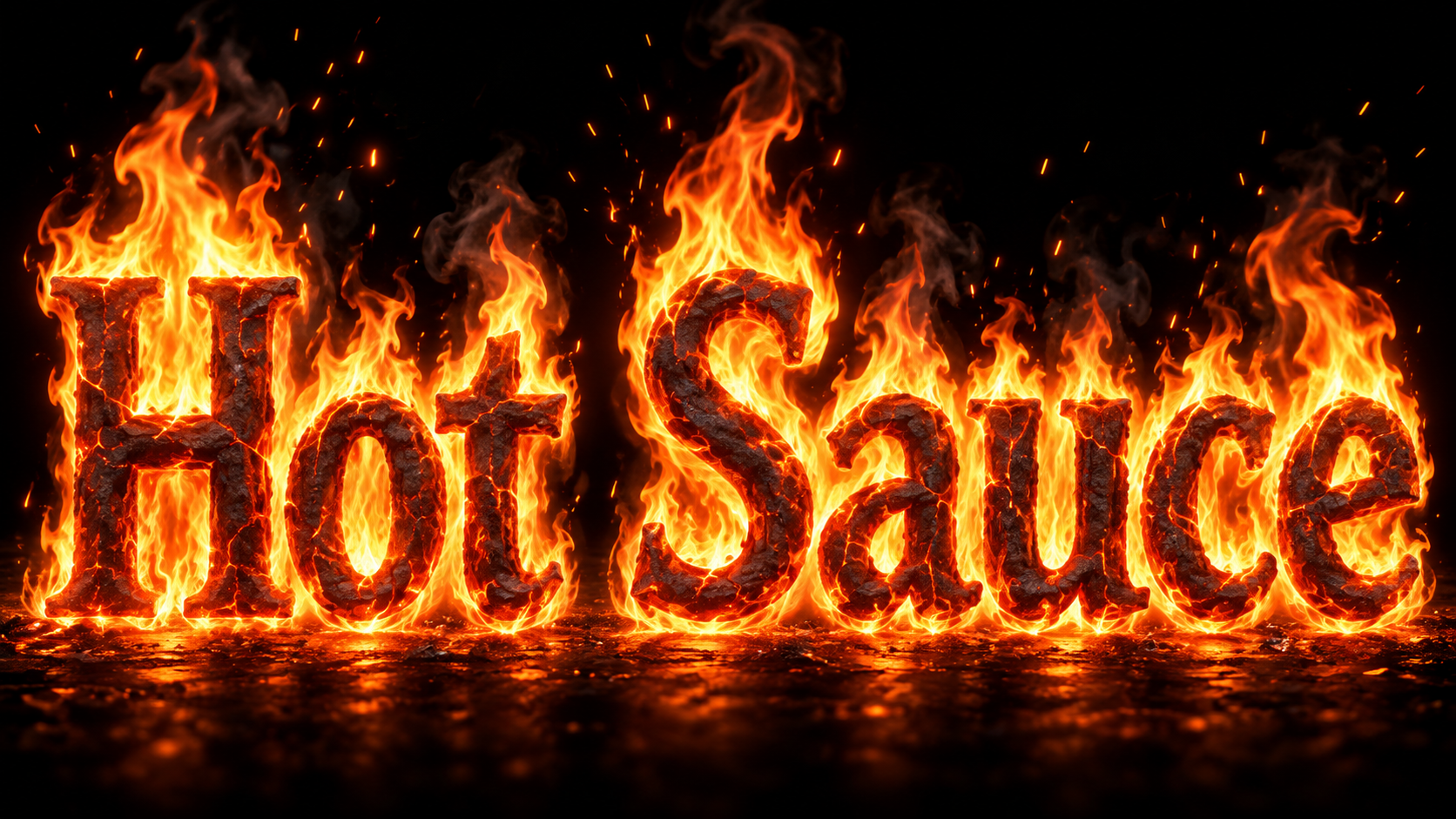
Straight out of the model — no retouching. Every render below came from the fire text generator with the preset named in the caption.
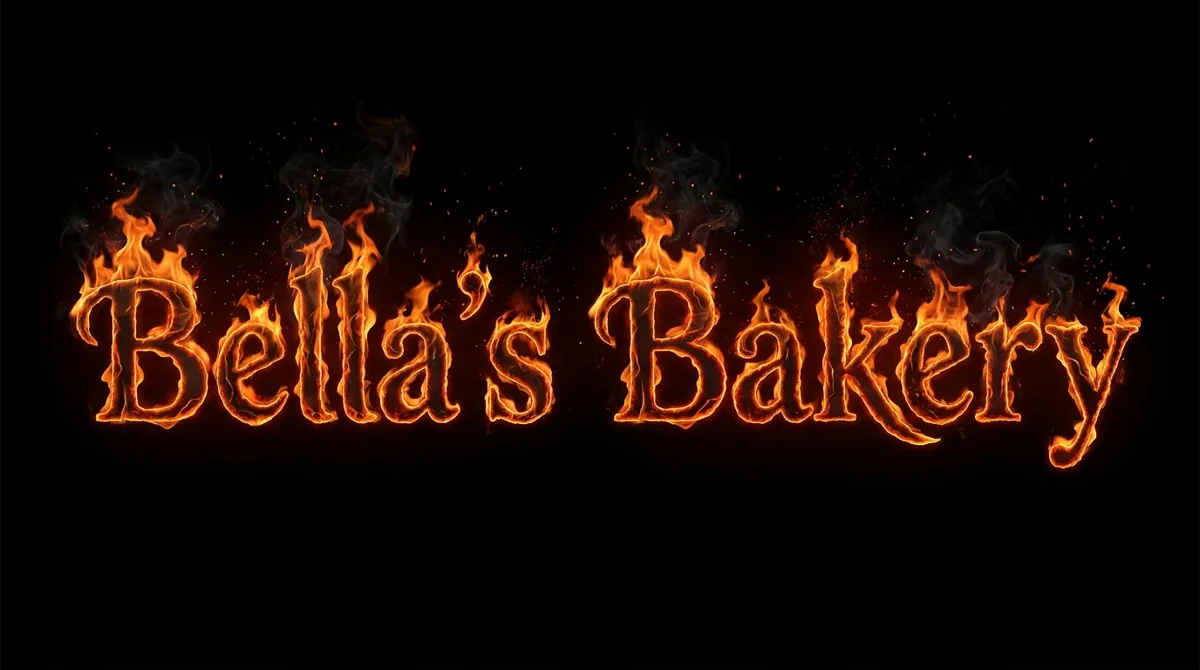
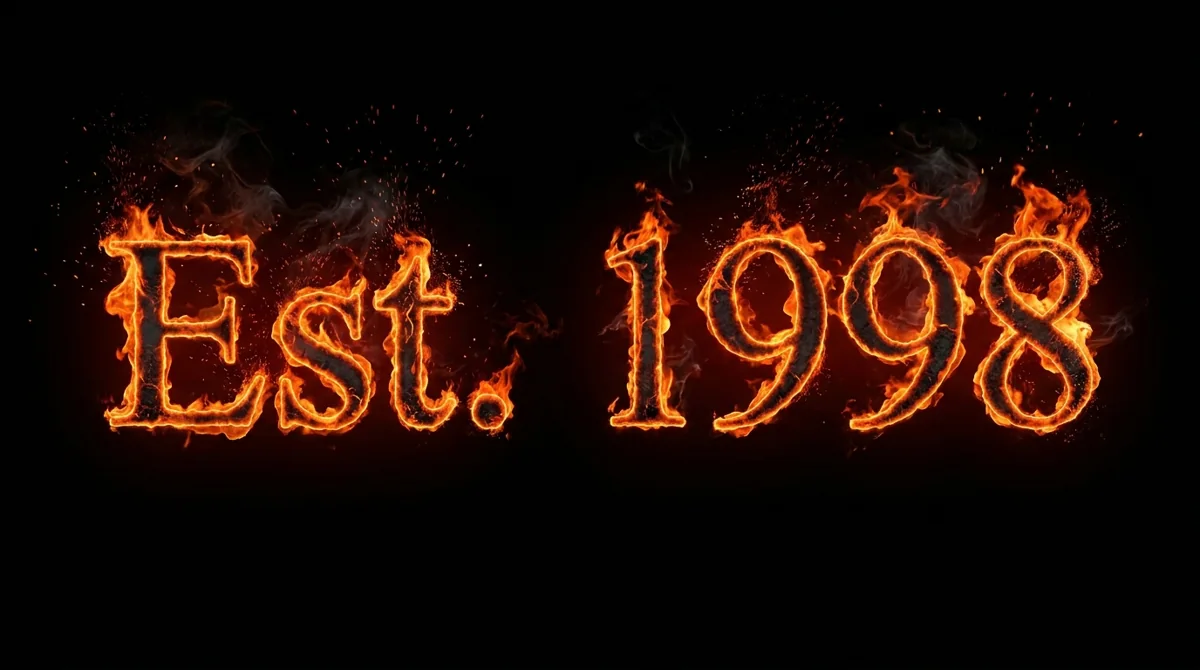
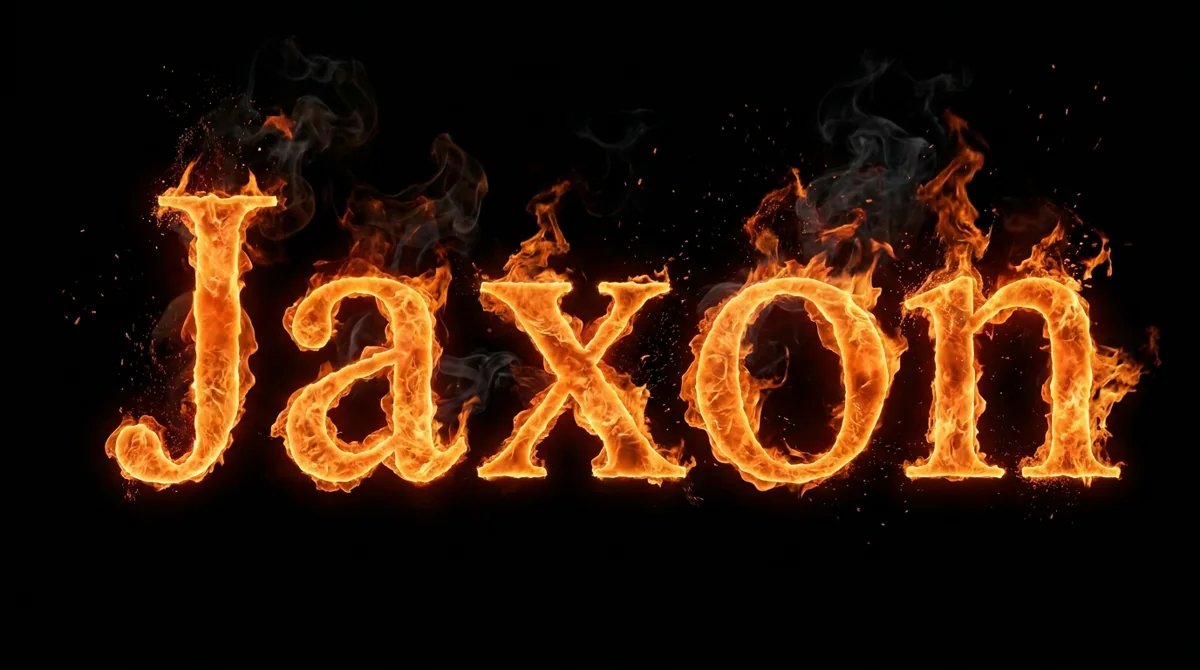
使用方式
How to make Fire Text
- 01
Type the word or phrase you want to set on fire.
- 02
Choose a flame preset and an aspect ratio.
- 03
Generate, then download your HD or transparent PNG.
适用场景
What people use Fire Text for
- YouTube thumbnails
- Twitch and Kick banners
- Metal album covers
- Gaming clan logos
- Party invitations
- Hot sauce labels
常见问题
Fire Text Generator FAQ
A fire font is a static typeface with flame shapes baked into each glyph. The fire text generator paints your specific word as burning letters, so the flames, embers, and glow respond to the shapes and spacing of your text instead of repeating the same tongue on every letter.
Yes. Every render downloads as an HD PNG. Choose the Transparent option before generating and the fire lettering comes back on a transparent PNG, ready to drop onto a thumbnail, banner, or video frame without any masking work.
Yes. Images you generate on Fontique are yours to use in personal and commercial projects, including logos, merch, thumbnails, and ads. We do not add watermarks, and you do not owe us attribution, although a mention is always appreciated.
You get free credits when you sign up, and each standard image costs one credit. Higher resolutions and larger batches use more credits. If you run out, paid credit packs are available on the pricing page with no subscription required.
Inferno and Wildfire read best at small sizes because the flames are large and the contrast is high. Keep the text to one or two words, choose the 16:9 ratio, and pair the render with a dark or blurred background so the fire pops.
Sources
What this is based on
A letterform shape is not copyrightable in the United States, but the font file that draws it and the brand name that uses it can still be protected — so Fontique renders original lettering as images and never redistributes a typeface.
The following are examples of works not subject to copyright […] (e) Typeface as typeface.
- OpenAI, Image generation guide (gpt-image)
- Google, Gemini API — Image generation
相关风格
More text effect generators
 Text effect
Flame Text Generator
Pure, smokeless flame tongues shaped into your words. No embers, no soot, just clean fire.
 Text effect
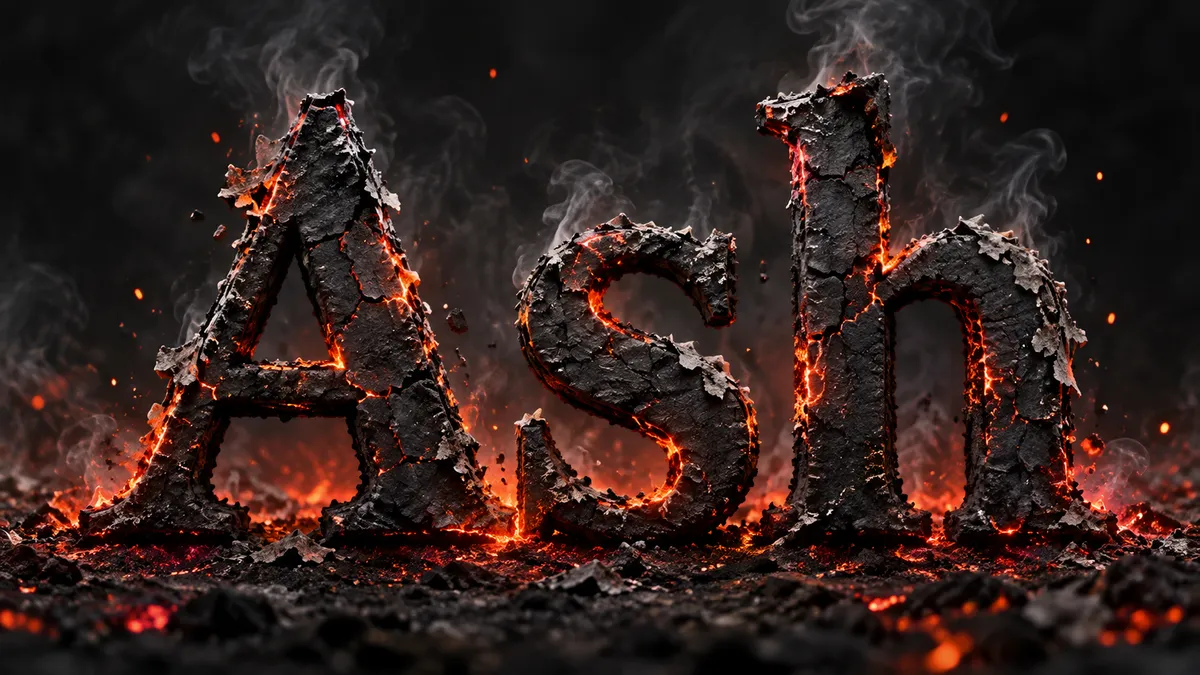
Burning Text Generator
Letters that have already caught: charred surfaces, glowing ember cracks, and ash lifting off the edges.
 Text effect
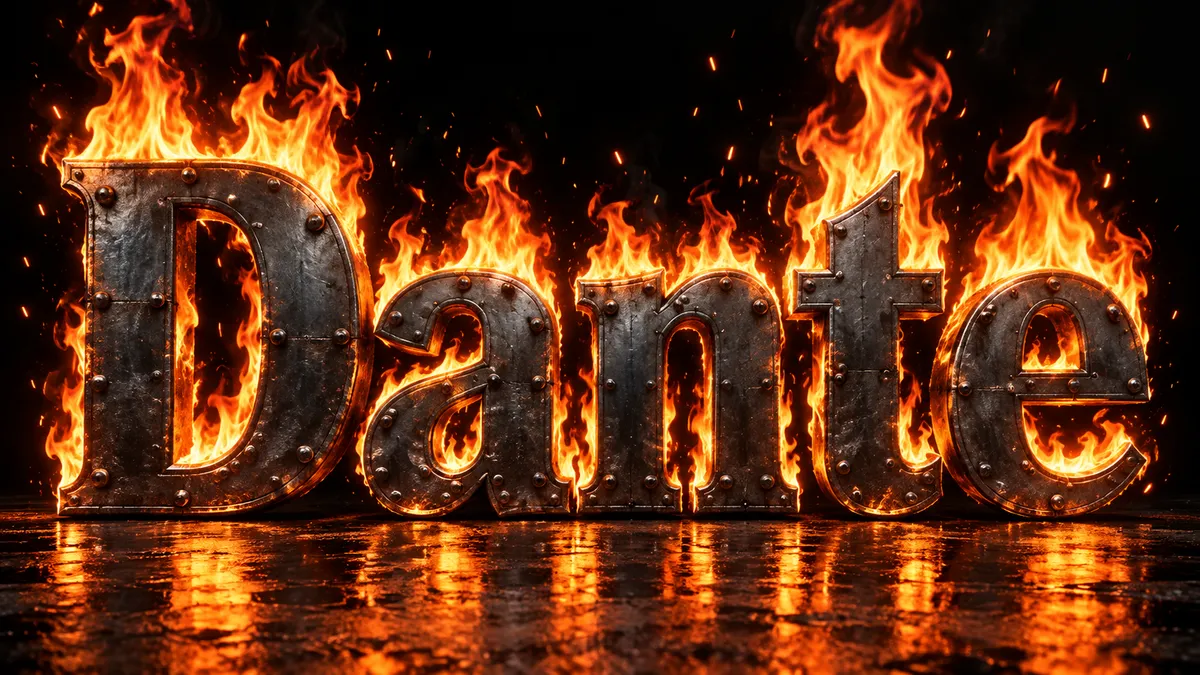
Text on Fire Generator
Solid letters, real fire. Flames climb, wrap, and pour off your word while the type stays readable.
 Text effect
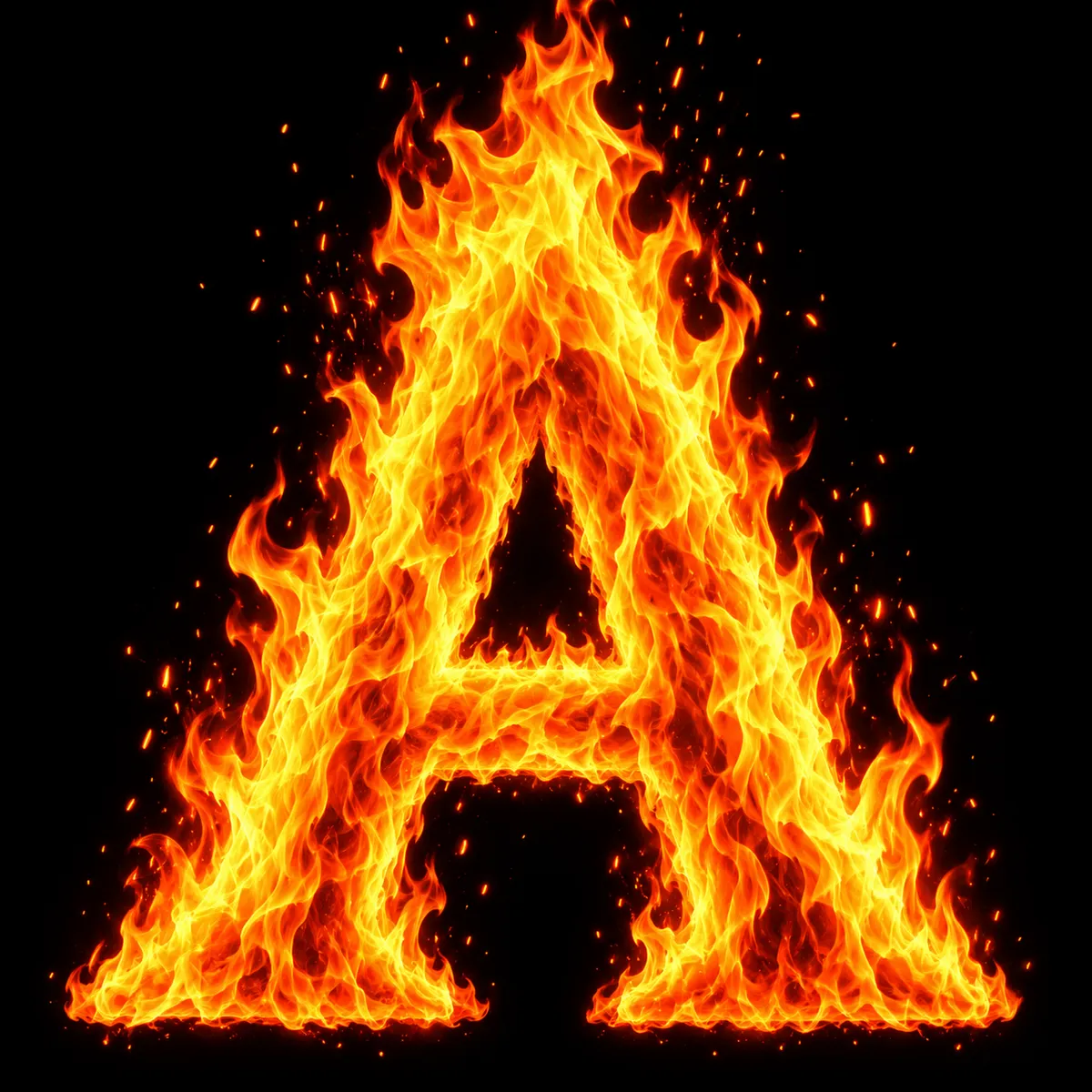
Fire Letters Generator
One letter, one flame. Generate single initials or a full fire alphabet, A to Z, in a square format.
 Font style
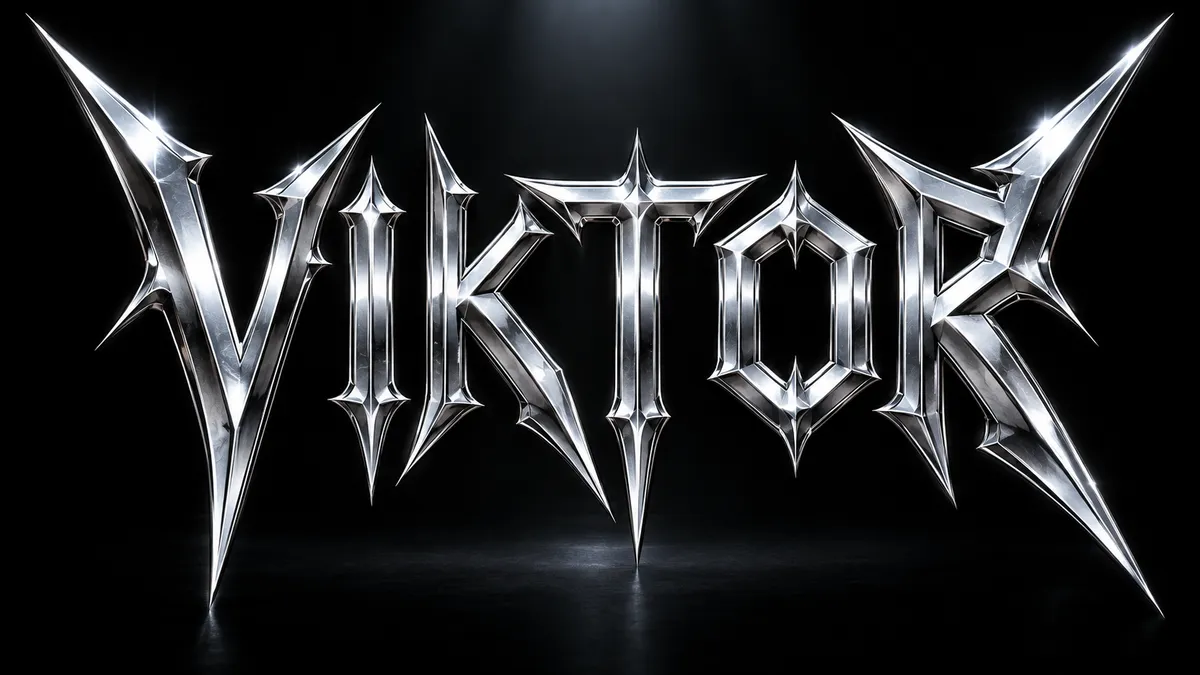
Metallica Font Generator
Spiked, angular thrash-metal lettering with chrome bevels and lightning edges. Fan-made, not affiliated.
 Use case
YouTube Thumbnail Font Generator
Thick, outlined, high-contrast text that stays readable at 168 pixels wide. Built for the click.